


Wattpad — every writer’s first step into sharing their stories with the world. From romance and fantasy to fan fiction and thrillers, millions of writers publish on Wattpad hoping to attract readers and build a loyal audience. But before anyone reads your story, they see your cover. A professional, eye-catching cover can be the difference between getting ignored and getting thousands of reads.
That’s why using a modern Wattpad cover maker is essential for authors who want to stand out. With AI-powered tools like Blend, you can create stunning Wattpad book covers in minutes. Read along and find out how to create professional covers using AI.
Why Your Wattpad Cover Matters More Than You Think
Wattpad is highly visual because readers scroll through hundreds of stories at a time. When they find a good book cover, they may want to click on it and read your story. In simple words, your Wattpad book cover determines whether they stop or keep scrolling.
A strong cover helps you:
- Increase click-through rates
- Attract your target audience
- Communicate your story’s genre instantly
- Build a recognizable author brand
- Compete with top-ranking Wattpad stories
Studies across publishing platforms show that visually appealing covers can increase engagement significantly. That’s why many successful Wattpad authors use dedicated AI Wattpad cover makers instead of generic design tools.
RELATED READING: Best AI Design Tools for E-Commerce Sellers in 2026
Create Stunning Covers Instantly with Blend AI Design
If you are looking for a fast and powerful solution, Blend's AI Designs feature is here to help you out. It is a modern AI-powered Wattpad cover maker built for creators.
Key features include:
- AI-generated cover designs from simple prompts
- Genre-specific styles for romance, fantasy, thriller, and more
- Professional typography and layouts
- High-resolution export ready for Wattpad
- Beginner-friendly interface
Instead of starting from scratch, all you have to do is simply describe your story and let the AI generate multiple cover options.
How to Make a Wattpad Cover Using Blend
When you use traditional tools like Photoshop or Canva, they require design knowledge and time. AI tools eliminate those barriers. Follow these simple steps:
Step 1: Open Blend AI Design
Go to Blend → AI Image.
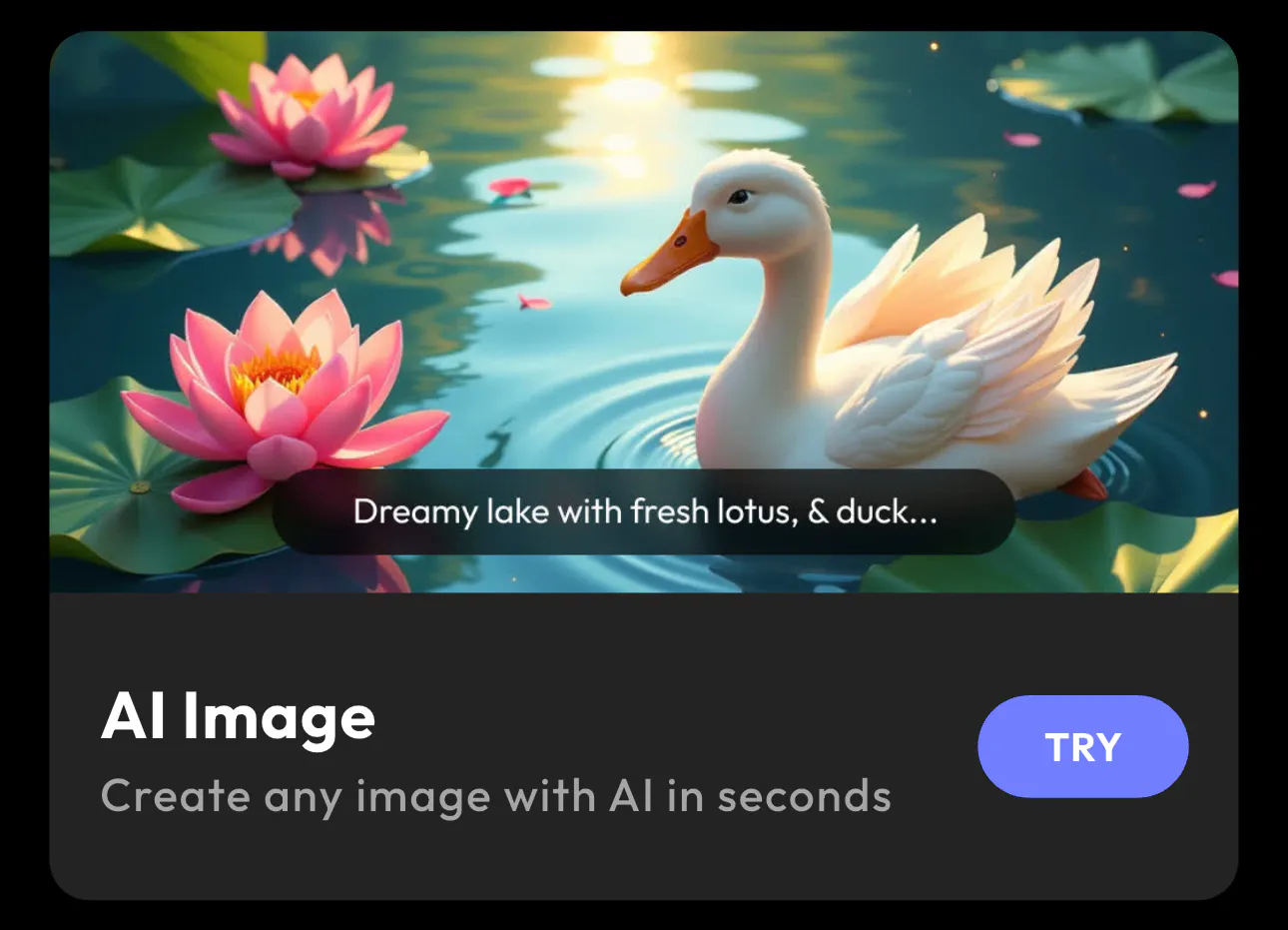
You will see the main dashboard with options like:
- Typography
- Sticker
- Signature
- Create Anything
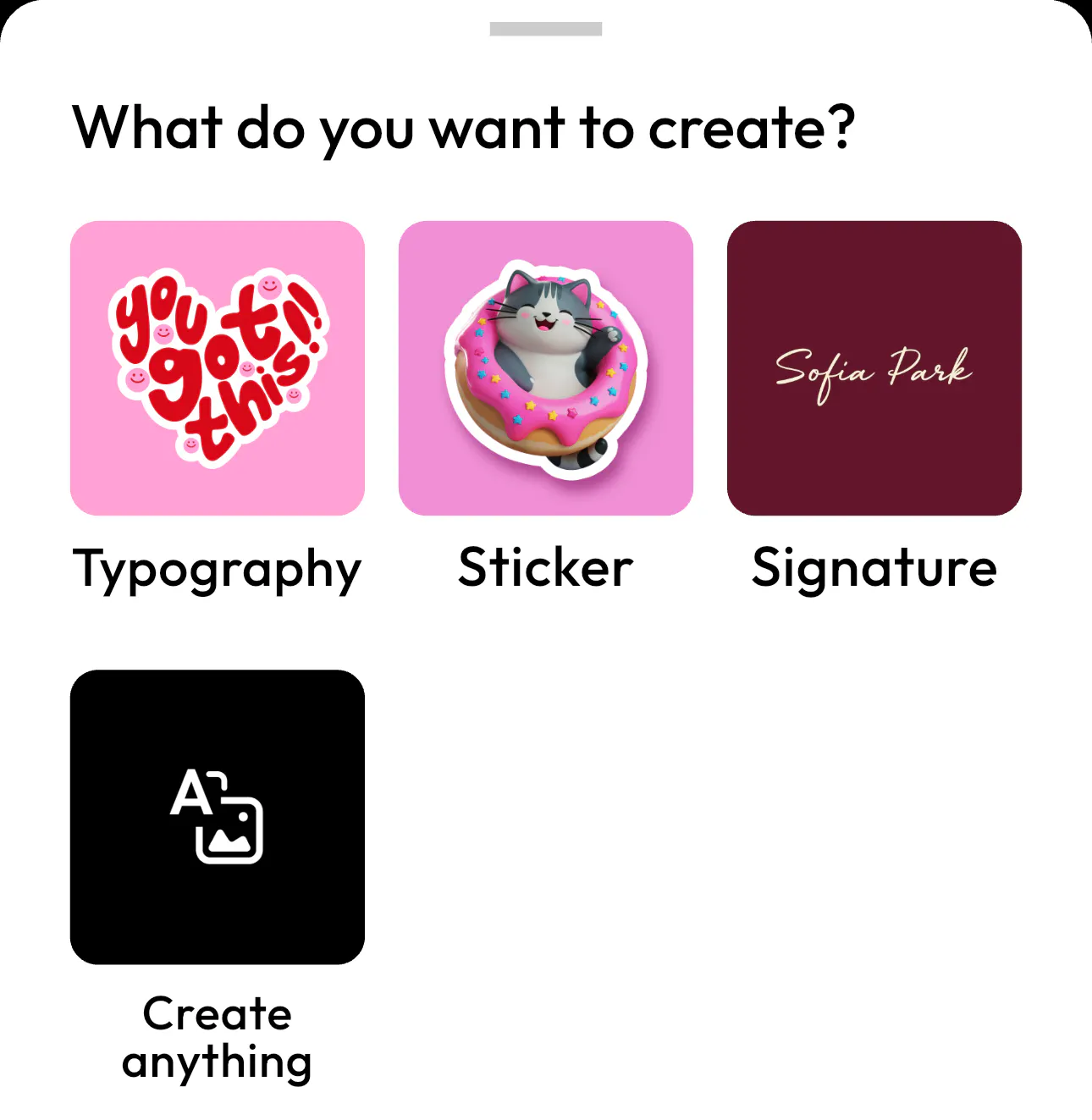
At the bottom, there’s a “Create Anything” input box. This is where you can create custom designs like Wattpad covers.
RELATED READING: 11 Powerful AI Visual Content Creation Tools and Their Use Cases in 2026
Step 2: Type Your Request in “Design Anything”
In the Create Anything field, type a prompt.
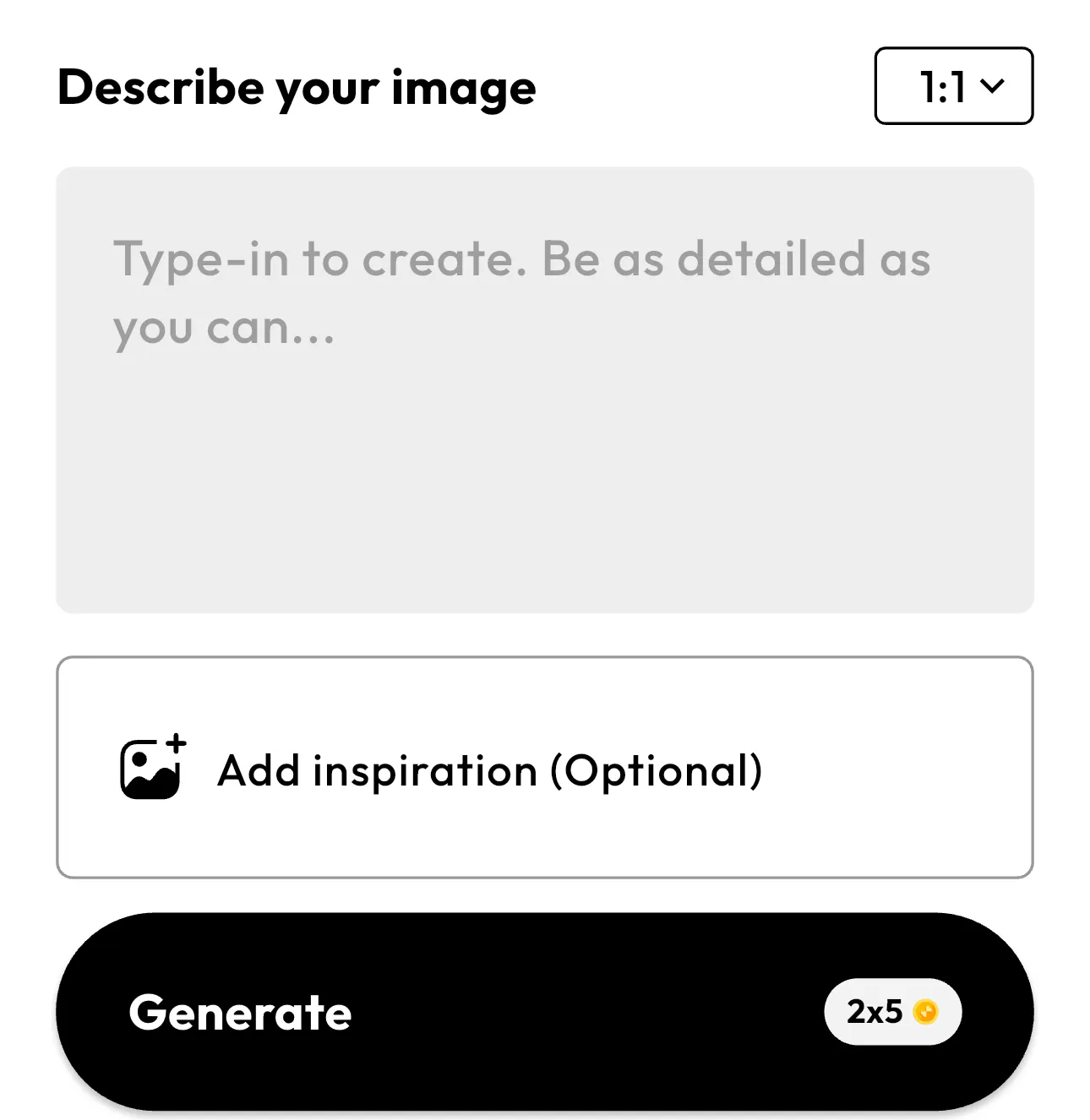
Example prompt:
Create a Wattpad book cover for a romance story titled "Falling for My Enemy" with a dark aesthetic, couple silhouette, and elegant typography
You can also change the aspect ratio (bottom right). For Wattpad covers, select or enter a 2:3 vertical ratio if available. Then tap on the arrow button (↑) to generate.
Step 3: Answer the AI’s Questions
Blend will ask for details to improve the design, such as:
- Book title
- Author name or username
- Genre (Romance, Fantasy, Mafia, etc.)
- Visual elements (couple, roses, city, shadows, etc.)
- Preferred colors or mood
Example answers:
- Title: His Dangerous Love
- Author: YourUsername
- Genre: Dark Romance
- Elements: Couple in shadow, red roses, night city
- Colors: Black, red, dramatic lighting
- Step 4: Let Blend Generate the Cover
Blend AI will automatically create a professional Wattpad cover layout, add typography and visuals, match the mood and genre, and size it correctly for Wattpad This will only take only a few seconds.
Once Blend generates your Wattpad book cover, download the image and upload it to your Wattpad story.
Take a look at these Wattpad book covers I generated using Blend:


Common Mistakes When Making Wattpad Covers
When you are making Wattpad covers or any other novel cover, avoid these mistakes:
- Unreadable fonts: Small or overly decorative fonts reduce clicks.
- Wrong size: Incorrect dimensions can crop your cover.
- Too many elements: Simple designs perform better.
- Low resolution images: Blurry covers look unprofessional.
When you use an AI Wattpad cover maker, it prevents these issues automatically. Hence, you can try the Blend app and create not just book covers but whatever you want.
Conclusion
A professional cover is essential for attracting readers. Using an AI-powered Wattpad cover maker allows you to create stunning covers quickly and easily. Instead of spending hours designing and editing, you can generate professional Wattpad book covers instantly with the help of Blend. Go ahead and create your Wattpad cover now!
FAQs
How do I make a Wattpad cover?
Open Blend, select the AI Image tool, describe your story's genre, characters, or mood, choose a 2:3 vertical aspect ratio, and generate your cover. Download the image and upload it directly to your Wattpad story.
What makes a good Wattpad cover?
A good Wattpad cover features a clear title, readable typography, high-quality visuals, and colors that match your story's genre. It should also use Wattpad's recommended dimensions to look great on both desktop and mobile.
What is an aesthetic Wattpad cover?
An aesthetic Wattpad cover uses cohesive color palettes, attractive typography, and genre-appropriate visuals to create a visually appealing design that captures readers' attention and reflects the story's mood.
What size should a Wattpad cover be?
The recommended Wattpad cover size is 512 × 800 pixels with a 2:3 aspect ratio. Using the correct dimensions ensures your cover displays properly across all Wattpad devices and layouts.
Can I create a Wattpad cover with AI?
Yes. Blend's AI Image Generator lets you create unique Wattpad covers by entering a simple text prompt. You can customize the style, colors, and theme to match your story and generate a professional-looking cover in seconds.