
Blend vs Canva
Canva is a widely used design platform for social posts, presentations, and marketing materials. Blend is a specialized AI-powered photo studio for model shots, lifestyle pictures, product videos, and batch editing made directly for e-commerce sellers. Canva covers a broad design audience, but it wasn't built to solve the specific problems sellers face, like generating on-model product shots, creating studio images with corrected lighting and realistic shadows, or producing multi-scene product videos with voiceover and music. For sellers who need visuals that convert, not just designs that look good, that's where Blend fits. Focus on sales, leave product photos to us!


Your entire product photography workflow in one platform
See how Blend delivers a complete, structured product photography platform designed for your catalog needs compared to Canva's general design toolkit.
| Features |  |  |
|---|---|---|
| Background Removal | ✓ | ✓ |
| AI Backgrounds | ✓ | ✓ |
| Studio Shot Quality (lighting, angle, wrinkle correction) | ✕ | AI corrects lighting, angle, and imperfections |
| Realistic Shadows on Colored Backgrounds | ✕ | ✓ |
| Batch Editing | Limited | ✓ |
| No Prompt Required | ✓ | ✓ |
| AI Chat (combine tools in one conversation) | General design | Product-focused, chain tools end to end |
| Export Quality | HD | HD + Upscale to 4K |
| AI Models / Virtual Try On | ✕ | Upload your own model or build a custom one |
| Lifestyle Shots | ✕ | ✓ |
| AI Videos | General (templates + stock) | Multi-scene product videos with voiceover and music |
| Product Templates | ✓ | ✓ |
| Social Media Post Scheduler | ✓ | ✓ |
Trusted by sellers across the globe
Read feedback from e-commerce brands who switched to Blend for their visual needs.
 App Store
Necessities Brand
A brand from US
Acerolover
Spain
 Google Play
Diana L Cruz O
Android user · Spain
Keerthana Philip
Founder, Sköl, a beverage brand
Watch how to create with Blend
How does having a dedicated UI help over a chat only UI in nano banana? Watch these videos to see how easy it is.
 ▶
▶How to create lifestyle product photos using AI
Turn boring product photos into stunning lifestyle shots in seconds using AI. Transform simple images into professional, high-converting visuals with Blend. No photoshoots, no expensive setups - just upload your product and let AI create realistic environments, lighting, and compositions that make your products stand out.
Watch Video ▶
▶How to put clothing and jewellery on AI Virtual Models
This video how to place your products on realistic AI virtual models using Blend. Simply upload your product, choose or generate a model, and create stunning, lifelike visuals in minutes.
Watch video ▶
▶How to Create AI Product Videos for Ads and Reels
Want to turn a single product photo into engaging videos for ads, reels, and social media? Transform static product images into dynamic, professional-looking content that captures attention and helps drive more sales across Instagram, TikTok, Facebook, YouTube Shorts, and ecommerce platforms.
Watch VideoWhere Blend pulls ahead for e-commerce
Reasons to use a dedicated e-commerce studio like Blend over a general-purpose design platform like Canva for your business.
AI model shots with full customization
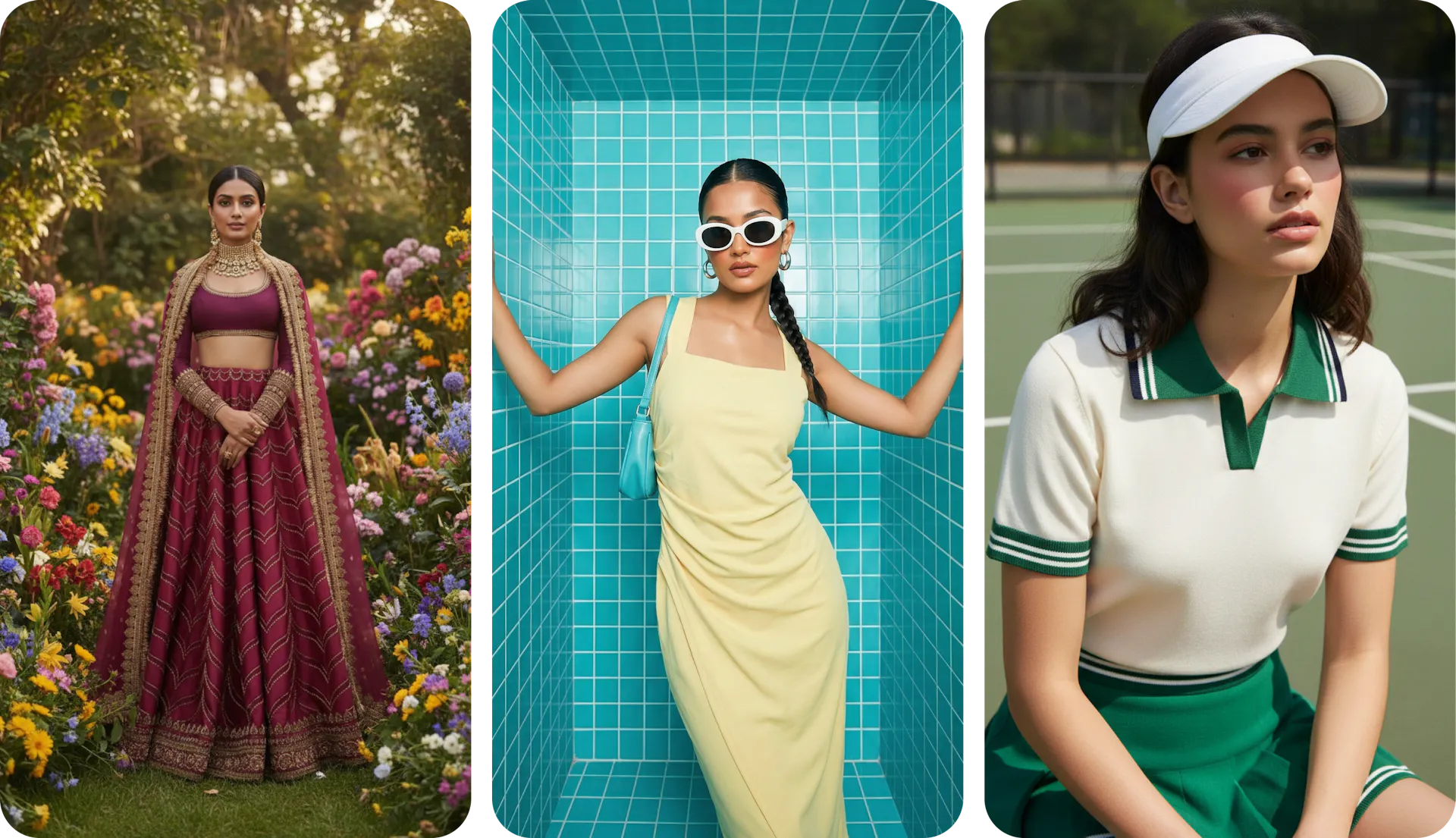
Canva has no virtual try-on feature. Clothing and accessory sellers still need photographers and models for every new collection. Blend's AI Models let you place garments on diverse virtual models in seconds. Pick from a curated library, upload your own model photo, and reuse that face across your entire catalog, or build a custom virtual model from scratch by setting parameters like ethnicity, skin tone, hair style, and body type. Lock that model in as your brand ambassador across every SKU. Canva has nothing comparable.
Studio-grade product shots, not just background removal
Canva can remove a background, but the product stays exactly as it was in the original photo. Blend's Studio Shot works differently. The AI corrects your product's lighting, adjusts the angle, irons out wrinkles on garments, and removes surface imperfections. Colored backgrounds come with natural, realistic shadows that make the product look like it was physically placed and photographed in a professional studio. For sellers who need marketplace-compliant hero images, the quality gap between a raw cutout and a corrected studio shot is significant.
An AI chat that chains product workflows end-to-end
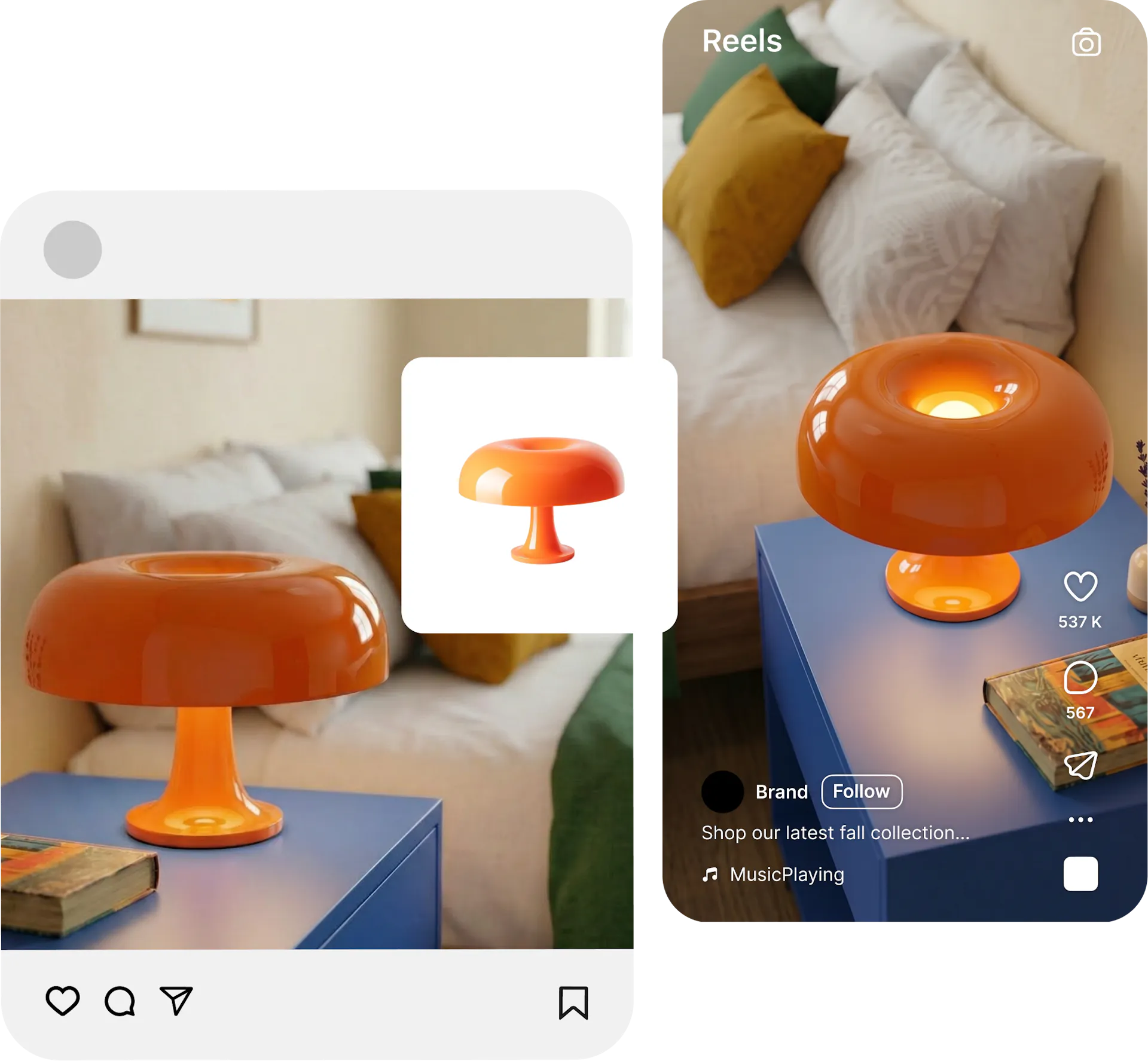
Canva's AI assistant helps with general design tasks. Blend's AI Chat is built specifically for product content and lets you chain tools together in a single conversation. Ask it to create a social poster, generate an AI model shot, then tell it to combine the model into the poster, and finally animate the whole thing into a video. No switching between tools, no exporting and re-uploading between steps. For sellers who need to go from a product photo to a fully finished, animated social asset, Blend's AI Chat turns a multi-tool process into one continuous flow.
Multi-scene product videos, not template clips
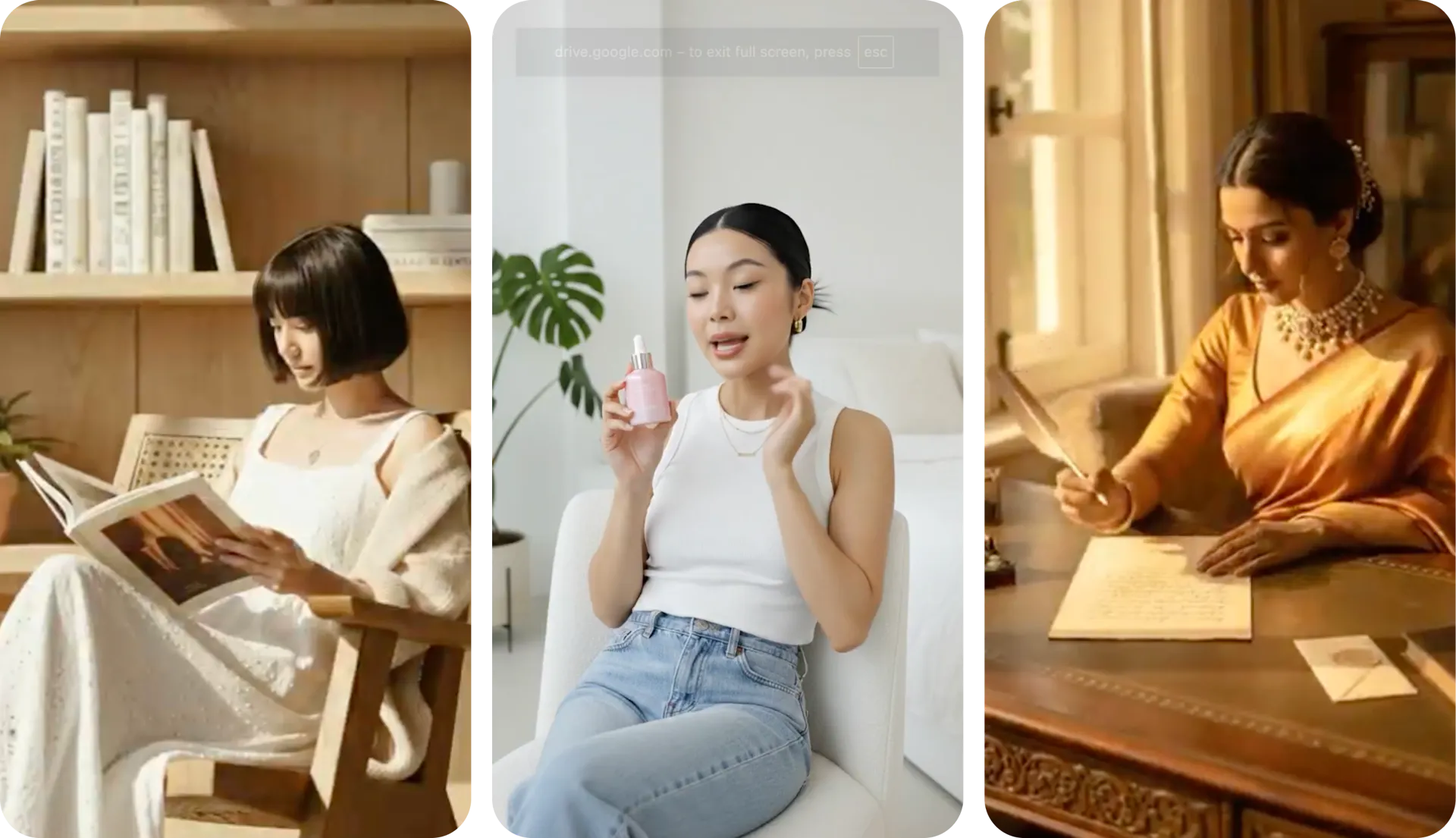
Canva's video editor handles basic social clips with templates and stock footage. Blend's AI Video generator takes your actual product photo and creates multi-scene videos up to 30 seconds long, complete with voiceover and music. Your product stays front and center in every frame, ready for Instagram Reels, marketplace listings, and ad campaigns. Canva's video tools were built for general social content, not product-specific advertising.
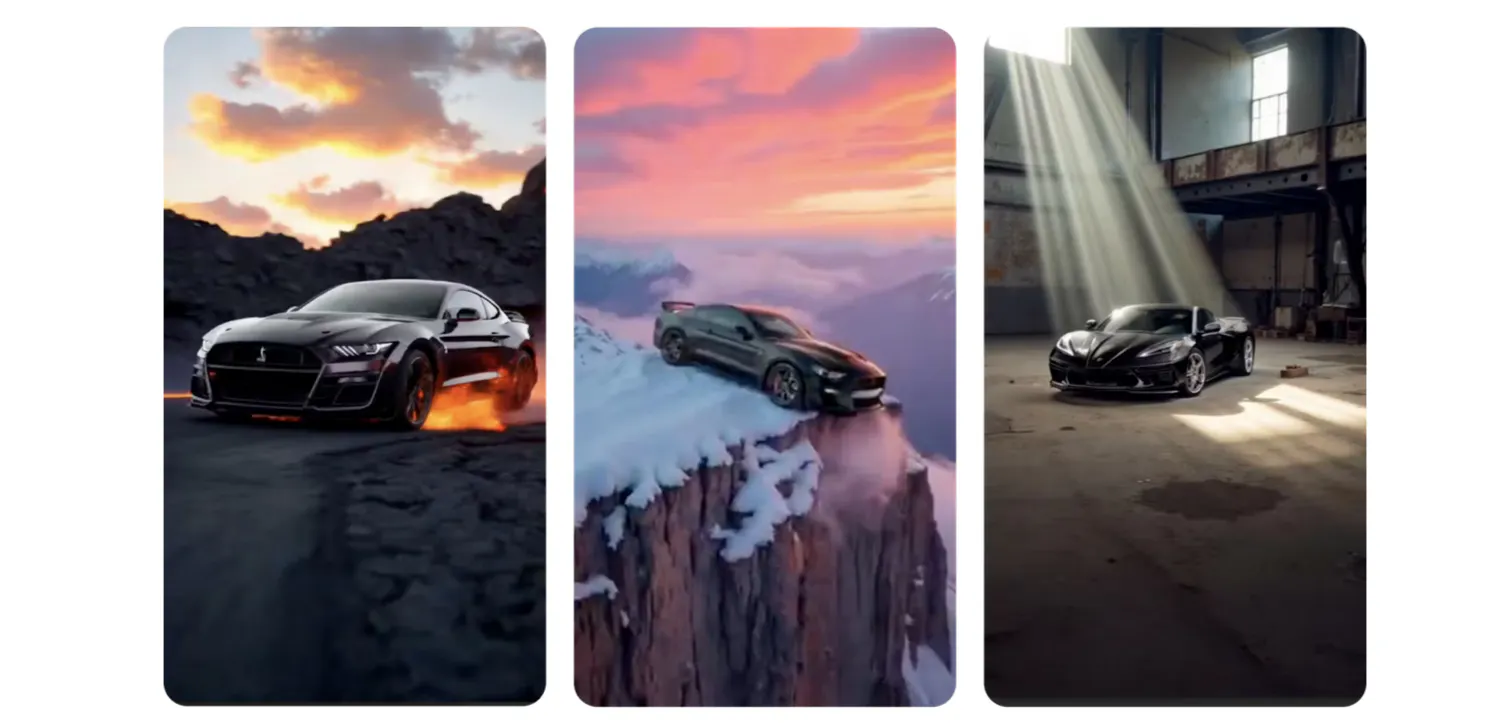
Why Sellers Prefer Blend over Canva
better success rate Blend's product-focused workflows deliver the right visual faster than searching through Canva's massive template library. Time saved is money made.
existing ideas from other users to inspire from. No more scrolling through generic templates looking for e-commerce relevant designs.
AI tools from AI Model try-on, lifestyle shots, studio shots, and AI reel makers.
more value per dollar for e-commerce visuals compared to Canva Pro, which locks most AI features behind a $12.99 monthly paywall.
Frequently Asked Questions
Canva is great for general design, but lacks AI model try-on, product lifestyle shots, and product-specific video creation. Blend also handles batch editing for large catalogs, which matters when you have hundreds of SKUs that all need the same treatment. For sellers who need visuals that convert at scale, Blend covers the full pipeline.