
Blend vs Photoroom
Photoroom is a popular photo editing app known for quick background removal and AI-powered editing. If you're looking for a Photoroom alternative for ecommerce, Blend offers a more complete AI-powered product content workflow.
Built specifically for ecommerce sellers, Blend goes beyond individual photo edits with tools for professional product photos, AI model shots, lifestyle images, product videos, and batch editing. While Photoroom is useful for quick photo edits, Blend helps you create and scale product visuals for ads, product listings, marketplaces, and social media.
From studio-quality product photos with enhanced lighting and shadows to AI-generated product videos, Blend brings your ecommerce visual content workflow together in one place.



Your entire product photography workflow in one platform
See how Blend delivers a complete, structured product photography platform designed for your catalog needs compared to Photoroom's general editing tools.
| Features |  |  |
|---|---|---|
| Background Removal | ✓ | ✓ |
| AI image generation | ✓ | ✓ |
| Studio Shot Quality (lighting, angle, wrinkle correction) | Studio Shot Quality (lighting, angle, wrinkle correction) | AI corrects lighting, angle, and imperfections |
| Realistic Shadows on Colored Backgrounds | Limited | ✓ |
| Batch Editing | Limited | ✓ |
| No Prompt Required | ✓ | ✓ |
| AI Chat (combine tools in one conversation) | ✕ | ✓ |
| Export Quality | HD | HD + Upscale to 4K |
| AI Models / Virtual Try On | Limited | Upload your own model or build a custom one |
| Lifestyle Shots | Limited | ✓ |
| AI Videos | ✕ | ✓ |
| Product templates | ✓ | ✓ |
| Social media post scheduler | ✕ | ✓ |
Trusted by sellers across the globe
Read feedback from e-commerce brands who switched to Blend for their visual needs.
 App Store
Necessities Brand
A brand from US
Acerolover
Spain
 Google Play
Diana L Cruz O
Android user · Spain
Keerthana Philip
Founder, Sköl, a beverage brand
Watch how to create with Blend
How does having a dedicated UI help over a chat only UI in Photoroom? Watch these videos to see how easy it is.
 ▶
▶How to create lifestyle product photos using AI
Turn boring product photos into stunning lifestyle shots in seconds using AI. Transform simple images into professional, high-converting visuals with Blend. No photoshoots, no expensive setups - just upload your product and let AI create realistic environments, lighting, and compositions that make your products stand out.
Watch Video ▶
▶How to put clothing and jewellery on AI Virtual Models
This video how to place your products on realistic AI virtual models using Blend. Simply upload your product, choose or generate a model, and create stunning, lifelike visuals in minutes.
Watch video ▶
▶How to Create AI Product Videos for Ads and Reels
Want to turn a single product photo into engaging videos for ads, reels, and social media? Transform static product images into dynamic, professional-looking content that captures attention and helps drive more sales across Instagram, TikTok, Facebook, YouTube Shorts, and ecommerce platforms.
Watch VideoWhere Blend pulls ahead for e-commerce
Reasons to use a dedicated e-commerce studio like Blend over a general-purpose editor like Photoroom for your business.
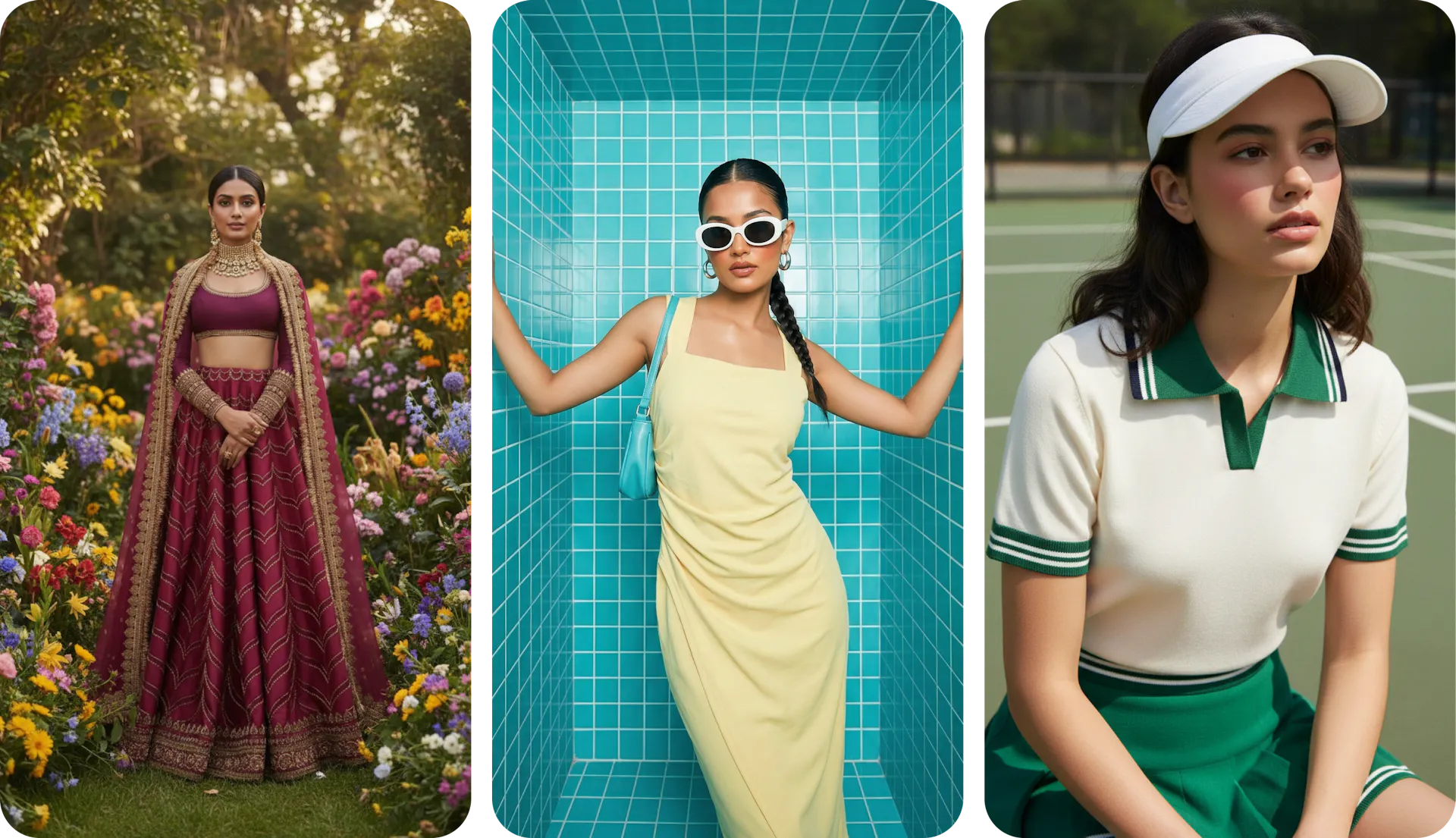
Full control over AI model shots
Photoroom offers a basic virtual model feature with limited customization. Blend's AI Models give you a diverse library of virtual models across demographics, body types, and poses, but the real differentiator is control. Upload your own model photo and reuse that face across your entire catalog for brand consistency. Or build a custom virtual model from scratch by setting parameters like ethnicity, skin tone, hair style, and body type, then lock that model in as your brand ambassador across every SKU. Photoroom doesn't offer this level of model customization or consistency. In terms of quality, Photoroom seems to be using one AI model behind the scenes for all types of clothing and accessories. However, Blend goes beyond this one-size-fits-all approach to route to more than 5 models based on what works for your particular product, prompt or scene.
An AI chat that chains your entire creative workflow
Most editing tools limit you to one feature at a time. Blend's AI Chat breaks that wall. You can ask it to create a social poster, generate an AI model shot, then tell it to combine the model into the poster, and finally animate the whole thing into a video, all in a single conversation. No switching between tools, no exporting and re-uploading between steps. Photoroom has no equivalent. For sellers who need to go from a product photo to a fully finished, animated social asset, Blend's AI Chat turns a multi-tool process into one continuous flow.
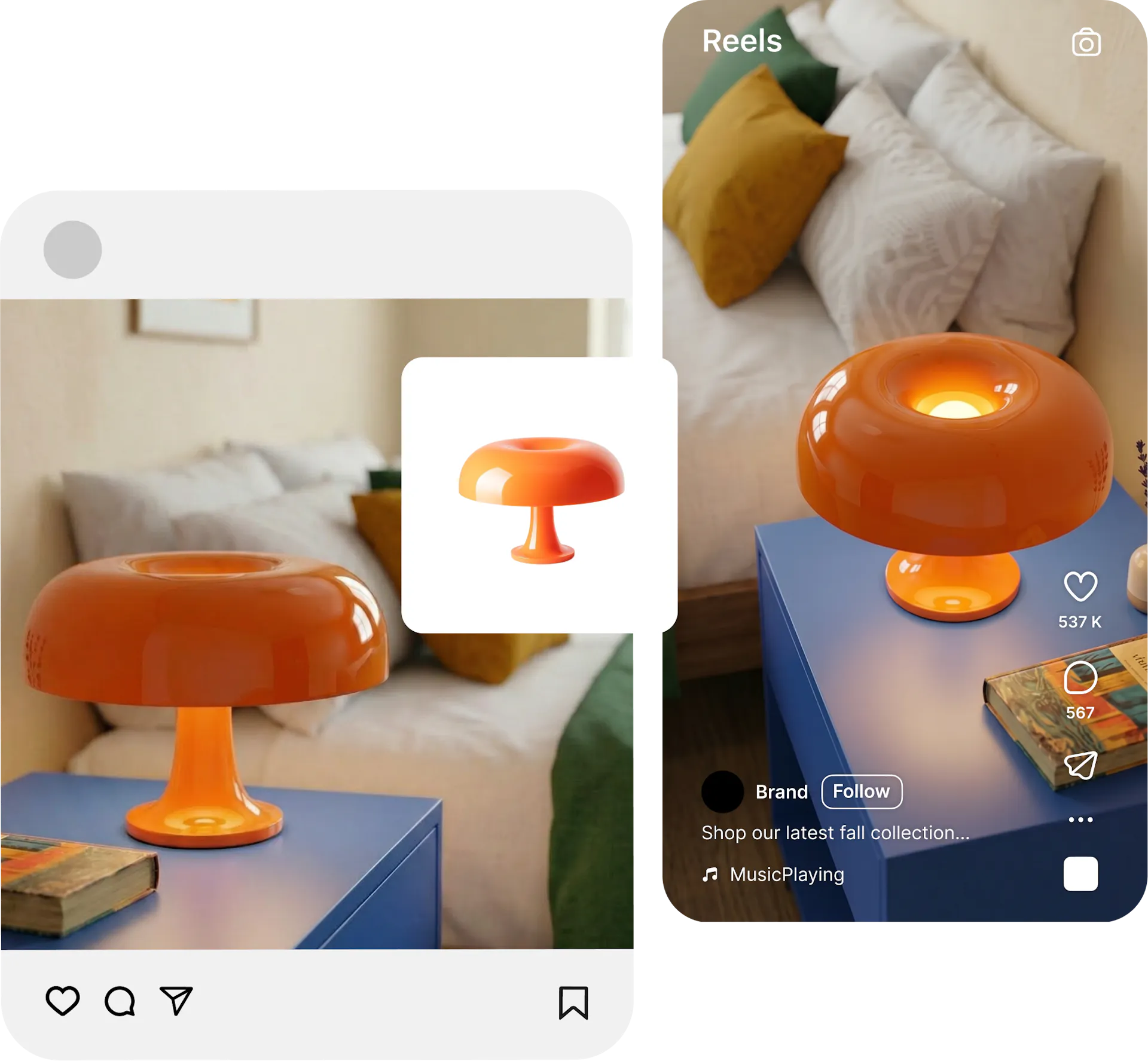
Video content without the production cost
Static images alone no longer cut it on marketplaces and social platforms. Photoroom does not offer video creation. Blend's AI Video generator creates short-form product videos from your images in minutes, ready for Instagram Reels, product pages, and ad campaigns.
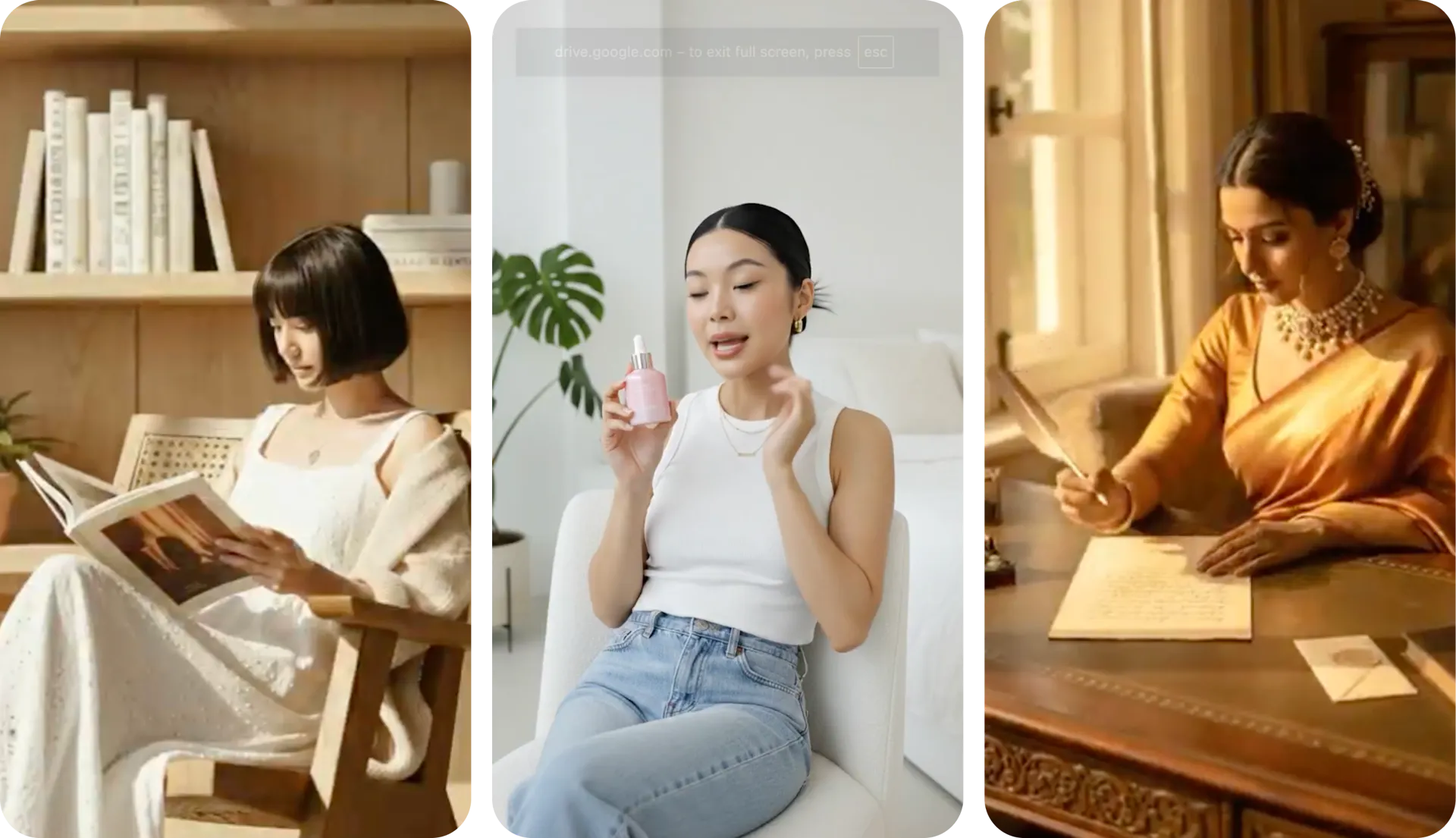
Why Sellers Prefer Blend over Photoroom
better success rate getting the right output takes fewer attempts in Blend's guided interface than in Photoroom's basic editor. Time saved is money made.
existing ideas from other users to inspire from. No more starting from scratch with every product image.
AI tools from AI Model try-on, lifestyle shots, studio shots, and AI reel makers.
more value per dollar compared to Photoroom Pro, even with Blend's MAX plan bundling video, models, and lifestyle shots together.
Frequently asked questions about Nana banana vs Blend
Blend is a full AI design studio built for online retail with AI model try-on, lifestyle shots, studio images, and product videos. Photoroom handles background removal and basic edits but lacks these conversion-focused workflows.