


Your written description hits all the right notes. Your amenities list is packed. Yet your calendar shows more open slots than you’d like to imagine. Nine times out of ten, the issue comes down to your photos for Airbnb. Travelers scroll fast. They judge a property based on your cover image long before reading about your balcony view.
Airbnb's own internal data shows that listings with professional pictures see up to a 20% jump in annual revenue. Independent industry reports push that booking lift even higher, touching nearly 40%. A 2016 academic study on listing visuals found a 17.51% increase in conversion, driven entirely by image clarity rather than host verification badges.
Numbers fluctuate depending on the report. The reality stays constant: your visuals handle the hard selling. Don’t worry. We are here to increase your sales. Today, you don't need a professional studio or years of photography experience to create listings that stand out.
With a few simple photography techniques and easy editing tools like Blend, you can turn ordinary Airbnb photos into aesthetic images that help your property compete with the best listings.
What Guests See First (And Why Most Listings Fail)
Consider how you scroll through Zillow or Amazon. Your thumb moves before your brain processes details. Airbnb search results operate on that exact quick-trigger habit. A traveler glances at your primary cover photo. If it fails to grab attention, they move on.
This is where many DIY hosts hit a wall. You know the space feels cozy in person. Capturing that atmosphere inside a 3:2 frame on a small phone screen takes intentional technique. Most hosts simply never learn it.
The High-Converting 5-Photo Cover Sequence:
1. The Hero Shot: Your best room or view in bright natural light.
2. Primary Living Space: Kitchen or living room showing functional flow.
3. Master Bedroom: Styled neatly with crisp, unwrinkled linens.
4. Bathroom: Spotless wide shot showing clean towels and vanity.
5. Standout Amenity: Balcony view, plunge pool, or dedicated workspace.
Even beautifully photographed spaces can lose clicks if the lighting feels dull, the colours look inconsistent or distracting objects pull attention away from the room. A quick edit in Blend can brighten interiors, remove small distractions and give every image a clean, cohesive look before you upload it to Airbnb.
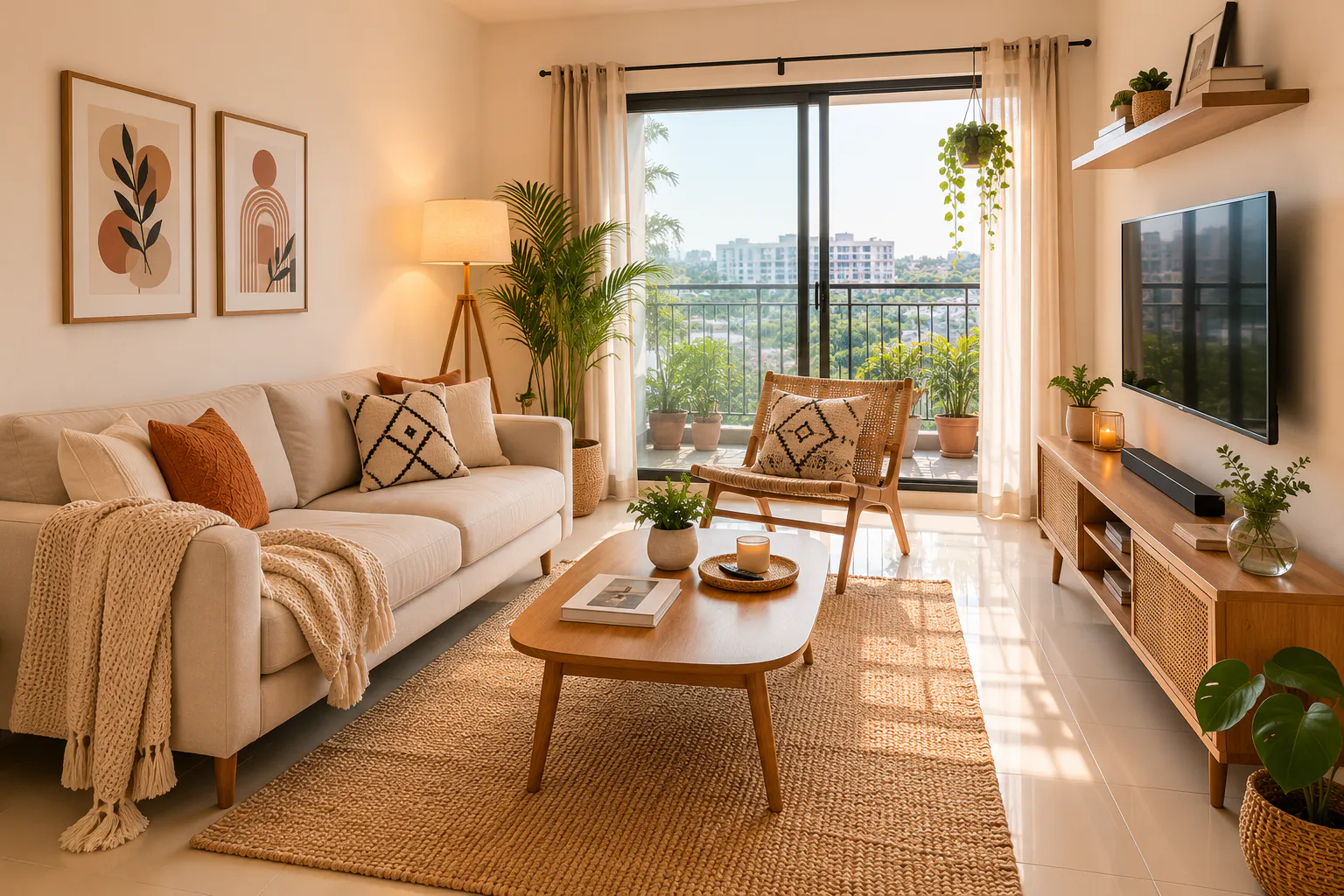
Airbnb Photo Requirements, Size, and Dimensions
Technical missteps can ruin even a great room setup. Airbnb does not mandate specific camera models, but upload filters automatically down-rank low-resolution images.
Technical Checklist for Airbnb Image Specifications
Requirement | Optimal Setting | Why It Matters for Bookings |
Airbnb photo size | 1024 x 683 pixels (2048 x 1365 recommended) | Stops photos from looking blurry on high-resolution screens. |
Airbnb photo dimensions | 3:2 Landscape orientation | Fits naturally into mobile app feed cards without cropping. |
Photo Count | 20 to 30 Airbnb pics | Properties with 30+ images book at nearly double the rate of sparse listings. |
File Format | JPEG or PNG | Standard formats process cleanly without slowing mobile page load times. |
File Size | Under 10 MB per Airbnb image | Keeps gallery loading snappy on cellular connections. |
Vertical photos display poorly on desktop screens. Always shoot horizontal. Once you've captured your photos, it's worth checking that they're correctly sized before uploading. Blend makes it easy to resize your Airbnb photos while maintaining image quality, so they stay crisp across both desktop and mobile listings without any noticeable loss in detail.
RELATED READING: 25 Photo Editing Ideas That'll Make Your Pictures Actually Worth Posting
How to Take Good Airbnb Photos (Without Hiring a Crew)
Skipping a paid real estate photographer is completely fine if you follow proper staging habits. You just need to slow down and work with intention.
- Capitalize on Daylight: Learn how to take photos for Airbnb by scheduling shoots around mid-morning. Open curtains and turn on warm accent lamps. Overcast days work better than harsh sunlight because clouds diffuse window glare.
- Declutter Every Counter: Clear out phone chargers, remotes, and dish racks. Clean surfaces make standard Airbnb pictures look professionally designed.
- Work the Corners: Stand in a corner or doorway to capture room depth. Standing in the center flattens your Airbnb image and makes rooms feel smaller.
- Lower Your Shot Height: Shoot from waist height rather than eye level. Eye-level angles overemphasize ceilings, while lower angles highlight furniture proportions.
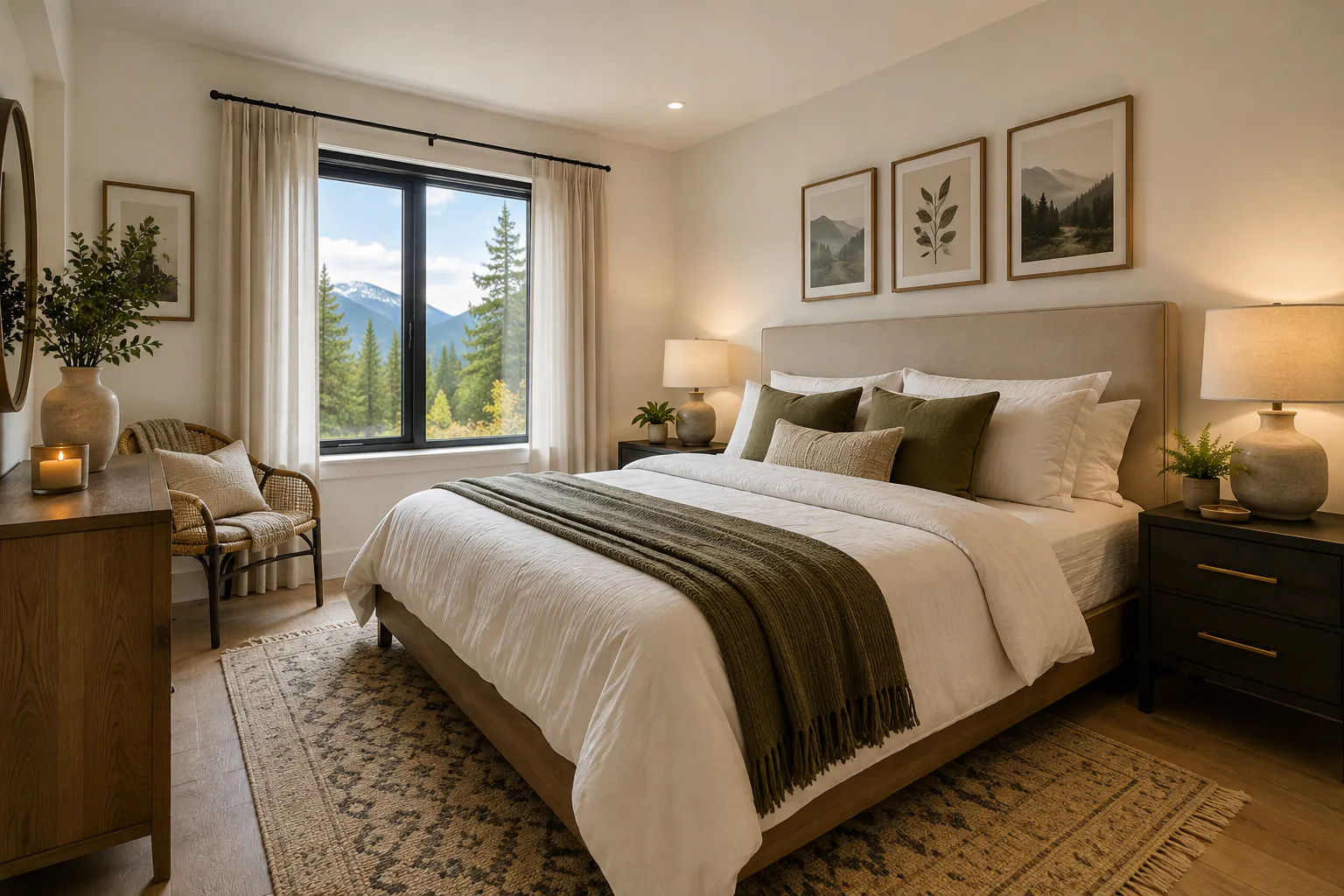
How to Take Airbnb Photos With an iPhone
Phone hardware has caught up with entry-level DSLRs. When learning how to take Airbnb photos with iPhone models, a few minor setting tweaks transform your output:
Recommended Smartphone Setup:
• Camera Grid Overlay: ON (Settings -> Camera -> Grid)
• Primary Lens: 1x Mode (Avoid 0.5x ultra-wide to prevent curved walls)
• HDR Function: Auto / ON
• Lens Maintenance: Wipe clean with a soft cloth before shooting
Here's what you need to keep in mind while taking Airbnb photos with an iPhone:
- Turn on Camera Gridlines: Keep your vertical wall lines straight. Crooked doorframes in an Airbnb pic immediately reveal amateur work.
- Skip the Ultra-Wide Lens: The 0.5x lens makes small spaces look huge, but it warps room proportions. Guests notice this gap immediately upon arrival, leading to post-checkout friction.
- Control Window Highlights: Tap the screen on your window area and drag the exposure sun slider down slightly. This stops the outdoor scenery from washing out into a harsh white block.
- Use Built-in HDR: Keep HDR active when balancing dark indoor corners with bright window light.
- Shoot Multiple Angles: Taking roughly a dozen test shots per room gives you clean options when picking the best Airbnb photos for your final upload.
RELATED READING: Quiet Luxury Aesthetic: How to Create Luxury Brand Visuals That Feel Effortlessly Premium
The Fine Line: Editing vs. Misleading Guests
Over-editing creates expectation gaps that ruin reviews. Brightening a naturally dark ground-floor room or hiding structural drawbacks might pull in an initial booking, but it often triggers a harsh review that hurts your listing rank permanently.
Post-processing should fix camera limitations, not fake reality. Your aim is to correct indoor color tints, lift deep shadows, and remove minor technical flaws so your Airbnb photo reflects what the room looks like on its best day.
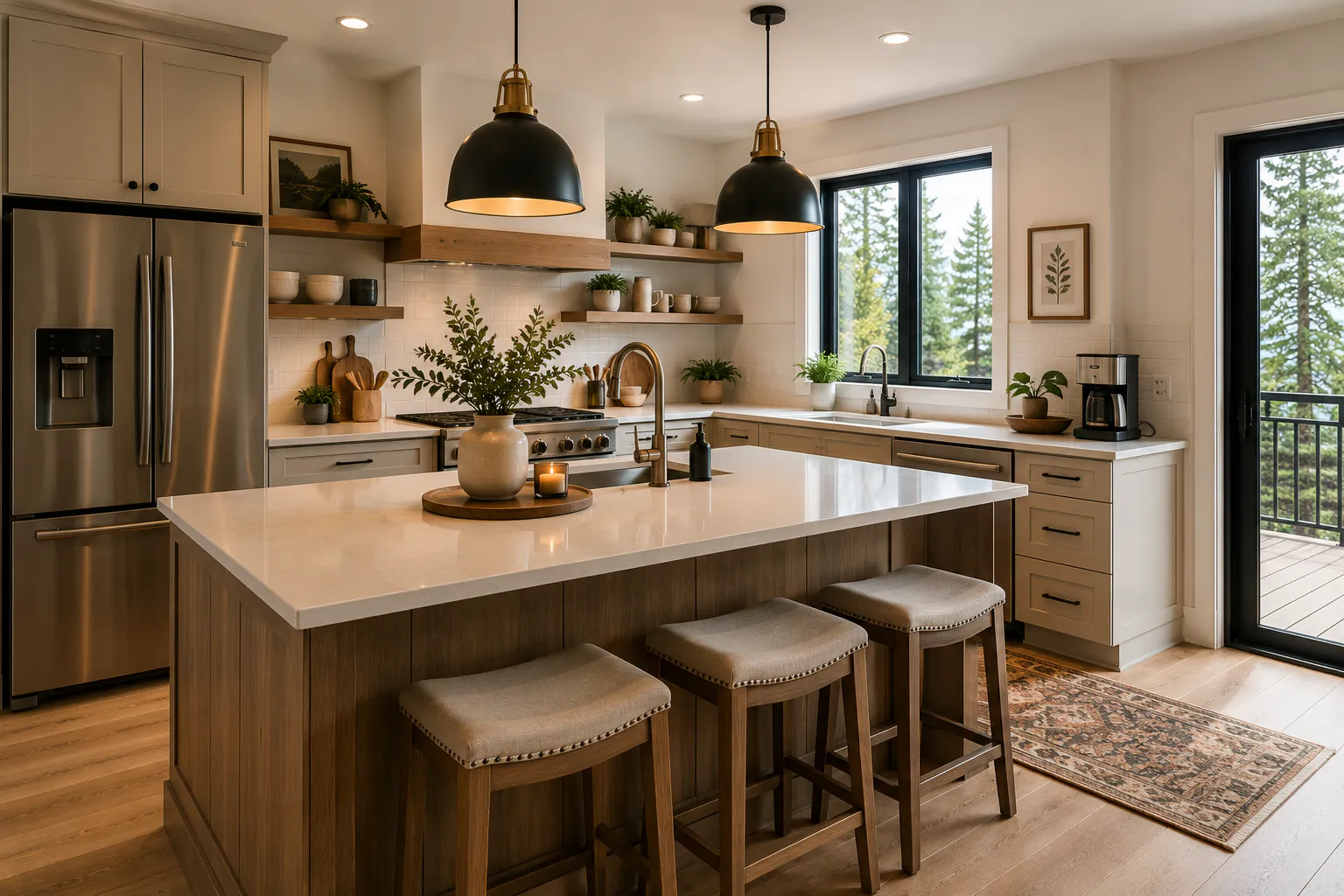
Streamlining Your Editing Workflow
Editing is where good Airbnb photos become great ones. Straightening vertical lines, correcting colour casts from mixed lighting and brightening shadows without losing detail can dramatically improve how your listing looks in search results.
If you don't have hours to learn professional editing software, Blend makes the process much easier. You can quickly enhance an entire batch of Airbnb pictures, remove distracting objects, improve lighting, replace dull skies, resize images to Airbnb's recommended dimensions and maintain a consistent style across your gallery.
All of these without making your property look over-edited. Instead of spending hours fine-tuning every image, you can create polished, professional-looking Airbnb photos in just a few minutes.
Conclusion
Your photos for Airbnb can have a bigger impact on bookings than almost any other part of your listing. Strong visuals capture attention, build trust and encourage guests to imagine themselves staying in your space.
If you want to save time while giving your listing a polished, professional look, Blend makes the editing process simple. From enhancing lighting and removing distractions to resizing images and improving overall quality, it's an easy way to create standout Airbnb photos that help your property leave a lasting impression.
FAQs
How many Airbnb pics should I upload?
Airbnb requires a five-photo minimum, but listings with 20 to 30 Airbnb pics receive better search positioning and higher conversion rates.
What is the correct Airbnb photo size?
The standard Airbnb photo size is 1024 x 683 pixels in a 3:2 landscape ratio. Uploading high-res files around 2048 x 1365 pixels keeps every Airbnb picture crisp on Retina displays.
Do I need a professional photographer?
Not necessarily. A smartphone, good natural lighting and thoughtful composition can produce excellent results. Once you finish shooting, Blend can help you enhance lighting, clean up distracting objects and give every Airbnb photo a polished, professional finish without the cost of hiring a photographer.
Should every Airbnb photo be edited?
Light editing is standard practice among top hosts. Straightening vertical lines, tweaking white balance, and cleaning up background clutter ensures every Airbnb picture looks clean without feeling artificial.