


You know the feeling. You are scrolling through old trip photos and none of them feel special enough to post as-is. That's usually the moment you go hunting for a vintage postcard template, something with a bit of grain, a faded color palette, and that "wish you were here" charm baked right in.
A good retro postcard template can turn an ordinary photo into something that looks like it was mailed in 1962, even if it's actually headed straight to your Instagram story. You don't need a design degree for this.
You just need to know what makes a postcard actually read as vintage, and where to find (or build) a template that gets those details right instead of just slapping a sepia filter on a photo. Read along and find out how you can make vintage postcards in seconds without any hassle.
Want to make one right now? You don’t need to browse hundreds of pre-made layouts. Jump straight to Blend’s DesignGPT feature to generate an editable retro postcard from a simple text description.
What Actually Makes a Postcard Look Vintage
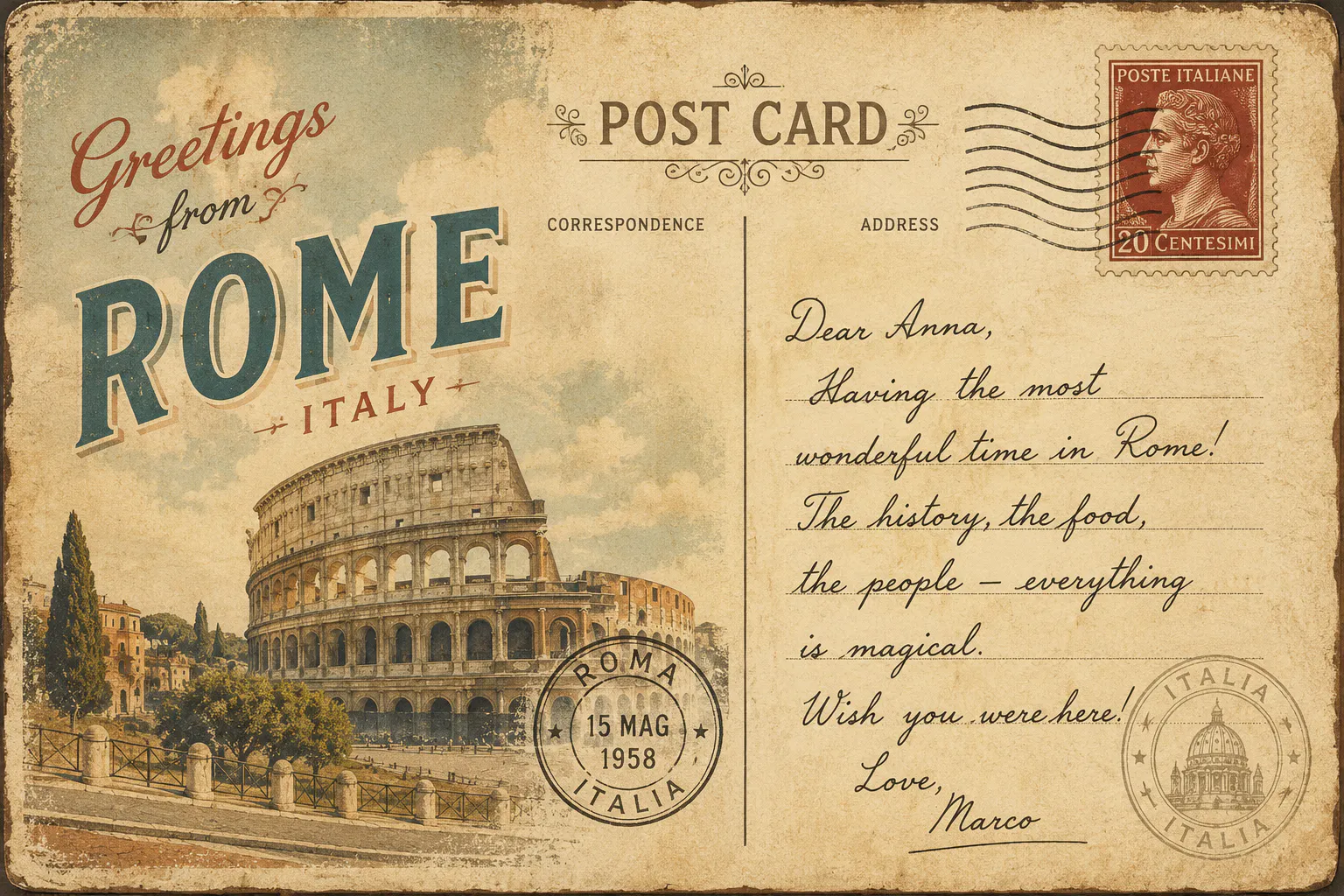
A few specific ingredients separate a convincing retro postcard template from a generic "old-looking" graphic:
- Bold, oversized title text - think big block letters spelling out a place name, sometimes filled with tiny scenes inside the letters (the classic "Greetings From" look)
- A decorative or hand-drawn-style font - modern sans-serif fonts break the illusion instantly
- Warm, faded tones - dusty yellows, faded reds, soft teal skies instead of punchy saturated color
- Grain and texture - a slightly rough paper feel, soft vignette, or worn edges
- A handwritten-style caption - tucked in a corner, like someone actually wrote it
- A postmark or stamp graphic - even a fake one sells the format immediately
Nail three or four of these and you are most of the way to a design that reads as authentic rather than "photo with a filter."
RELATED READING: How to Create High-Converting Sale Templates in 2026: 9 Proven Design Tips
Free vs. Editable Templates: What you are Really Looking For
When people search for a free vintage postcard template, they usually want something they can drop a photo into without starting from scratch. Fair enough - but free often comes with trade-offs:
- Limited color or layout customization
- Watermarks you have to pay to remove
- Fonts you can't swap out
- One-size-fits-all layouts that don't flex for different uses (a save the date vintage postcard template needs different text space than a plain travel design)
An editable vintage postcard template solves most of that. You want the freedom to change destination text, swap photos, adjust the color grade, and shift the layout depending on whether you are making a wedding invite, a business promo, or a printable vintage postcard template for a party.
Where an AI Design Tool Actually Saves You Time
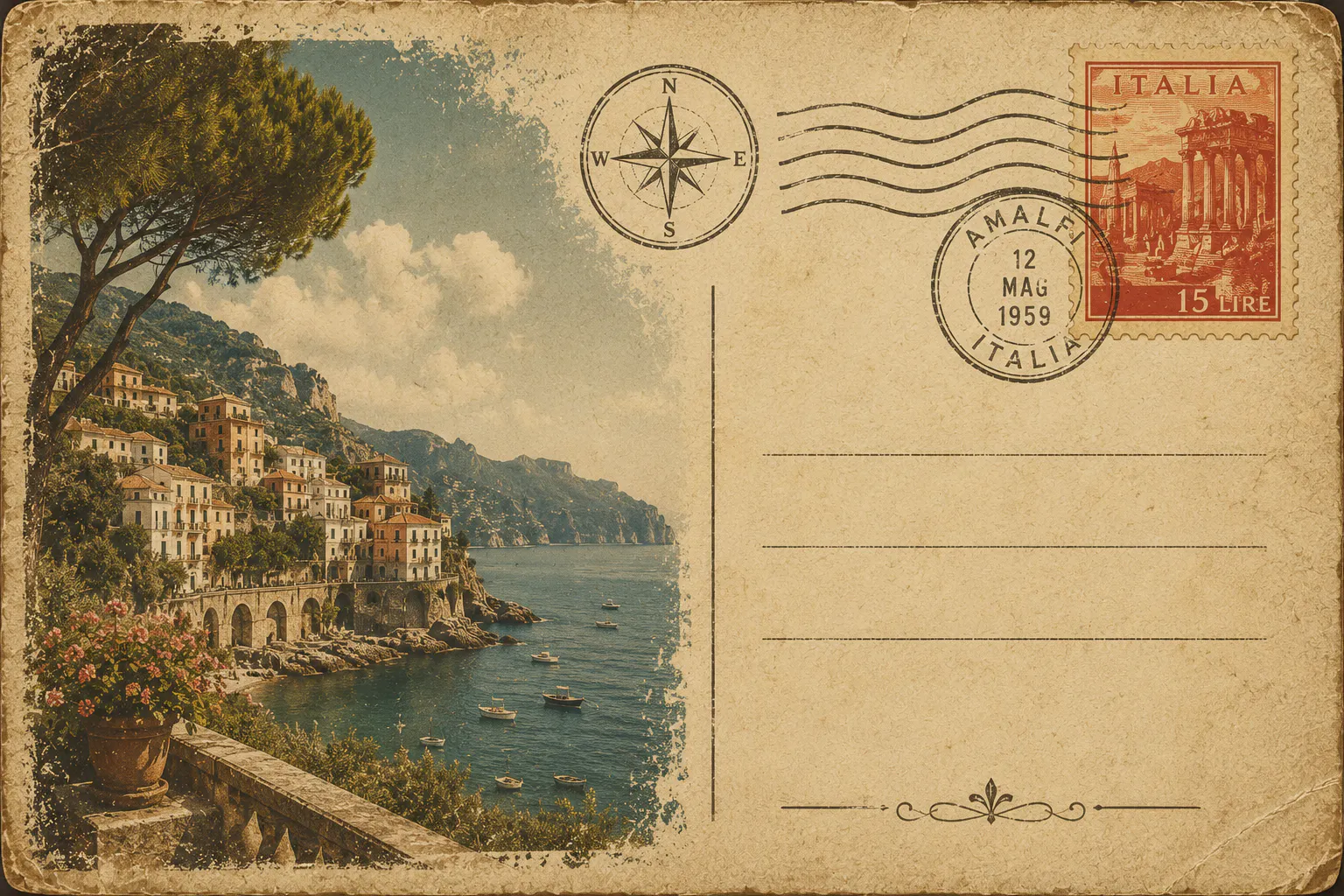
This is usually where things get tedious. Hunting through template libraries, downloading fonts, color-correcting a photo, then squeezing it all into a layout that doesn't quite fit. Blend's DesignGPT skips most of that. Instead of browsing pre-made templates hoping one matches your vision, you describe what you want in plain language and it builds around that description.
RELATED READING: Magazine Cover Maker: How to Design Professional Covers Online
Step-by-Step: Making a Retro Postcard Template with Blend
Here's how it actually works, start to finish:
- Go to blendnow.com/ai-design (You can also download the app from PlayStore or AppStore). This opens Blend's DesignGPT chat interface. No template scrolling required.
- Describe the postcard you want. Be specific: mention the location or theme, the color mood, and the vibe. Something like: "A retro postcard template for a coastal town, warm orange and teal tones, bold vintage title text, with a handwritten-style greeting."
- Upload your photo, if you have one. If you are turning a real photo into a postcard, drop it in. Blend can clean up lighting and background before it goes into the design, so you are not stuck with a flat phone photo under a fancy border.
- Let DesignGPT generate the layout. It'll build the title text, photo placement, color grade, and border in one pass based on your prompt.
- Ask for tweaks conversationally. Don't like the font? Want warmer tones or a different border style? Just say so in the chat. You don't need any separate sor it.
- Swap in the details. Adjust the destination name, the greeting text, or the caption until it matches what you are actually sending or posting.
- Export and use it. Download the final design for print, social media, invitations, or whatever the postcard is for.
The whole point is cutting out the back and forth between a stock photo site, a font library, and a separate photo editor. It is one conversation instead of three tools.
Old-Fashioned Details Worth Adding
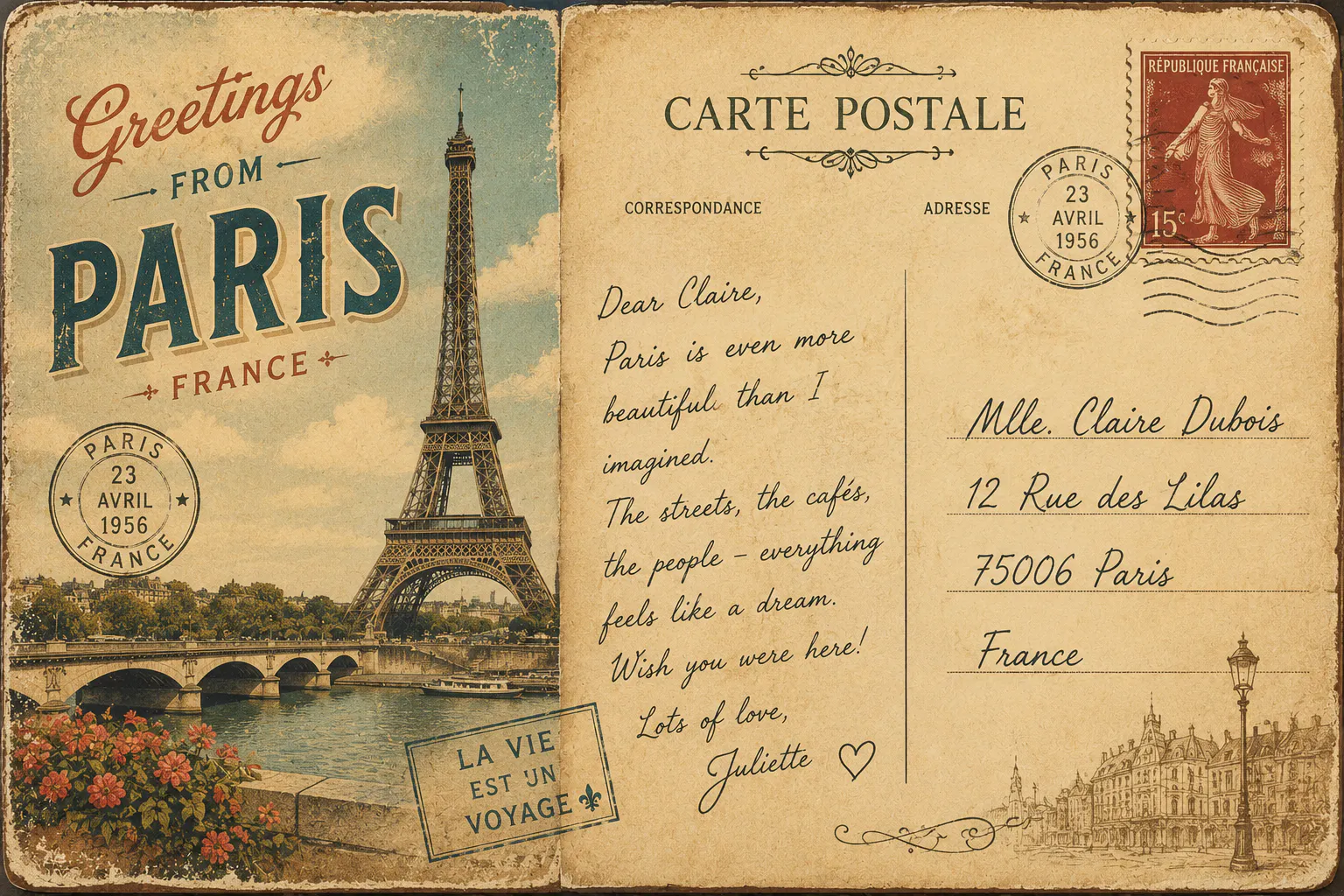
If you want the design to feel genuinely old fashioned rather than just retro-adjacent, borrow these habits from real vintage postcards:
- Split the layout into a photo side and a "written" side with a thin dividing line, even for a digital-only design
- Add a small border or frame instead of a full-bleed edge-to-edge photo
- Slightly warm the color grade and pull down the contrast - real vintage prints rarely have punchy blacks
- Include a fake stamp or postmark graphic in a corner
- Use a short handwritten caption instead of a clean sans-serif line of text
These are small, cheap additions, but they're the details people notice first - even if they can't say exactly why a design "feels right."
RELATED READING: Spotify Playlist Cover Maker: Create Stunning Playlist Covers with AI
Where This Style Actually Gets Used
Vintage and retro postcard designs aren't just a nostalgia gimmick. A few common places you will see them:
- Wedding invitations and save the dates: a postcard format feels personal and travel-themed, especially for destination weddings
- Small business promotions: seasonal sales, "we're open again" posts, or anything location-based
- Social content: a stylistic break from polished feed photos, since a postcard graphic reads as intentional rather than another product shot
- Printed keepsakes: event favors, travel scrapbooking, or gifts
Whatever the use case, you are not trying to convince anyone it's a real 1950s postcard. you are borrowing the format because it's warm, familiar, and instantly nostalgic in a way a plain photo post just isn't.
Conclusion
Whether you build a vintage postcard template from scratch, grab a free one and tweak it, or just describe what you are picturing to Blend's DesignGPT and let it put the pieces together, the details. The type, the texture, the color, the little handwritten touches are what carry the whole design.