
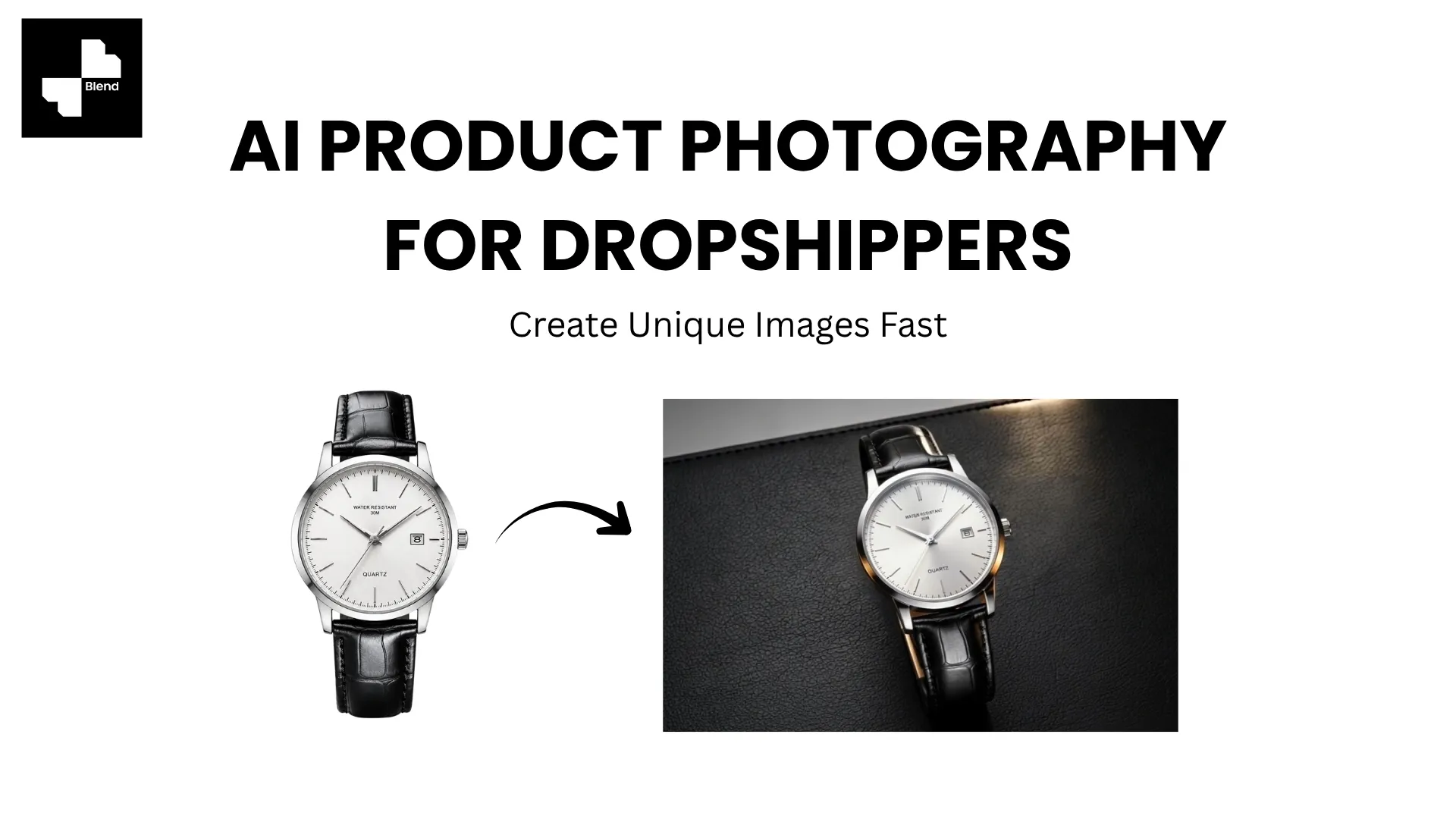



Search for any popular dropshipping product on Shopify, and you will find 20 stores using the exact same supplier photo. Same white background, same angle, same lighting. When every listing looks identical, shoppers have no visual reason to trust one store over another, so they default to whoever has the lowest price.
That race to the bottom is entirely avoidable. The stores pulling ahead in 2026 are the ones using AI to transform those generic supplier images into unique, branded product photos that look like they came from a real product shoot. No samples needed, no camera required. Just the supplier image you already have.
Here is the workflow.
The Supplier Photo Problem
Before solving anything, it helps to understand exactly why default supplier images hurt dropshipping stores and what happens when you fix the problem.
Same Images, Zero Differentiation
When 15 stores sell the same product with the same photos, every store looks interchangeable. Shoppers cannot distinguish your brand from anyone else's. The result is pure price competition, which compresses margins on an already thin-margin business model.
Beyond perception, duplicate images can trigger marketplace detection on platforms like Amazon and Google Shopping, where identical visuals across sellers may flag listings or reduce search visibility.
Why Unique Visuals Change the Math
A store with custom lifestyle scenes, consistent branding, and professional-looking imagery signals legitimacy. Shoppers are more willing to pay full price from a store that looks established than from one running the same generic AliExpress images as everyone else.
The practical impact is measurable. Custom visuals tend to improve click-through rates on search results and ads, reduce the "looks cheap" hesitation that kills conversion, and give your social content something worth stopping for. For a dropshipping business where every percentage point of conversion rate matters, visuals are one of the few levers that do not cost more per order.
RELATED READING: How to Turn Raw Product Photos Into Studio-Quality Images with AI
Turn Supplier Images into Branded Product Photos
You do not need to order product samples for this workflow (though doing so for your best sellers is always smart). AI tools work directly with the supplier images you already have.
Step 1. Grab the Best Supplier Image and Clean It Up
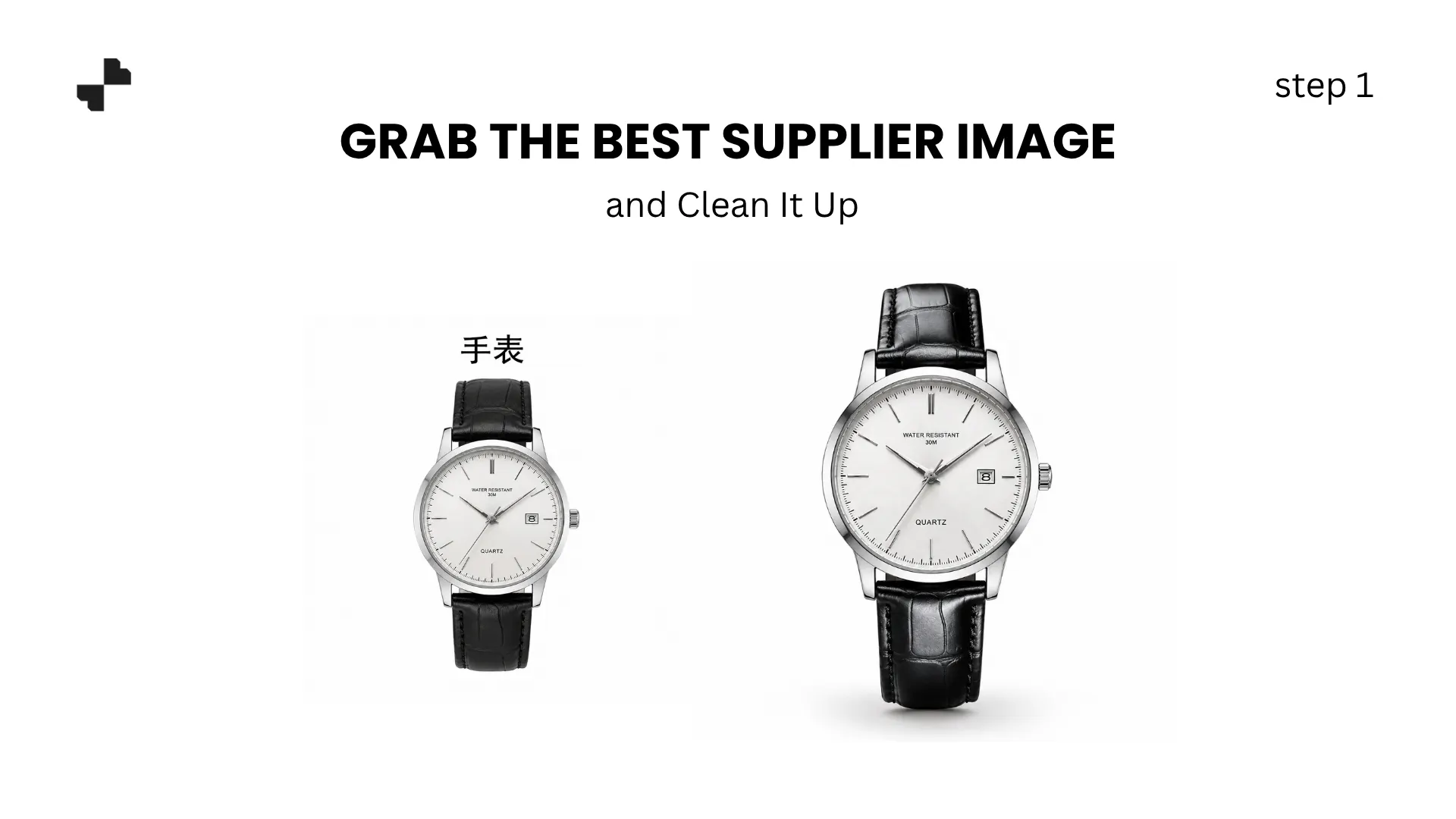
Start by downloading the highest-resolution product image your supplier provides. Most AliExpress, CJ Dropshipping, and 1688 suppliers include multiple angles. Pick the cleanest one with the best lighting and the fullest product visibility.
Run it through an AI background remover to strip the original backdrop. Supplier images often come with cluttered backgrounds, watermarks, or inconsistent lighting that immediately signals "dropshipped product" to savvy shoppers. A clean cutout on a transparent background gives you a fresh starting point.
For images with visible flaws like dust, minor blemishes, or partially visible watermark remnants, an AI eraser tool cleans those up without affecting the product itself.
Step 2. Generate Lifestyle Scenes That Look Like Your Brand
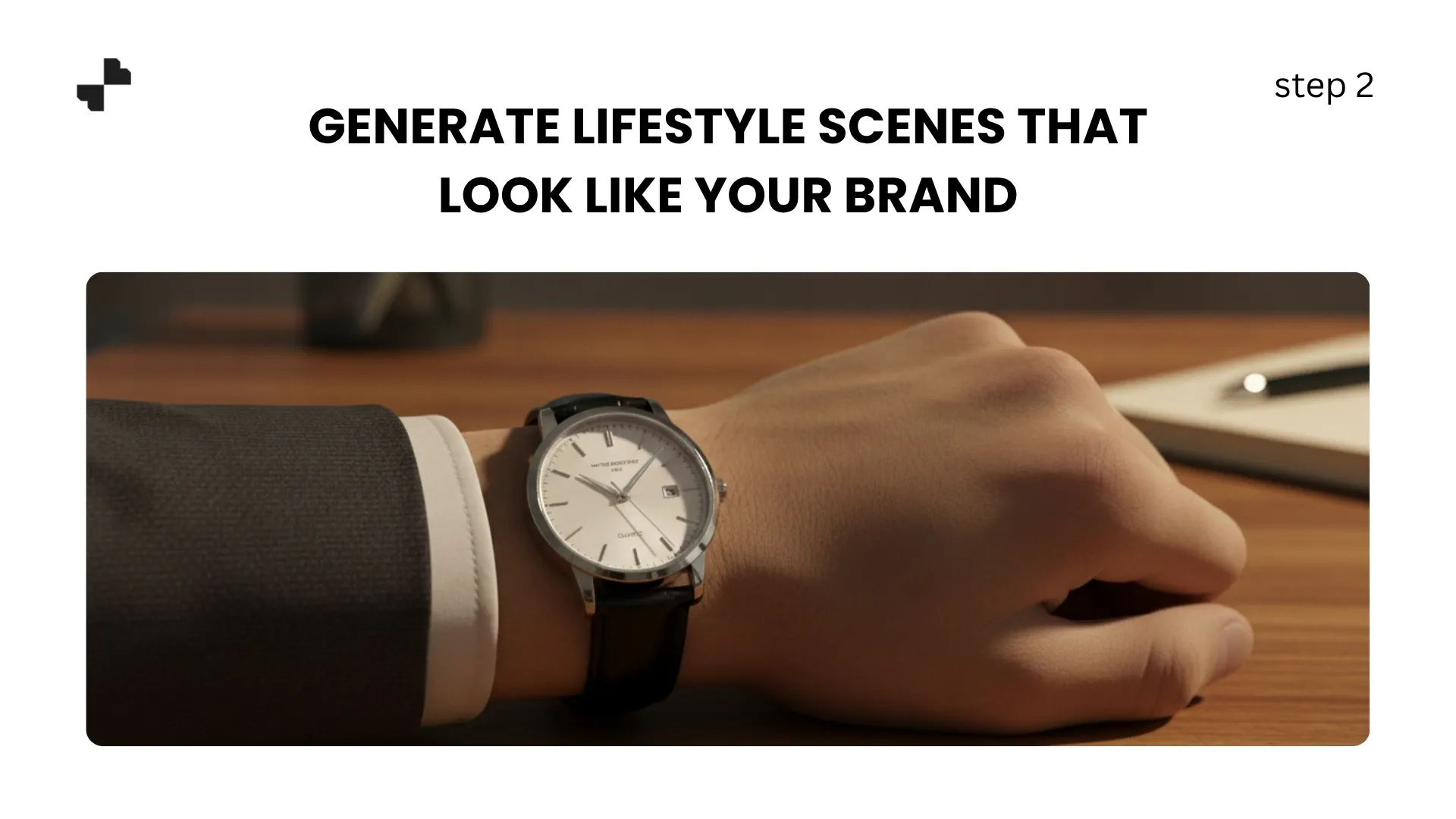
Once you have a clean product cutout, an AI image generator places it into a realistic lifestyle scene. The scene you choose should match the brand identity you are building, not just look generically nice.
A few examples by niche:
- Minimalist accessories store: Clean marble surface, soft directional light, neutral tones
- Pet products: Warm home environment, soft natural light, a cozy setting
- Tech gadgets: Dark matte surface, cool-toned lighting, clean geometric lines
- Home and kitchen: Wooden counter, morning light, simple complementary props
The specificity of your prompt determines how unique the result looks. "Watch on a table" gives generic output. "Minimalist watch on a dark slate surface, single focused spotlight from upper left, warm amber accent in background" gives you a scene no other dropshipper selling the same watch will have.
Write 2 to 3 scene prompts that reflect your store's aesthetic. Save them. Use them across every product. That consistency is what transforms a random collection of supplier products into what looks like a curated brand.
Move Fast Without Looking Generic
Dropshipping success depends on testing lots of products quickly. Your visual workflow needs to be fast enough to support that pace without producing throwaway-quality images.
Step 3. Build Quick Templates for Product Testing
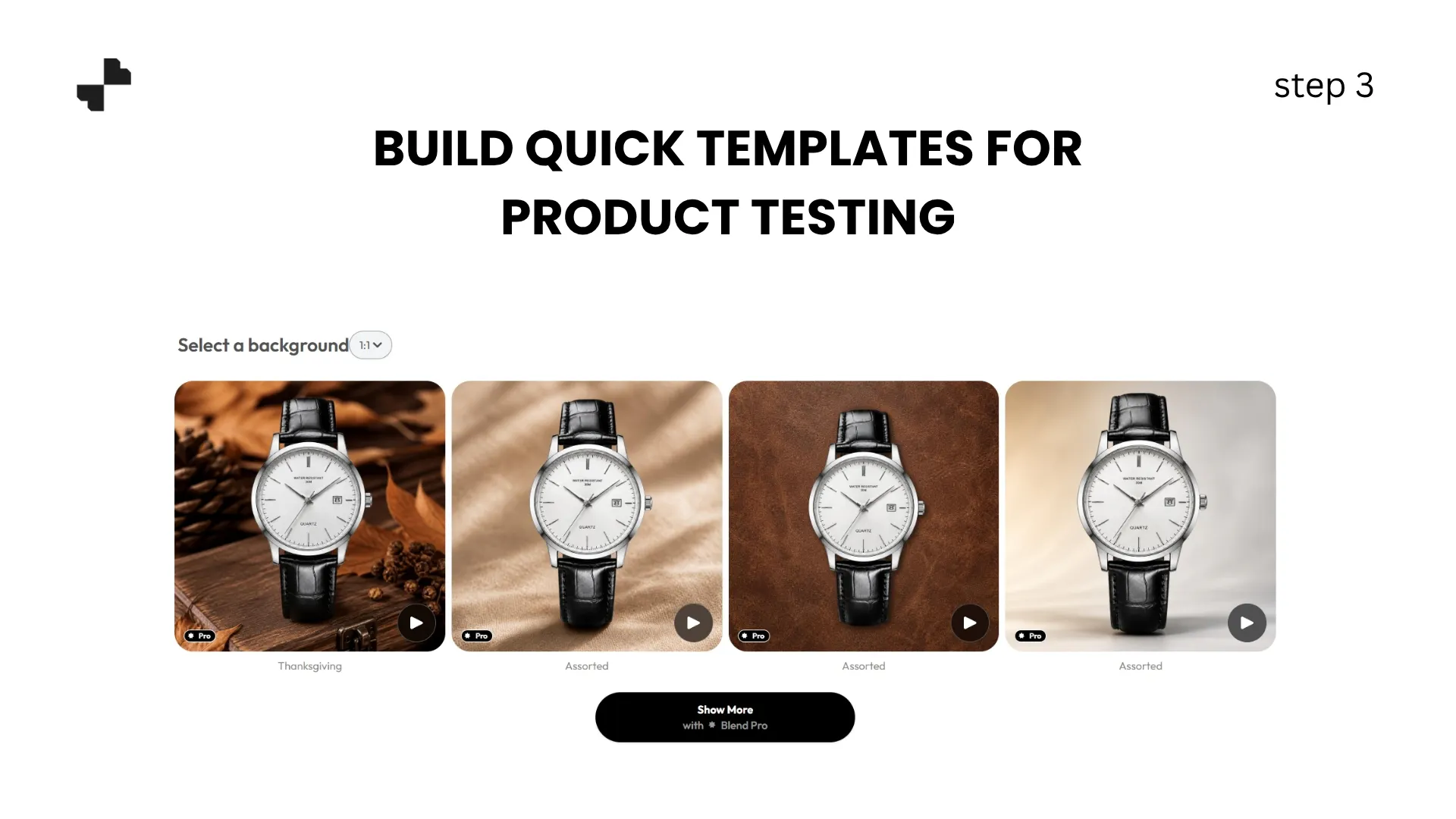
When you are testing a new product, you do not need a full visual package. You need enough to run a test ad and see if the product gets traction. A streamlined testing workflow:
- Remove background (30 seconds)
- Apply your saved scene template (1 minute)
- Export for ad and listing use (30 seconds)
That is roughly 2 minutes per product to go from a raw supplier image to a unique, branded listing photo. For a dropshipper testing 10 new products a week, that is 20 minutes of image work instead of hours.
Keep your test images simple. One strong lifestyle scene and one clean white-background shot are enough to validate demand. Save the full visual treatment for products that prove they sell.
Step 4. Scale Up Visuals on Your Winners
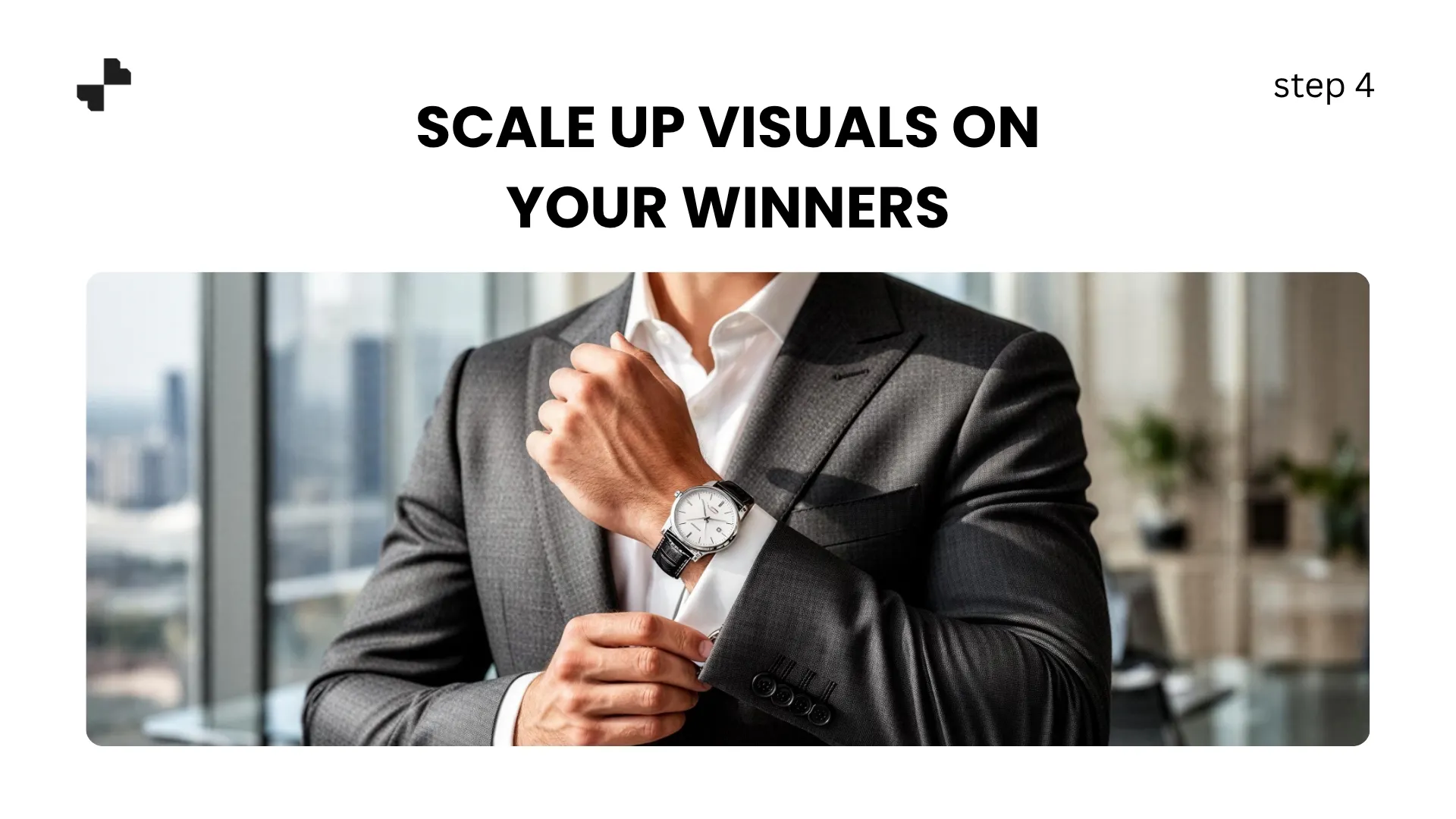
Once a product shows traction (positive ROAS on ads, organic sales picking up), invest in a deeper visual package:
- Generate 3 to 4 lifestyle scene variations for A/B testing
- Create AI generated images with on-model shots if the product is wearable
- Add detail-focused scenes that highlight material or texture
- Build a full listing image set (5 to 7 images) for marketplace compliance
The testing-to-scaling workflow means you only spend serious visual effort on products that have already proven demand. No wasted time building full image sets for products that never sell.
RELATED READING: Best AI Design Tools for E-Commerce Sellers in 2026
Add Video and Multi-Channel Formats
Static images get you listed. Video and platform-specific formatting help you win across every channel where dropshippers compete.
Step 5. Create Product Video from Supplier Stills
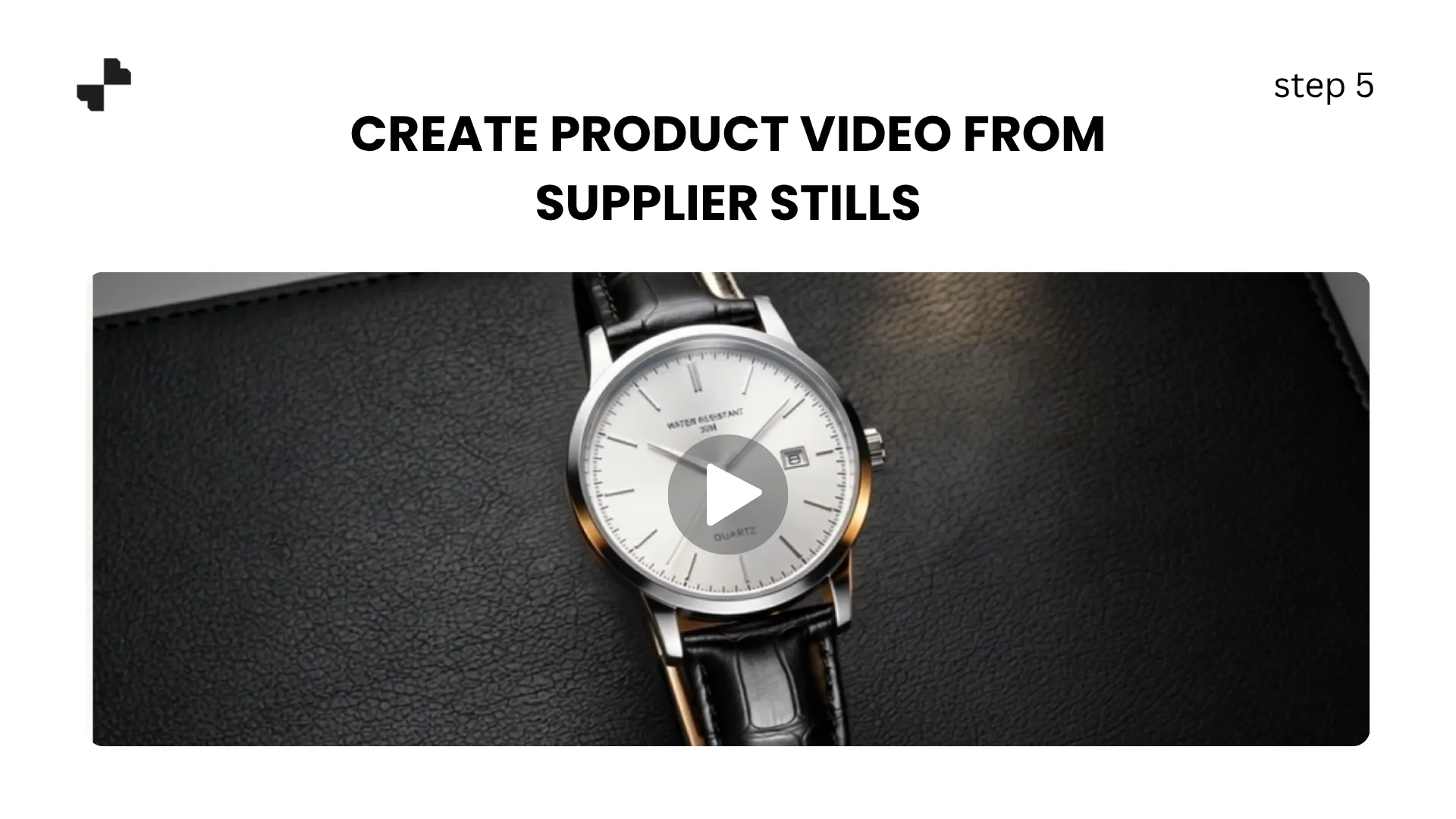
Short product video consistently outperforms static images in ad performance and social engagement. AI video tools generate clips from your existing product photos, including slow pans, rotations, and transitions between your clean product shot and a styled lifestyle scene.
For dropshippers running TikTok Shop, Instagram ads, or Facebook dynamic product ads, having video assets for your winning products is a significant competitive edge. A 5-to-10-second product clip generated from a still image costs almost nothing and can meaningfully improve ad ROAS.
Step 6. Format for Every Platform You Sell On
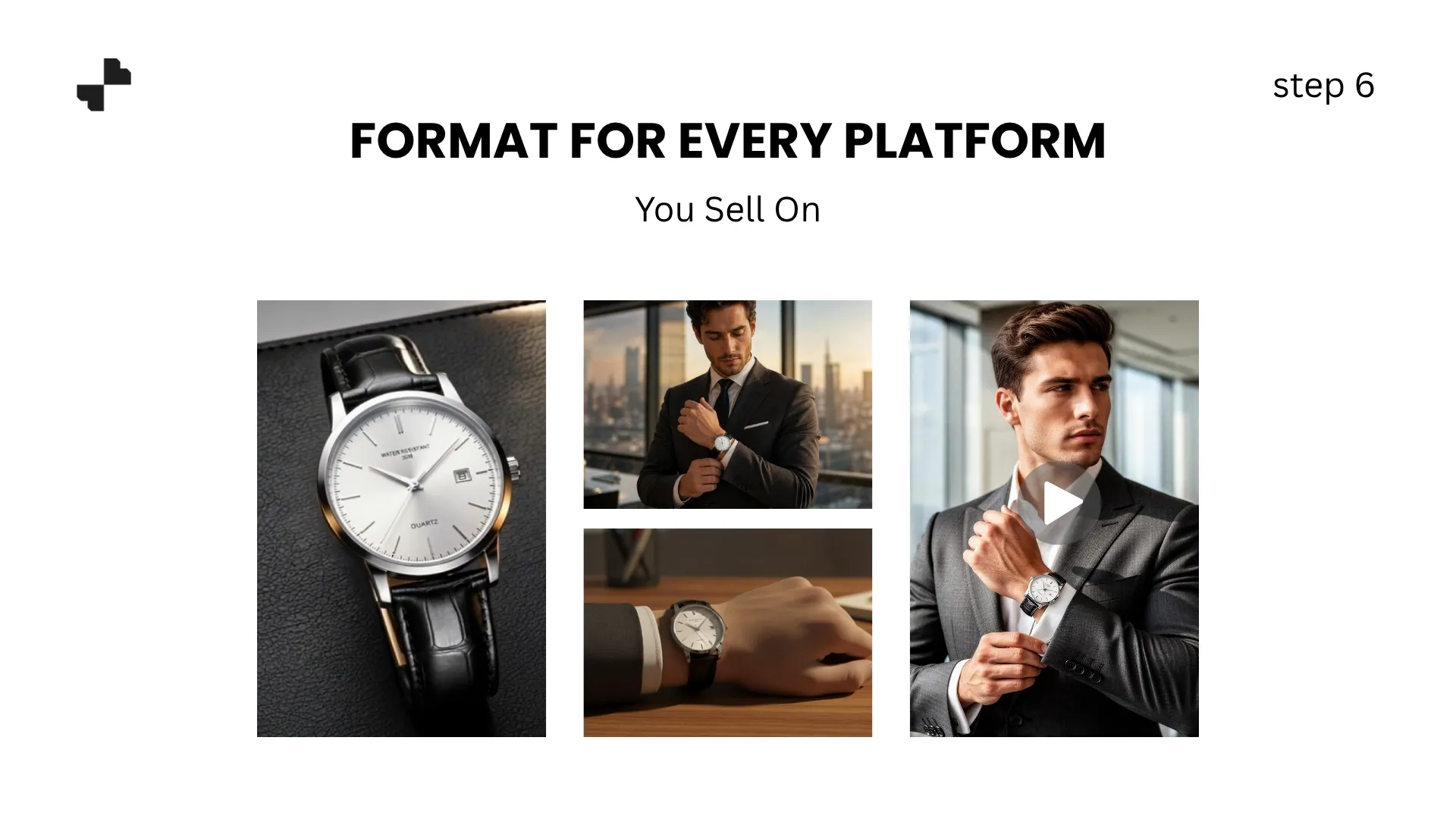
Different platforms need different image specs. Shopify product pages, Amazon listings, TikTok Shop, Google Shopping, and Facebook ads all have specific requirements for dimensions, background colors, and aspect ratios.
Running your final AI product photography outputs through a formatting pass for each platform keeps your store images consistent everywhere. A product that looks professional on your Shopify store but uses a raw supplier photo on Google Shopping undermines the brand you are building.
Stop Competing on Price. Compete on Visuals.
Every dropshipper has access to the same products at the same prices from the same suppliers. The stores that stand out are the ones that look like brands, and that starts with unique product images. Blend handles background removal, lifestyle scenes, model shots, and product video in one platform, so you can go from supplier image to branded listing in minutes. Upload your first product and see the difference.
Frequently Asked Questions
Do I need to order product samples to create unique images?
No. AI tools work directly with supplier images you already have access to. Remove the background, generate new scenes, and create branded visuals without ever handling the physical product. Ordering samples for your proven winners gives even better results.
Will AI-generated product images look realistic enough?
Yes. In 2026, AI lifestyle scene generation produces images that are very difficult to distinguish from real photography. The product itself comes from the actual supplier photo, so details like color, texture, and design remain accurate.
How long does it take to create images for a new product?
A basic test set (one lifestyle scene, one white-background shot) takes about 2 minutes per product. A full visual package with multiple scenes and video takes 10 to 15 minutes.
Can I use the same visual style across all my products?
Yes, and you should. Using consistent scene templates, lighting, and color tones across your catalog makes your store look like a cohesive brand instead of a random collection of supplier products.
Will my images look different from other stores selling the same product?
Yes. AI generates unique scenes based on your specific prompts. No two stores using different prompt descriptions will end up with the same lifestyle images, even if they start from the same supplier photo.
Which platforms can I use AI-generated product images on?
All major ecommerce platforms, including Shopify, Amazon, Etsy, TikTok Shop, Google Shopping, and Facebook/Instagram ads. Make sure main images meet any platform-specific requirements like white backgrounds for Amazon.