
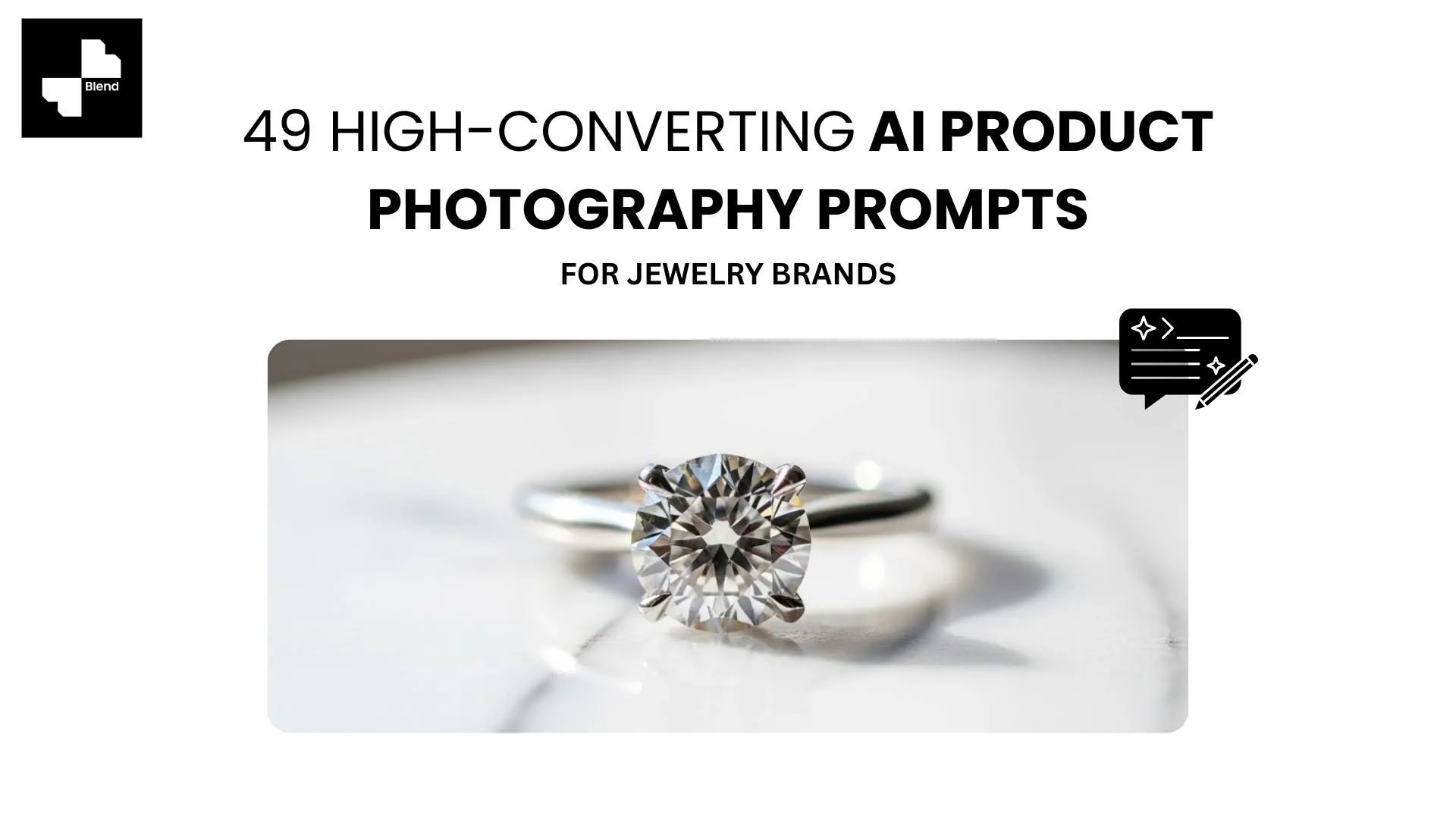



You have a great piece of jewelry sitting in front of you, but every photo you take either washes out the metal, kills the sparkle, or makes a $200 ring look like a $5 trinket. The problem is not your product. Jewelry is just brutally hard to photograph, with reflective metals, tiny prong details, and gemstones that need the exact right angle to come alive.
AI photography tools like Blend solve this by letting you upload one product photo and generate jewelry lifestyle photography, on-model shots, and studio-quality visuals without a lightbox or a retoucher. But the output is only as good as the direction you give. Below you will find a proven prompt formula, followed by 49 ready-to-use prompts organized by jewelry type.
What Are AI Jewelry Photography Prompts
AI photography prompts are written descriptions that tell an AI tool what kind of image to generate from your product photo. Instead of manually arranging lighting, backgrounds, and props in a studio, you describe those elements in text, and the AI produces the scene around your product.
For example:
"Gold solitaire ring on a dark marble surface with soft side lighting and shallow depth of field"
One sentence defines the surface, lighting, mood, and composition. A clear prompt like this can produce an image that looks like it came from a professional jewelry photography setup.
RELATED READING: How to Create Professional Jewelry Product Photos Using AI
How to Write High-Converting Jewelry Photography Prompts
Use this structure every time: Product + Surface + Lighting + Mood + One Detail
Example:
"Rose gold bracelet on a velvet tray, warm window light, luxury minimal aesthetic, single dried rose as prop"
Here is what each element controls:
- Product: What you are photographing (ring, pendant, watch, earrings)
- Surface: What the piece sits on (marble, velvet, slate, linen, skin)
- Lighting: Direction and quality (window light, side lighting, overhead soft, dramatic spotlight)
- Mood: The visual feeling (luxury, minimal, editorial, cozy, seasonal)
- One Detail: A single prop or styling note that adds context without clutter
Stick to one prop per prompt. A green leaf, a coffee cup, or dried flowers can set a scene. Two or more competing props make the image feel busy.
49 Jewelry Photography Prompts You Can Copy
Upload your product photo to Blend and pair it with any of these prompts to generate ad-ready, listing-ready, and social-ready visuals. Prompts are grouped by jewelry type to make it easy to find what you need.
Ring Photography Prompts
- Engagement ring on white marble with soft window light and shallow depth of field
- Stackable gold rings on linen cloth with dried eucalyptus sprigs
- Diamond solitaire on glossy black surface with dramatic side lighting
- Wedding band set on velvet ring box with warm golden-hour glow
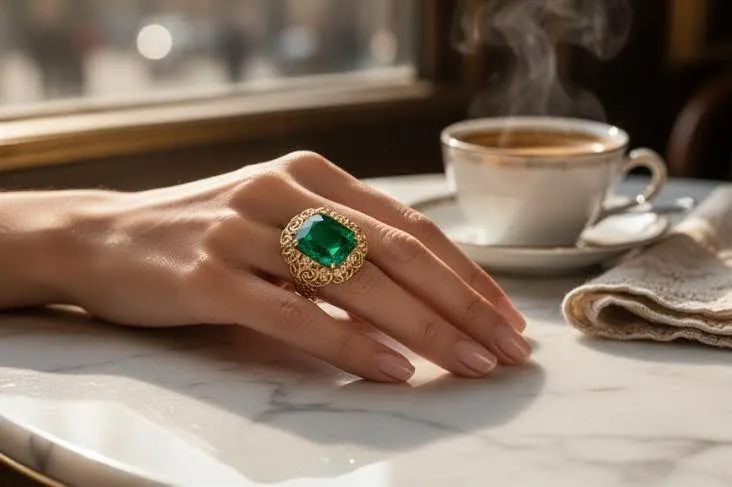
- Statement cocktail ring on a woman's hand resting on a cafe table
- Silver ring on matte ceramic plate with neutral earth tones
- Rose gold ring with gemstone on crushed ice, fresh editorial feel
- Signet ring on dark slate surface with subtle reflected light underneath
Necklace and Pendant Prompts
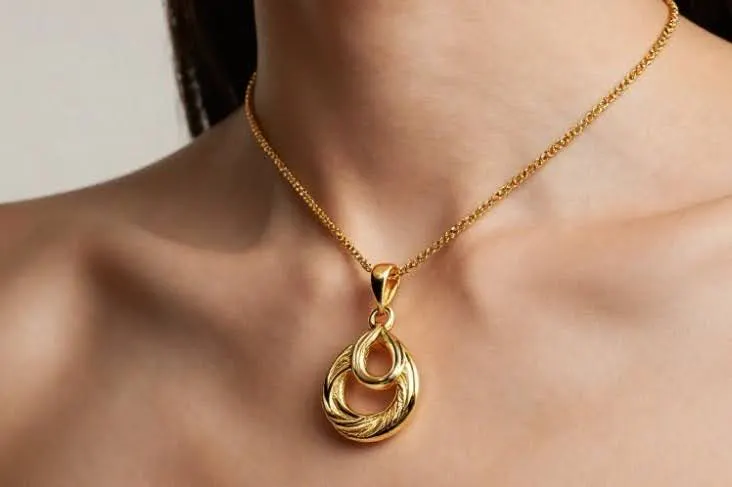
- Gold chain necklace on a model wearing a black crewneck, neutral studio backdrop
- Layered pendant set flat-laid on raw linen surface with soft overhead light
- Pearl choker on a model's neck, collarbone crop, clean white background
- Birthstone pendant hanging from a jewelry tree with bokeh lights behind
- Statement bib necklace on dark skin, close crop, editorial studio lighting
- Delicate chain with charm laid across an open book with morning window light
- Tennis necklace on a velvet bust display with dramatic shadows
- Beaded necklace draped over smooth river stones outdoors
Earring Photography Prompts
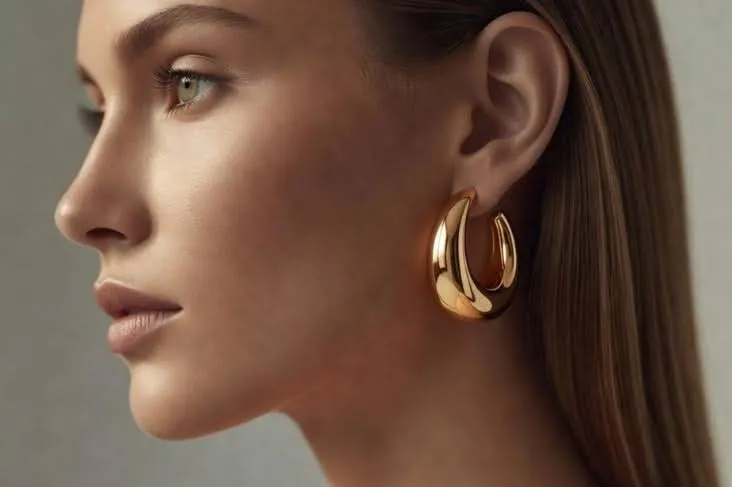
- Gold hoop earrings on a model, side profile, hair tucked behind ear
- Diamond studs on a white satin cushion with pinpoint studio light
- Chandelier earrings laid flat on a marble surface with a single green leaf
- Huggie hoops on a model against a terracotta-colored background
- Mismatched earring set arranged on a small ceramic dish, overhead shot
- Drop earrings hanging from the edge of a cocktail glass
- Pearl ear climbers on a model shot from a three-quarter angle, minimal makeup
- Geometric acrylic earrings flat-laid on a bright coral background
Bracelet and Watch Prompts
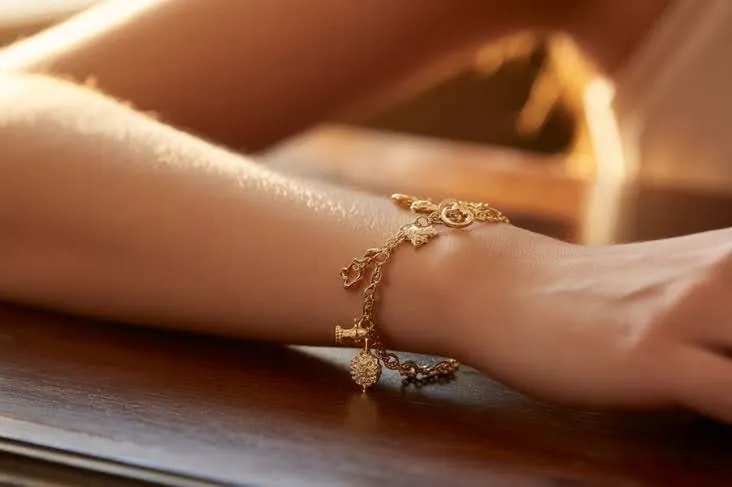
- Charm bracelet on a model's wrist resting on a wooden table
- Cuff bangle on a dark-skinned wrist against a linen blazer sleeve
- Tennis bracelet flat-laid in an S-curve on glossy black tile
- Leather wrap bracelet on a wrist next to a coffee cup, casual lifestyle
- Luxury watch on a male wrist with suit cuff visible, editorial crop
- Stacked bangles on a model's arm mid-gesture, motion blur on the background
- Minimalist watch on a white pedestal with sharp directional lighting
- Beaded bracelet set arranged on a natural wood slice with greenery
Luxury and High-End Jewelry Prompts
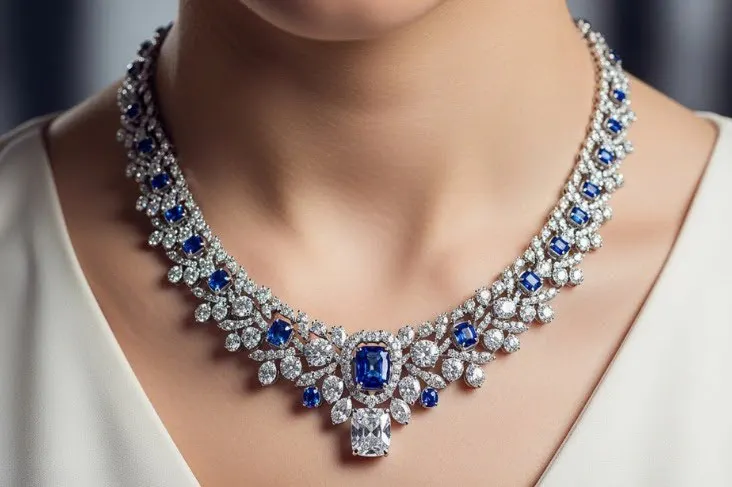
- Diamond bracelet on dark velvet surface, single spotlight from above
- Emerald ring displayed on a raw geode crystal with moody side lighting
- Gold collar necklace on a model in a black evening gown, studio editorial
- Sapphire earrings on a mirrored tray reflecting candlelight
- Multi-stone cocktail ring on black leather with chrome accents
- Platinum wedding set photographed through a prism casting rainbow refractions
- Art Deco brooch pinned to a velvet blazer lapel, tight macro crop
- Ruby pendant resting in an open shell on dark sand, cinematic lighting
Creative Flat Lay and Seasonal Prompts
- Valentine's Day flat lay with rose petals, a ring box, and warm pink lighting
- Holiday gift guide layout with mixed jewelry on wrapped presents and pine
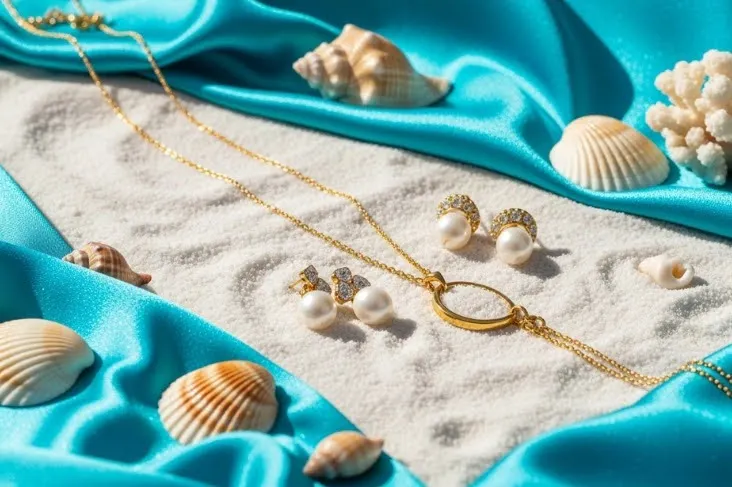
- Summer collection shot with jewelry on seashells, sand, and turquoise fabric
- Single earring on a torn sheet of handmade paper, minimalist editorial
- Bridal flat lay with jewelry alongside dried flowers and a ribbon spool
- Fall collection with pieces arranged on autumn leaves and warm wooden surfaces
- Gemstone jewelry on a monstera leaf, bright natural light
- New Year's Eve styling with jewelry on sequined fabric and a champagne glass stem
- Mother's Day layout with a pendant, fresh peonies, and a handwritten note card
RELATED READING: AI Photo Editing for Luxury and High‑End Product Brands
Make Every Jewelry Photo Work Harder
AI can generate the image, but it will not read your mind. If your ring ends up floating in a random gradient instead of sitting on dark marble, the prompt needs work, not the tool.
Use the formula above, pick the prompts that match your collection, and upload your jewelry product photos to Blend. You will go from one product image to a full set of listing-ready visuals in minutes.
Ready to put these prompts to work? Start creating for free with Blend and see what your jewelry looks like in any setting.
Frequently Asked Questions
What are AI jewelry photography prompts?
AI jewelry photography prompts are text descriptions that guide an AI tool to generate specific product images. You describe the surface, lighting, mood, and styling, and the AI produces the scene around your uploaded jewelry photo.
How do you write a good jewelry photography prompt?
Use this format: Product + Surface + Lighting + Mood + One Detail. For example, "diamond stud earrings on a white satin cushion with pinpoint studio light, minimal luxury feel."
Do I need a professional photo to start with?
A clean, well-lit product photo gives the best results. A basic lightbox shot works perfectly as a starting image. From there, AI generates every background, angle, and lifestyle variation.
Can AI photography prompts replace a jewelry photographer?
For most e-commerce and social media needs, yes. AI-generated jewelry model photography and lifestyle scenes can match the quality of studio work at a fraction of the cost. Hero campaign shots may still benefit from a professional.
Why do my AI jewelry photos look unrealistic?
Vague prompts are the most common cause. Missing surface details, unclear lighting direction, or too many competing elements all reduce quality. Use the prompt formula and keep each prompt focused on one clear scene.
Are AI-generated jewelry photos accepted on Amazon and Etsy?
Both platforms accept AI-enhanced product photos as long as the main image has a clean white background and accurately represents the product. Lifestyle and virtual try-on clothes model shots work well as secondary listing images.