
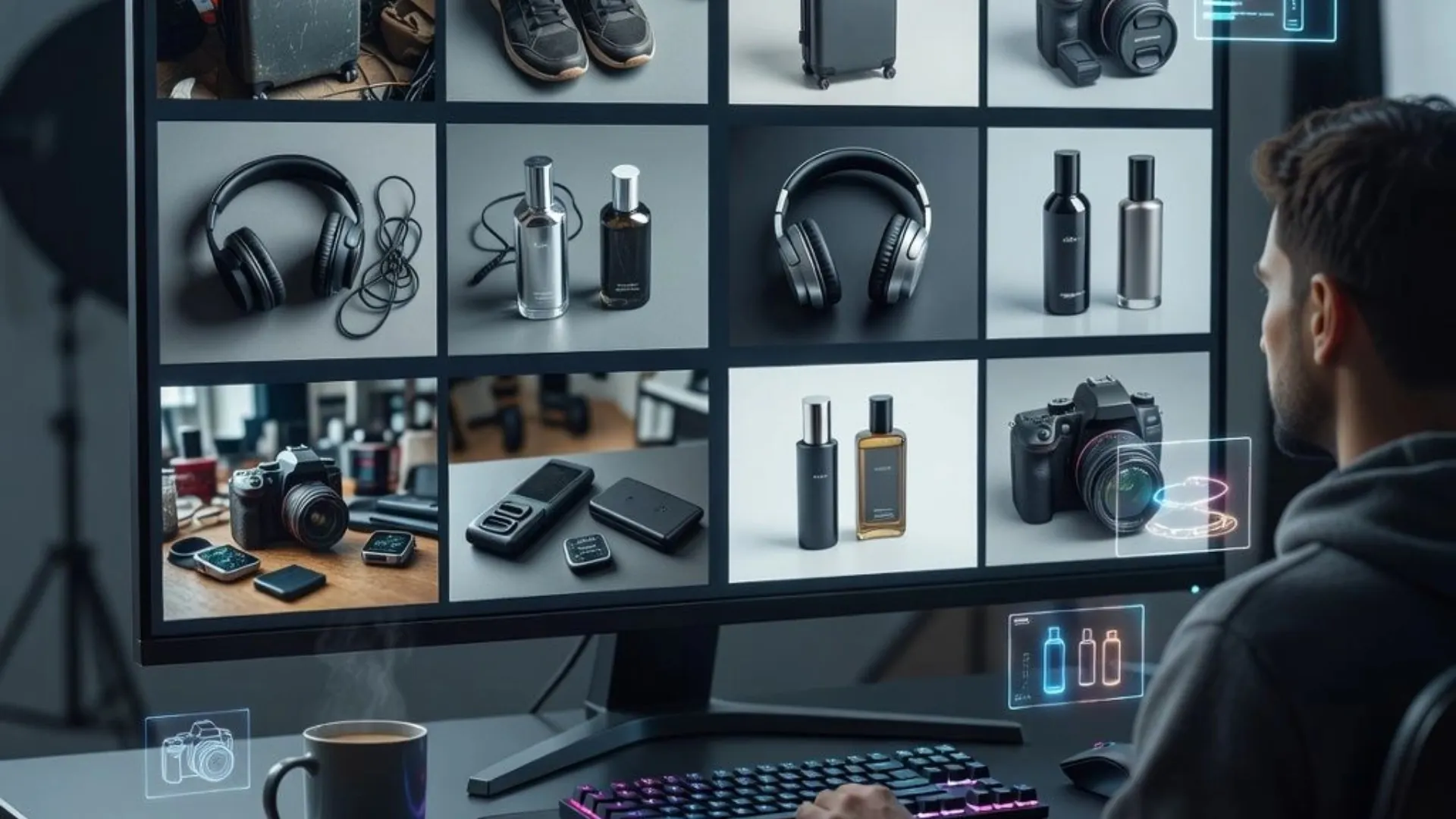


You uploaded a product photo to an AI tool expecting clean, scroll-stopping visuals. What you got back looked like a blurry stock image from 2014. Sound familiar?
The problem is not AI itself. The problem is that most sellers pick a tool based on hype instead of features. 83% of online shoppers say product images are the single most important factor in their buying decision. When you are listing 20, 50, or 200 SKUs across Amazon, Shopify, or Etsy, the wrong product image generator costs you more than money. It costs you clicks, conversions, and time you cannot get back.
So here is what to actually look for before you commit.
Features That Shape Your Product Photos
The core of any AI product photo tool is what it can do to your images. These three features separate the useful tools from the gimmicky ones.
Background Removal and Replacement Should Be One Tap
Every marketplace has image requirements. Amazon wants a pure white background. Shopify stores need lifestyle context. Social ads need something eye-catching. And when backgrounds are off, shoppers notice. Roughly 22% of online returns happen because the product looked different in the listing than it did in person. A good AI product photo software should handle all of that from a single upload.
Look for tools that offer:
- Clean one-tap background removal that isolates the product without jagged edges or halos
- Context-aware AI background replacement that respects lighting, perspective, and shadow placement
- Options to swap backgrounds for different platforms without re-uploading the original image
Blend, for example, offers both a dedicated Remove Background tool for instant cutouts and a separate AI Backgrounds feature that places products into new environments while matching the lighting and scale automatically. If the tool you are testing pastes your product onto a flat background with no depth, keep looking.
RELATED READING: AI Video Generator from Image: A Complete Guide for Creators and Businesses
AI Model Photography Changes the Game for Apparel Sellers
If you sell clothing, jewelry, or accessories, on-model photos are not optional. Shoppers want to see how a piece looks when someone wears it, and the numbers back that up. Traditionally, getting those shots means booking models, studios, and stylists. An AI product image generator with virtual try-on capabilities skips all of that.
The best tools let you customize the model to match your target customer. Blend's AI Models feature, for instance, lets you select gender, ethnicity, age range, body type, skin tone, pose, hair style, and background setting. You upload a flat-lay image of your garment, and the AI generates a realistic on-model shot in seconds. For jewelry sellers, on-hand, on-neck, and on-ear shots give shoppers the scale and context that a white-background image never will.
Lifestyle Scenes Turn Flat Products Into Stories
A candle on a white background is just a candle. The same candle on a cozy wooden shelf next to a book and a coffee mug becomes an experience. That is what lifestyle scene generation does, and it is one of the most impactful features you can look for.
A strong AI tool should:
- Analyze your product and suggest scene ideas tailored to its category
- Generate multiple scene variations from one photo
- Let you provide custom scene descriptions or even an inspiration image for a consistent look across products
Blend's Lifestyle Shots feature does exactly that. You upload a product image, the AI suggests curated scenes like "minimal bathroom," "boho vanity," or "modern desk," and you can further customize angles, props, and color palettes after generation. Product pages that combine lifestyle and studio photography see uplift in conversions, which is exactly why these images tend to outperform plain product shots on marketplaces and social platforms.
RELATED READING: Best AI Design Tools for E-Commerce Sellers in 2026
Features That Help You Move Faster
Good visuals matter. But if every image takes 15 minutes to create, you will fall behind. Speed features are what separate a tool you try once from a tool you actually use every day.
Batch Processing Saves Hours on Large Catalogs
If you manage more than a handful of products, look for batch editing. The ability to process dozens or hundreds of images at once, with consistent settings, is a must for any seller scaling their catalog. Blend's Studio Shot feature, for example, generates clean white-background product images at scale with balanced lighting and realistic shadows across your entire catalog in one session. That kind of consistency is nearly impossible to maintain with manual photoshoots.
Image-to-Video Keeps Your Listings Competitive
Short-form video is everywhere now, from Amazon product listings to Instagram Reels and TikTok. Consumers say watching a video has convinced them to buy a product, so listings without video are leaving money on the table. The best AI product photo tools now include image-to-video capabilities that turn a still product image into a polished, scroll-stopping clip. No filming, no editing software, no production team.
Blend's AI Videos feature works in three steps: upload a photo, choose from curated video presets, pick your preferred starting frame, and the tool generates a full product video. Look for that kind of simplicity when evaluating any AI video tool.
Quick Cleanup Tools Save You From Reshooting
Not every product photo needs a complete redo. Sometimes the image is great except for a stray object, a piece of lint, or a background distraction that slipped through. A good AI product photo tool should let you fix these issues without opening a separate editing app. Blend's Magic Eraser, for instance, lets you scribble over unwanted objects and remove them in seconds. Small fixes like these add up fast when you are managing a full catalog.
Features That Keep Your Store Looking Professional
Consistency is what makes a store feel trustworthy. When your product images look like they were shot in five different places with five different cameras, shoppers notice. High-quality, consistent visuals can boost conversions over low-quality alternatives.
Consistent Output Across Every SKU
A reliable AI product photo tool should maintain the same lighting direction, shadow depth, and framing whether you are generating one image or one thousand. Blend's Studio Shot produces clean, white-background catalog images with uniform lighting and shadows across every SKU. When buyers scroll through your store, that kind of cohesive visual identity builds confidence and reduces hesitation.
Platform-Ready Exports and Formatting
Different marketplaces need different image specs. Amazon, Etsy, Shopify, and eBay all have unique requirements for image size, resolution, and background. A good tool handles those exports automatically, so you are not manually resizing every image before uploading.
More AI Features for Ecommerce Product Content
Beyond the core photo-editing features, Blend now offers additional AI tools that help ecommerce sellers create more variations and marketing assets from their existing product images.
- Poster Maker: Create promotional posters and marketing creatives with AI for products, campaigns, social media, and ecommerce content.
- Product Recolor: Generate different product color variations from a single image, making it easier to showcase multiple color options without photographing every variation.
- Change AI Model Pose: Generate different poses from an existing AI model image while maintaining the product and model's visual consistency. This can be useful for fashion catalogs, Shopify and Amazon listings, social posts, and ads.
- Ghost Mannequin: Turn apparel images into clean ghost-mannequin visuals that highlight the garment's shape and details without requiring a traditional mannequin photoshoot..
- Add Dimensions: Add product measurements and visual dimension guides directly to product images for more informative ecommerce listings.
Together, these features give sellers more ways to turn a single product image into product variations, catalog images, marketing creatives, and additional ecommerce content without starting every asset from scratch.
Your Product Photos Should Not Be the Bottleneck
Picking the right AI product image generator comes down to asking one question: Does it help you create better visuals faster, without adding complexity? The features above are what separate a tool worth paying for from one that wastes your time.
Blend brings these features into a single AI-powered studio built specifically for e-commerce sellers. AI Models for virtual try-on, Lifestyle Shots for scene generation, AI Videos for short-form clips, Studio Shot for clean catalog images, and tools like Remove Background, AI Backgrounds, and Magic Eraser for everyday editing. You can go from one product photo to a full set of listing-ready visuals in minutes. Try it free and see the difference for yourself.
Frequently Asked Questions
What is an AI product image generator?
An AI product image generator is a tool that uses artificial intelligence to create, edit, or enhance product photos. You upload a basic image, and the AI can remove backgrounds, place the product in lifestyle scenes, add model photography, or generate a video.
Do AI-generated product images look realistic enough for marketplaces?
The best tools in 2026 produce images that are very difficult to tell apart from traditional photoshoots, especially for categories like apparel, accessories, beauty, and home goods.
Can an AI image generator replace a professional photoshoot entirely?
For most small-to-mid-size sellers, yes. AI tools can handle studio shots, on-model images, lifestyle scenes, and video. Larger brands with very specific creative needs may still use professional shoots alongside AI.
What file formats should an AI product photo tool support?
At a minimum, look for JPG and PNG support. Some tools also handle WebP for faster web loading. The ability to export at different resolutions for different platforms is a big plus.
How much does an AI product image generator typically cost?
Pricing varies widely. Many tools offer free tiers or trials. Paid plans typically range from $10 to $50 per month for small sellers, with enterprise options available for teams processing thousands of images.
Are AI product images allowed on Amazon and other marketplaces?
Amazon and other major marketplaces allow AI-generated images as long as they meet the platform's image quality and formatting guidelines. The key is that images must be accurate, clear, and not misleading.