
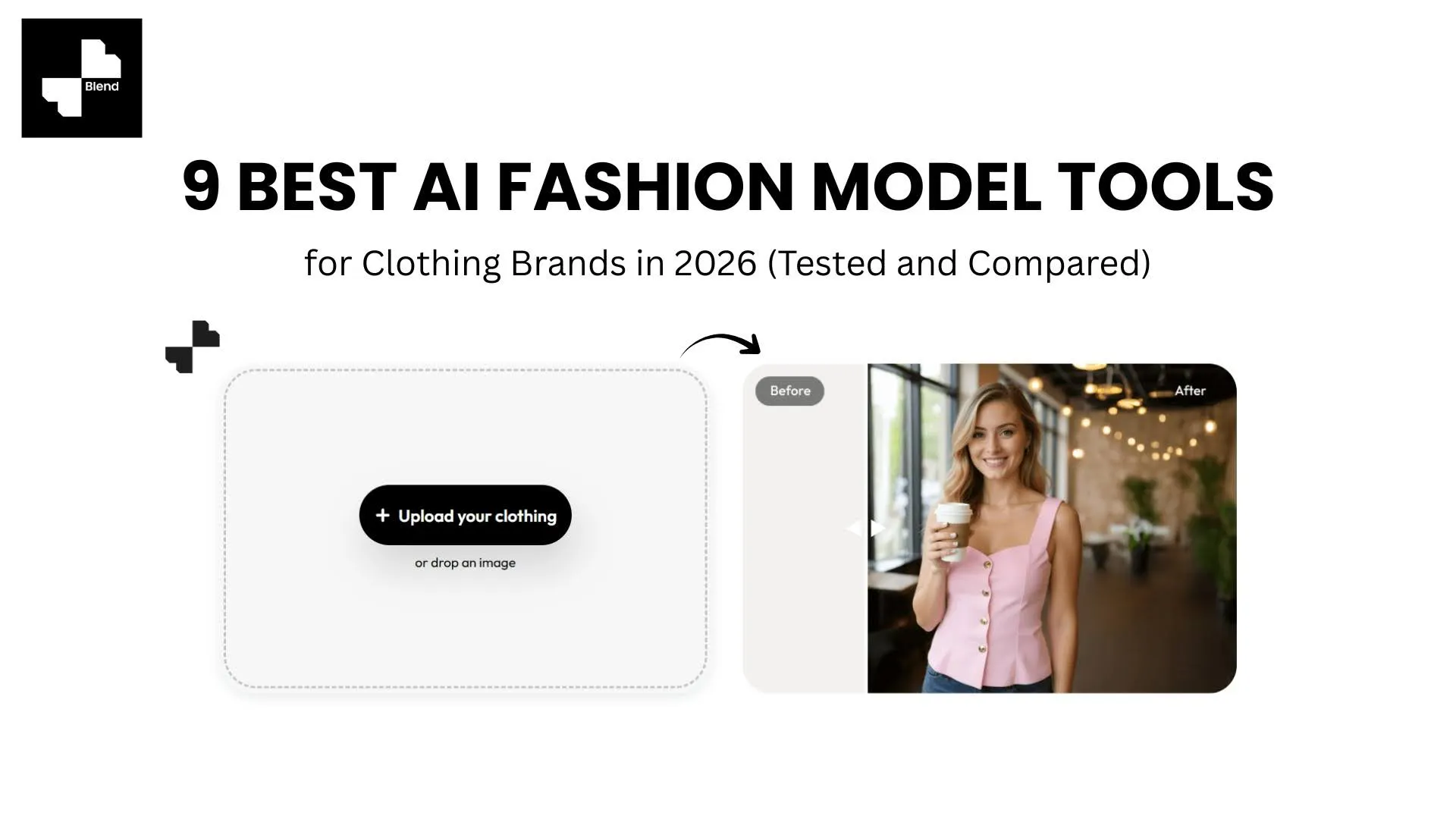



You have 200 SKUs to photograph. Booking models and a studio for every product is not realistic on a small brand budget, and flat-lay images alone will not cut it when shoppers skip anything that does not show how a garment looks on a person.
AI fashion model tools fix that. Upload a product photo, and the AI generates on-model shots ready for listings, ads, and social. We tested nine popular options side by side. Here is how they compare on quality, pricing, and what they actually deliver for clothing brands.
Why On-Model Images Matter More Than Ever
Shoppers make snap decisions. A dress on a hanger tells them the color. The same dress on a model tells them the fit, the drape, and how it pairs with other pieces.
The ROI Case Is Simple
Product pages with on-model imagery tend to see higher click-through rates and lower return rates. For fashion, where returns sit well above the retail average, that visual context sets accurate expectations. Meanwhile, traditional photoshoots run $5,000 to $15,000 per session. AI fashion model tools bring that down to $0.10 to $1.10 per image, with results in seconds.
Best All-in-One AI Fashion Model Platforms
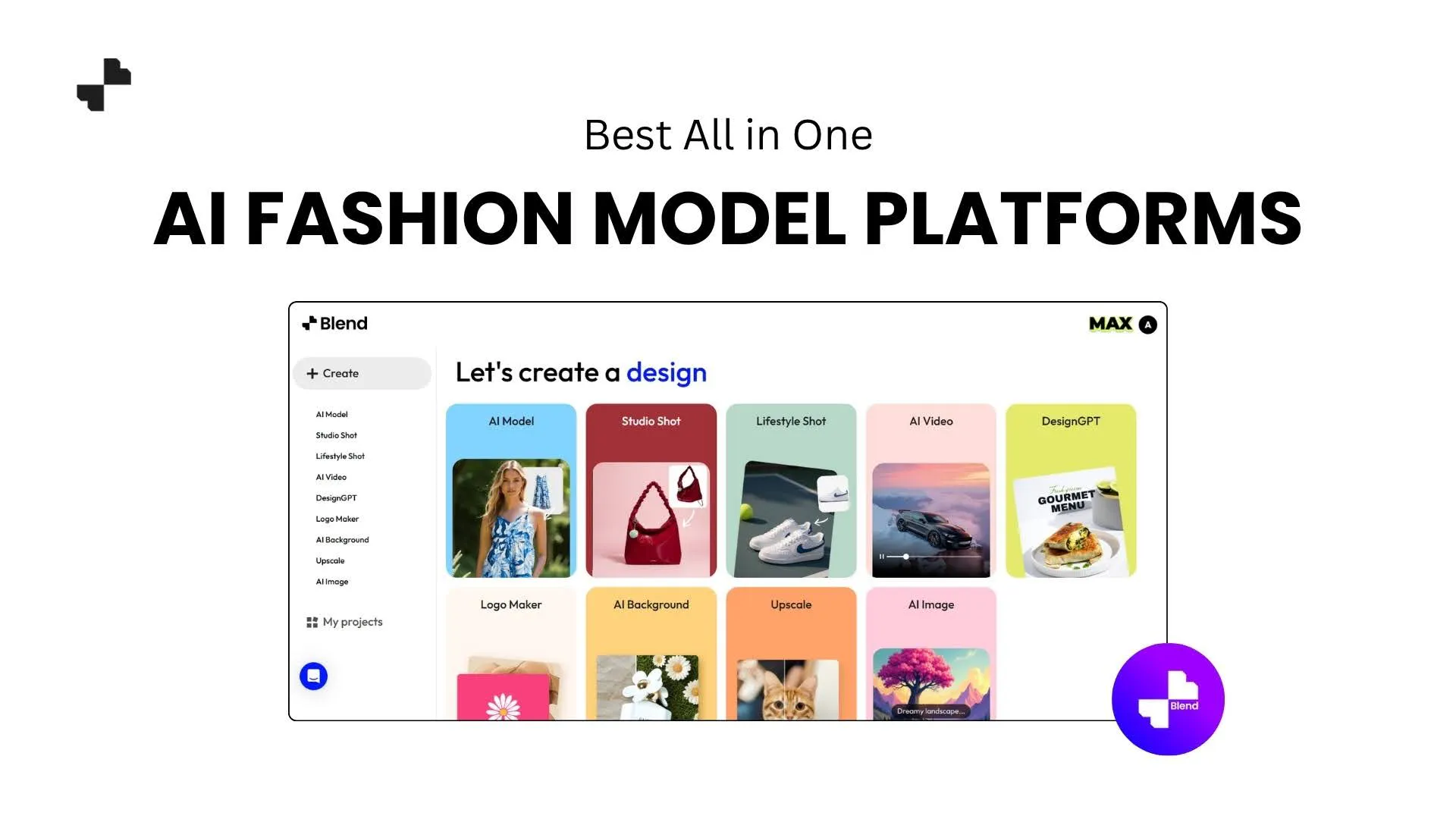
If you want more than a single feature, all-in-one platforms cover your full e-commerce fashion photography workflow without jumping between apps.
Blend
Blend is built for e-commerce sellers who need a complete visual toolkit. The virtual try-on feature turns a flat-lay or ghost mannequin image into a realistic on-model shot. Pick the model's gender, body type, and pose, or upload your own model's face for catalog consistency. The platform also covers:
- Lifestyle shots placing products in real-world scenes like coffee shops, parks, or studio setups
- Short-form product videos ready for Reels, TikTok, and marketplace ads
- Background removal and clean studio shots for white-background listings
Having all of that in one place means fewer subscriptions and a consistent look across every channel.
Best for: Small to mid-size sellers who want one platform for all their product photo needs.
Photoroom
Photoroom has the strongest mobile experience in the category. Full functionality on your phone, which is handy for trade shows or warehouse updates. The virtual model feature supports diverse body types and multi-product framing for outfit styling. Pricing starts at $12.99/mo for Pro, with batch mode at $99/mo.
Where it falls short: Photoroom is a general-purpose photo editor, not a fashion-first platform. Model generation is one feature among many, and the tool does not offer product video creation or dedicated lifestyle scene generation. If you need more than model shots and background edits, you will end up adding another tool.
Best for: Mobile-first sellers who also need general photo editing beyond fashion.
WearView
WearView combines model generation, virtual try-on, video, and pose control in one dashboard. Upload a garment image or use text prompts. Pricing starts at $29/mo for 50 credits.
Where it falls short: At $29/mo for just 50 credits, the per-image cost runs higher than Blend for growing catalogs. WearView also lacks dedicated lifestyle scene generation and background removal, so you would need a separate tool for those visual types.
Best for: Brands wanting model photos, video, and try-on in a single tool.
RELATED READING: 45 Detailed AI Prompts for Fashion & Apparel Model Shots
Best Specialist Virtual Try-On Tools
Sometimes you need one thing done exceptionally well. Specialist tools focus on putting your garment on a model with accurate drape and fabric rendering, which is critical for clothing photography, where fit and texture sell the product.
Fashn
Fashn is purpose-built for garment drape accuracy, trained on how fabrics fall, fold, and stretch on a body. Makes a real difference with linen, silk, and chiffon. Pricing starts at $19/mo for 200 credits, roughly $0.10/image.
Where it falls short: Fashn only does virtual try-on. No lifestyle shots, no product videos, no background removal. If your listings need more than on-model images, you are paying for a second tool to fill the gaps that Blend covers natively.
Best for: Brands where fabric texture and drape accuracy are the top priority.
Uwear
Uwear is built for volume. Batch-process up to 10,000 items via CSV upload with both model generation and video output. Pricing starts at $27/mo for 150 credits.
Where it falls short: Uwear excels at batch processing but lacks lifestyle scene generation and background editing. For brands needing creative flexibility beyond on-model images, Blend handles the full visual pipeline without switching platforms.
Best for: High-volume catalogs that need batch generation at scale.
Botika
Botika plugs directly into Shopify with a native app. Generate model shots from your Shopify admin without re-uploading product images. Starts at $33/mo for 30 credits, making it pricier per image than most.
Where it falls short: At roughly $1.10 per image, Botika is one of the most expensive options here. The tool is Shopify-only with no video generation or lifestyle capabilities. Blend covers model shots, lifestyle, video, and studio images at a lower per-image cost across any selling platform.
Best for: Shopify sellers wanting plug-and-play integration.
Best Budget and API-Friendly Options
Not every brand needs a full platform right away. Lower entry points and developer-friendly APIs let you test AI image generation before committing to a monthly plan.
VModel
VModel is pay-as-you-go with credits that never expire. No subscription required, and $10 in free credits to start. The tool focuses on mannequin-to-model conversions, a natural fit for brands that already shoot on ghost mannequins.
Where it falls short: VModel only handles mannequin-to-model swaps. No lifestyle shots, no video, no background tools. Once you outgrow basic model conversions, a fuller platform like Blend covers the rest of your product photo workflow.
Best for: Seasonal sellers or brands trying AI model photography for the first time.
Claid
Claid is API-first, aimed at developer teams who want to build a virtual try-on for clothes into their own platform. Output goes up to 4K. Starts at $9/mo with 50 free credits.
Where it falls short: Claid requires technical resources to set up and is not built for non-technical sellers. No lifestyle scene or video creation features either. Blend offers a ready-to-use dashboard covering model generation, lifestyle, video, and studio shots without writing code.
Best for: Teams with dev resources wanting to integrate model generation into a custom pipeline.
Nightjar
Nightjar uses reusable "Photography Styles" that lock your lighting, mood, and framing across every generation. Pricing starts at $25/mo for 150 images.
Where it falls short: Nightjar does not offer product video generation, and its workflow focuses on on-model and studio imagery rather than the full content pipeline. Blend pairs model shots with lifestyle scenes, video, and background tools in one platform, so you are not patching together multiple subscriptions.
Best for: Brands that need large image batches to look like they came from one photoshoot.
RELATED READING: How to Create Professional Jewelry Product Photos Using AI
How to Pick the Right Tool
Before committing, check these three things:
- Output quality on your products. Upload your own images during a free trial. Your fabric print and stitching detail are the real test.
- Cost per image at your volume. A tool at $0.10/image saves serious money over $1.10/image at 500 SKUs a month.
- Workflow coverage. Model shots alone are not enough for most listings. Lifestyle images, video, and background removal matter too.
[IMAGE: Four Blend outputs from one polo shirt. Flat-lay, model shot, lifestyle scene, product video still.]
Your Catalog Deserves Better Than Flat Lays
Every tool on this list can turn a product photo into an on-model image. If you want one platform for model shots, lifestyle scenes, product videos, and studio images without juggling subscriptions, Blend covers all of it. Upload your first product and see the difference.
Frequently Asked Questions
What is an AI fashion model tool?
A tool that generates realistic on-model images from your product photos. Upload a flat-lay or mannequin shot, and the AI creates a model wearing the item, ready for your listings or social posts.
Are AI-generated model photos good enough for product listings?
In most cases, yes. The top tools in 2026 produce images with accurate fabric texture, natural lighting, and realistic poses that work well on Amazon, Shopify, and Etsy.
How much do AI fashion model tools cost compared to traditional photoshoots?
Most tools range from $0.10 to $1.10 per image. Traditional shoots typically run $5,000 to $15,000 per session when you factor in model fees, studio rental, and post-production.
Can AI model tools handle accessories like jewelry and shoes?
Several tools support accessories alongside clothing. Blend's AI Models feature works with jewelry (necklaces, earrings, rings), watches, and footwear in addition to apparel.
Do AI fashion model tools work with all clothing types?
Most handle standard categories like tops, dresses, and pants well. Results can vary with layered outfits or heavily textured fabrics, so running a test with your own product images before committing is a good idea.
Will customers know the model photos are AI-generated?
The best tools in 2026 produce output that looks very close to traditional photography. As long as the image accurately represents the product, most shoppers will not notice or mind.