


Every e-commerce seller has hundreds of product photos sitting in a folder. Clean white-background shots, lifestyle images, flat lays. What most sellers don't have is the time or budget to turn those photos into the short-form video content that Instagram, TikTok, and YouTube Shorts now reward with reach.
Here's the disconnect: Reels are the highest-performing post format on Instagram in 2026, with a median engagement rate of around 4.3% (Buffer). Product videos for Instagram convert significantly better than static images in ad performance. Yet most sellers are still posting still photos because video production feels like a separate, expensive workflow.
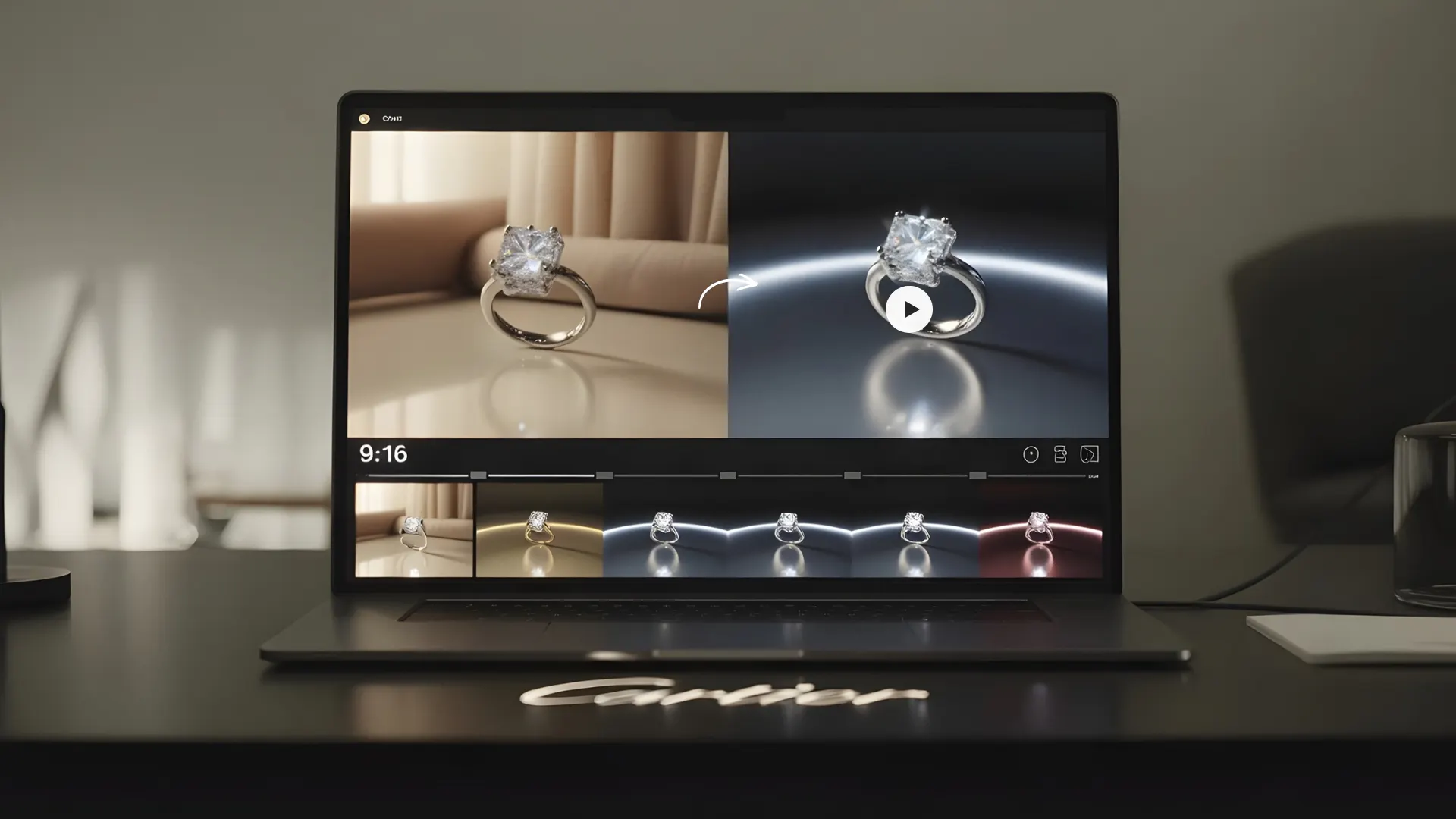
An ai video maker free tool closes that gap. Upload a product photo, and the AI generates a short, dynamic video clip ready for Reels, TikTok, or Shorts. No camera, no editing timeline, no motion graphics skills. Here's how to make it work for your store.
Why Reels Outperform Static Posts for Product Sellers
Short-form video isn't just a content trend. For e-commerce sellers, it's a conversion channel that static images can't match.
The Algorithm Favors Video
Instagram's algorithm pushes Reels to a broader audience than standard photo posts. A product photo might reach your existing followers. A product Reel can land on the Explore page and reach shoppers who've never heard of your brand. For sellers trying to grow organically without increasing ad spend, ecommerce product reels are the highest-leverage content format available right now.
Video Builds Trust Faster Than a Photo
Shoppers want to see products in motion. How fabric moves. How light catches a piece of jewelry. How a skincare bottle looks when someone picks it up. A 10-second product video answers questions that five static images can't. Pages with video convert at roughly 4.8% compared to 2.9% without (WebFX), and 78% of people prefer learning about a product through a short video over reading about it (Wyzowl, 2026).
RELATED READING: Best AI Video Generator Tools in 2026 (Ranked & Reviewed)
Five Types of Product Reels You Can Make From Photos
Not every Reel needs to be a talking-head video or a scripted ad. For e-commerce sellers, the simplest formats tend to perform best because they let the product do the work.
The Product Spin
A slow 360-degree rotation of your product against a clean or lifestyle background. No voiceover, no text overlay needed. Just smooth motion that lets the viewer see every angle. An ai reel creator generates these from a single still image by adding subtle rotation and camera movement.
The Before-and-After Reveal
Show the product in context. A bare shelf, then the product is styled on it. A plain outfit, then the accessory that completes it. A basic product photo, then the same product in a lifestyle scene. Before-and-after formats hook viewers because the transformation creates a natural payoff.
The Feature Highlight
Zoom into one detail of your product. The stitching on a leather bag. The texture of a moisturizer. The clasp on a necklace. AI tools can generate a slow zoom or pan across your product image, turning a single photo into a focused, attention-holding clip. Add a short text overlay calling out the feature, and you have a Reel that educates while it sells. Feature highlights work especially well for products where craftsmanship or material quality is a key selling point.
The Lifestyle Montage
Combine 3 to 5 product images into a quick-cut montage set to trending audio. AI-generated lifestyle shots and on-model images give you the visual variety needed for a montage without running multiple photoshoots. The pacing should be quick, with each image holding for 1 to 2 seconds.
The Product-in-Use Clip
Show the product being held, applied, or worn. For beauty brands, a hand applying serum. For apparel, a model wearing the jacket. For home goods, the product is styled in a real room. Pairing an AI model with photography and video generation creates these clips from a single product cutout.
How to Make a Product Reel From a Single Photo
The process takes minutes, not hours. Here's the workflow from product photo to published Reel.
Start With a Strong Product Image
Your video output is only as good as your source photo. Use a sharp, well-lit image with a clean background. If your photo has a cluttered background, remove it first to give the AI a clean starting point. Products on transparent or white backgrounds work best as inputs for video generation.
Generate the Video Clip
Upload your product image to an AI video tool. Most platforms let you choose the format (9:16 vertical for Reels and TikTok, 1:1 square for feed posts) and the motion style (rotation, zoom, pan, or lifestyle animation). Blend's AI video tool generates product video clips specifically formatted for e-commerce use, with dynamic shots and ad-ready output.
For sellers testing the waters, free options like InVideo AI and Canva's Reel maker handle basic photo-to-video conversion. Output quality is stronger for general social content than for product-specific video, but the free tier is a good starting point.
Add Captions and Post
Around 85% of social media videos are watched on mute, so captions aren't optional. Add a short text overlay highlighting a key feature, a price point, or a call to action. Keep the text large enough to read on mobile. Contrasting colors and bold fonts help the text stand out against the product visual. Most AI video tools include caption features, or you can add text in Instagram's native editor before publishing.
RELATED READING: 11 Powerful AI Visual Content Creation Tools and Their Use Cases in 2026
What Makes a Product Reel Actually Convert
Posting a Reel is easy. Posting one that leads to a sale requires a few strategic choices.
Hook in the First Second
Scroll speed on Reels is brutal. If the first frame doesn't grab attention, the viewer is gone. Start with your most visually striking angle, your boldest product shot, or a quick motion that catches the eye. A slow fade-in from black is a conversion killer. Jump straight into the product.
Keep the Length Between 7 and 15 Seconds
Longer Reels can work for tutorials and storytelling. For product showcases, shorter is better. A 7 to 15-second clip that shows the product clearly and ends with a CTA outperforms longer videos that lose viewers before the punchline. Wyzowl's 2026 data shows 71% of marketers say videos under two minutes perform best, and for product Reels, the sweet spot is even shorter.
End With a Clear Next Step
Every product Reel should point the viewer somewhere. "Link in bio," "Shop now," or "Tap to see more" gives the viewer a reason to move from watching to buying. Without a CTA, even a great Reel becomes entertainment instead of a sales tool.
Conclusion
E-commerce product reels don't require a video team, a camera, or hours of editing. A single product photo and the right AI tool can produce the short-form video content that Instagram, TikTok, and Shorts reward with organic reach.
Start with one product, make one Reel, and post it this week. See what the engagement looks like compared to your last static photo post.
Want to turn your product photos into Reels, lifestyle shots, and on-model images from one platform? Try Blend free and create scroll-stopping product videos in minutes.
Frequently Asked Questions
Can I make Instagram Reels from product photos without video editing skills?
Yes. AI video tools handle the motion, transitions, and formatting automatically. Upload a product photo, choose a style, and download a Reel-ready clip.
What is the best free AI video maker for product Reels?
Blend, InVideo AI, and Canva all offer free or trial tiers for creating product video. Blend is built specifically for e-commerce product visuals, while InVideo and Canva handle broader social video formats.
What video format works best for Instagram Reels?
Vertical 9:16 aspect ratio, MP4 format, under 90 seconds. For product showcases, 7 to 15 seconds tends to perform best in engagement and completion rate.
How many product Reels should I post per week?
Consistency matters more than volume. Posting 3 to 5 Reels per week gives the algorithm enough content to work with while keeping quality high. Batch-create your Reels from existing product photos to stay ahead of your posting schedule.
Do product Reels actually help with sales?
Yes. Video content on product pages converts at roughly 4.8% compared to 2.9% for pages without video (WebFX). On social, Reels reach a broader audience than static posts and can drive traffic directly to product pages.
Should I add music to my product Reels?
Trending audio can help Reels reach a wider audience through Instagram's algorithm. Keep the music complementary, not overpowering. Since most viewers watch on mute, captions and strong visuals matter more than the soundtrack.