
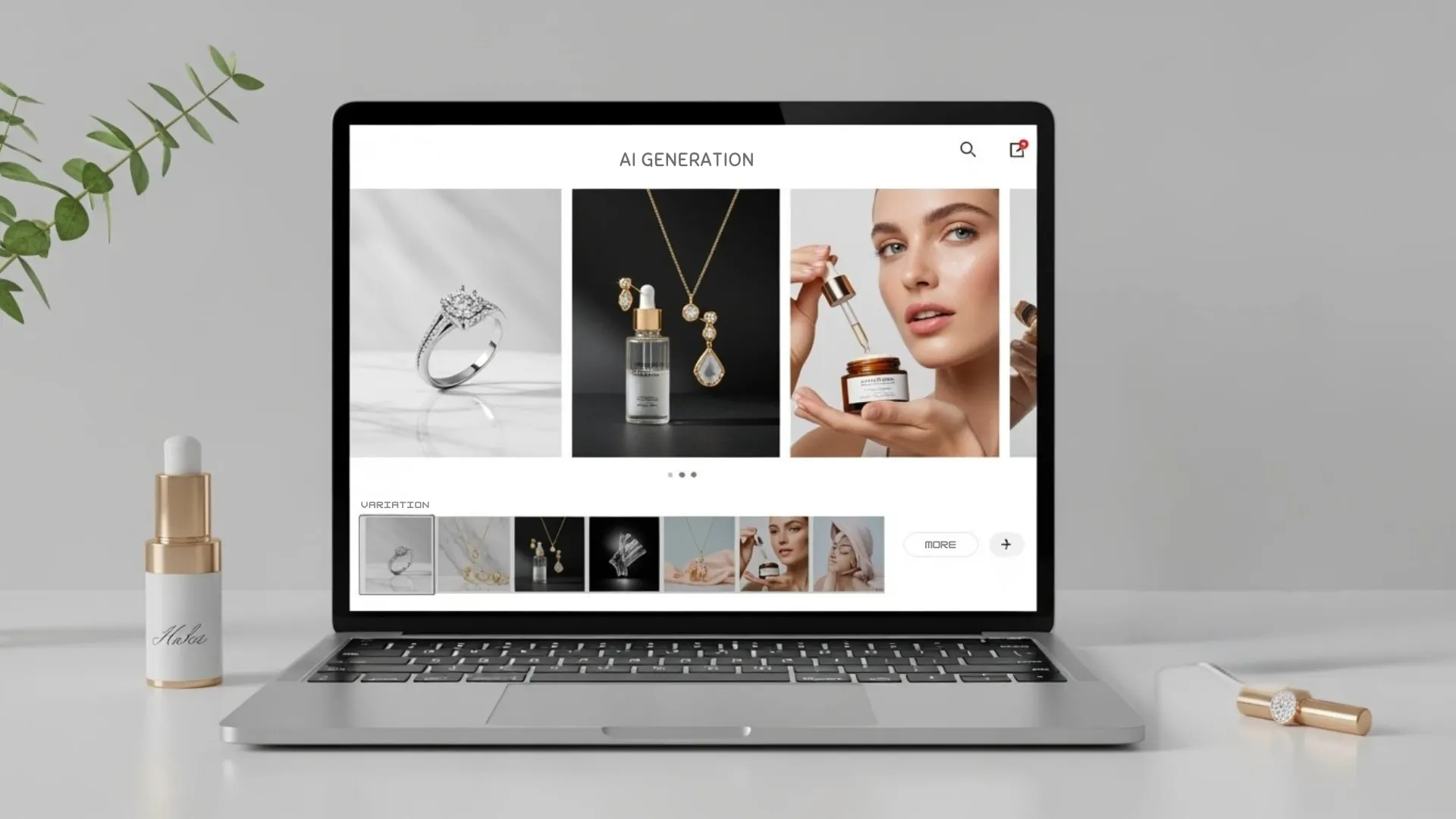


On-model product photos sell better than flat lays. That's not opinion, it's a pattern. Shoppers want to see how a jacket drapes, how a necklace sits on a collarbone, how sunglasses look on an actual face. The problem? Hiring models, booking studios, and managing photoshoots is expensive and slow, especially if you're launching new products every month.
An AI model generator changes that math entirely. Upload a product photo, and the tool places it on a realistic digital model with accurate lighting, natural poses, and proper scale. No casting calls, no agency fees, no scheduling headaches.
Here's how AI virtual model tools work, which industries benefit the most, and how to get results that actually look professional.
What AI Models Do and Why They Work
Before getting into industry specifics, a quick look at what these tools actually do under the hood and why the output converts better than product-only shots.
How a Virtual Model Photography Tool Works
The process is simpler than most people expect. You upload a product image, typically on a clean or transparent background. The AI generates a photorealistic human model wearing or holding the product, with natural skin tones, fabric drape, shadows, and light interaction all handled automatically.
Better tools let you choose model attributes like gender, body type, skin tone, pose, and background setting. The product itself stays pixel-accurate, preserving details like logos, stitching, textures, and color. The model is generated around the product, not the other way around.
Why On-Model Shots Outperform Product-Only Images
Flat lays and white-background shots tell customers what a product looks like. On-model shots tell them how it feels. A dress on a hanger communicates shape. The same dress on a model communicates fit, movement, and style.
Data backs this up consistently. Products with on-model imagery tend to see higher click-through rates, lower return rates, and stronger engagement on social platforms. For high-consideration categories like fashion and jewelry, where conversion rates sit well below the e-commerce average, that visual context can be the difference between a browse and a buy.
RELATED READING: 9 Best AI Fashion Model Tools for Clothing Brands in 2026 (Tested & Compared)
How AI Models Work Across Different Industries
Not every product category uses AI product model tools the same way. Here's how the technology applies across the industries where it makes the biggest impact.
Fashion and Apparel
Fashion is the most natural fit for AI model photography. Clothing needs to be seen on a body to communicate fit, drape, and styling. A t-shirt flat lay tells you the color. That same t-shirt on a model tells you the cut, the fit through the shoulders, and how it pairs with other pieces.
An AI virtual model can generate on-model shots from a single flat-lay or ghost mannequin photo. For brands managing hundreds of SKUs across seasonal drops, that means going from product upload to listing-ready imagery in minutes instead of weeks. Diverse model representation, with different body types, skin tones, and ages, is built into most tools, letting you match your visuals to your actual customer base.
Jewelry and Accessories
Jewelry is one of the hardest categories to sell online because scale and context are everything. A ring on a white background doesn't tell the customer how big it is. That same ring on a hand immediately communicates proportion, fit, and how the piece catches light against skin.
AI model tools generate on-hand, on-neck, and on-ear shots that give shoppers the visual proof they need. For jewelry brands listing across Etsy, Shopify, and Amazon, pairing model shots with lifestyle scenes creates a complete product story without coordinating separate shoots for each format.
Beauty and Skincare
Beauty products benefit from showing the item in use. A serum bottle looks clean on a shelf, but a model holding that bottle, or applying the product, adds an aspirational quality that drives engagement. Skincare brands also use model shots to demonstrate product scale, since a 30ml dropper bottle can look very different depending on whether it's photographed alone or held in someone's hand.
AI-generated model imagery works well here when combined with AI background tools that place the product in bathroom, vanity, or spa-inspired settings. The combination of a model plus a lifestyle environment creates the kind of editorial look that used to require a full creative team.
Eyewear and Watches
Eyewear is almost impossible to sell effectively without on-face imagery. Customers need to see frame shape, lens size, and how the glasses sit on different face structures. Watches have a similar challenge, where wrist shots communicate band width, case diameter, and overall proportion far better than product-only images.
A virtual model photography tool generates realistic on-face and on-wrist shots that give shoppers the fit reference they need. For brands offering multiple frame styles or watch sizes, running each variant through the AI workflow produces a consistent catalog without booking separate model sessions for every SKU.
Home and Lifestyle Products
Not every product goes on a body. For home goods, furniture, kitchenware, and decor, "on-model" translates to "in-context." A candle sitting on a styled coffee table. A throw blanket draped over a couch in a warm living room. A mug held by someone at a kitchen counter.
AI lifestyle photography handles this category well by placing products into realistic room environments with natural light and depth. While AI model generators for wearable products are the most obvious use case, the same underlying technology powers contextual product staging across every product type.
RELATED READING: 45 Detailed AI Prompts for Fashion & Apparel Model Shots
How to Get the Best Results From an AI Product Model
The tools do the heavy lifting, but a few decisions on your end make the difference between passable output and images that look editorial.
Start With a Clean, High-Quality Source Image
Every AI model generator relies on your source photo for product accuracy. A blurry, poorly lit flat lay will produce a blurry, poorly lit on-model shot. Use even lighting, a plain background, and make sure key details like logos and textures are sharp. Removing the background before uploading gives the AI more flexibility to place the product naturally.
Match Your Models to Your Actual Customer
Choose model attributes that reflect who your customers are. If your brand targets Gen Z women, your AI models should look like Gen Z women. If you sell unisex streetwear, show it on diverse body types and genders. The beauty of AI model tools is that this kind of representation is available by default, without the cost of casting multiple models for every shoot.
Pair Model Shots With Lifestyle and Catalog Images
On-model photos work best as part of a complete visual set. A strong product listing typically includes a white-background catalog image, 1 to 2 lifestyle shots, an on-model hero, and a detail or feature close-up. You can build all of these from a single source photo using a combination of AI backgrounds, model generation, and short product video tools.
Conclusion
An AI virtual model removes the biggest bottleneck in product photography: the cost and coordination of working with real models. Whether you sell apparel, jewelry, beauty products, eyewear, or home goods, the technology is now good enough to produce on-model imagery that holds up on any marketplace or social platform.
Start with your best-selling product, generate one on-model shot, and compare it against your current listing images.
Want on-model shots, lifestyle scenes, and product videos from a single photo? Try Blend free and create professional product visuals in minutes.
Frequently Asked Questions
Do AI-generated model photos look realistic enough for product listings?
Yes. The best tools in 2026 produce on-model images that are difficult to distinguish from real photoshoots, especially for standard product categories like apparel, accessories, and beauty.
Can I choose the model's appearance, pose, and background?
Blend AI model generator tool let you select gender, ethnicity, age, body type, skin tone, pose, hair style, and background setting. Some also support custom model creation for brand consistency.
How much does an AI model photography cost compared to a traditional shoot?
AI tools typically cost $10 to $30 per month. Traditional on-model shoots run $5,000 to $15,000 per session when you include model fees, studio rental, styling, and retouching.
Which product categories work best with AI virtual models?
Fashion and apparel see the strongest results, followed by jewelry, eyewear, watches, and beauty. Home and lifestyle products benefit from AI-powered contextual staging rather than wearable model shots.
Does the AI preserve product details like logos and textures?
Yes. Quality tools generate the model around the product, keeping logos, stitching, fabric texture, and color pixel-accurate. Always review output for fine details before publishing.
Can I use AI model photos on Amazon, Shopify, and Etsy?
Yes. AI-generated images export as standard JPG or PNG files that meet marketplace requirements for resolution, format, and background specifications.