


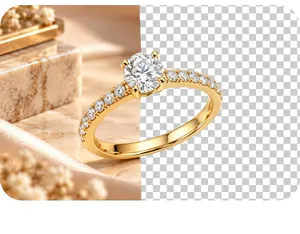
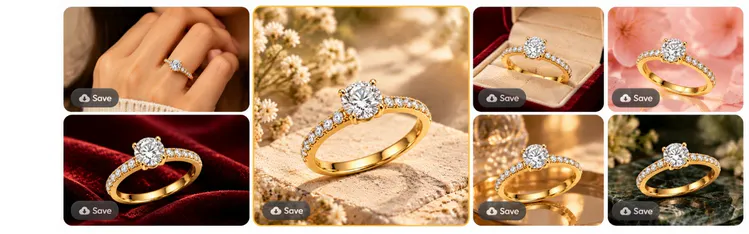
Traditional mockup templates give you a fixed angle, background and lighting, and need editing software. With Blend’s AI mockup generator you upload your own product photo, and the AI builds the scene around it with realistic lighting, shadows, surface textures and props. There are no templates to swap and no design skills needed.
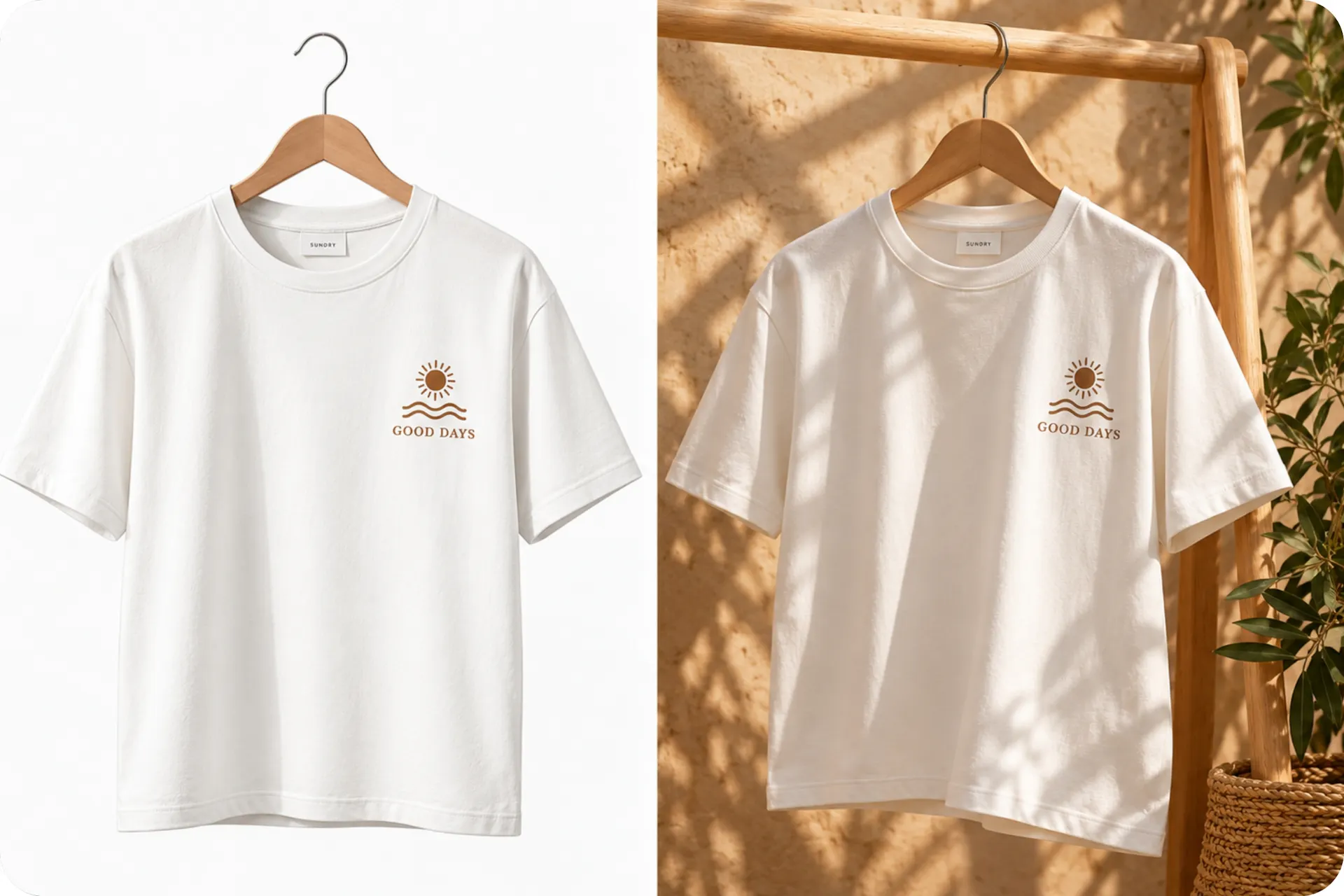
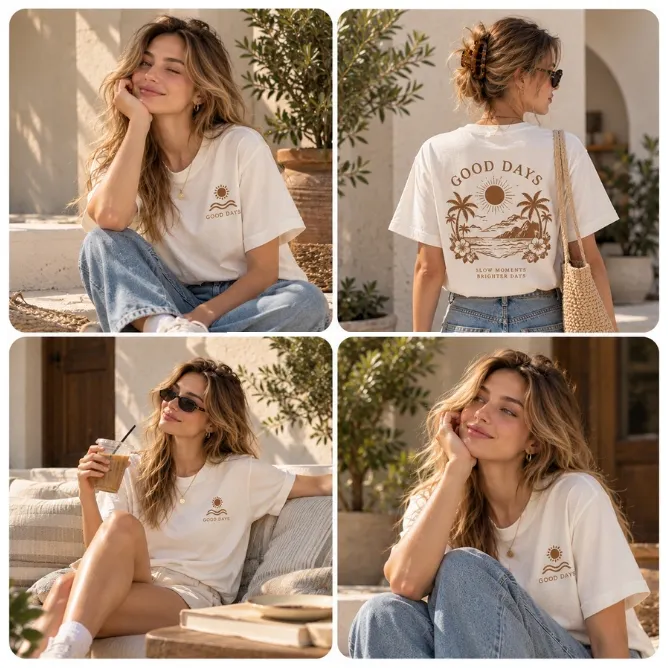
Place a t-shirt, hoodie, dress or jacket on a virtual model with realistic fit, fabric texture and natural poses. Upload a flat lay, ghost mannequin shot or garment photo, and generate multiple on-model mockups from a single product image. This replaces downloading apparel mockup templates and editing them one by one.
Home goods, beauty, food, electronics and packaging can go into realistic room scenes, outdoor settings or styled surfaces. A coffee mug can sit on a wooden desk, or a candle on a bedside table. The AI handles lighting, shadows and surface details, and every scene is built from your actual product photo.
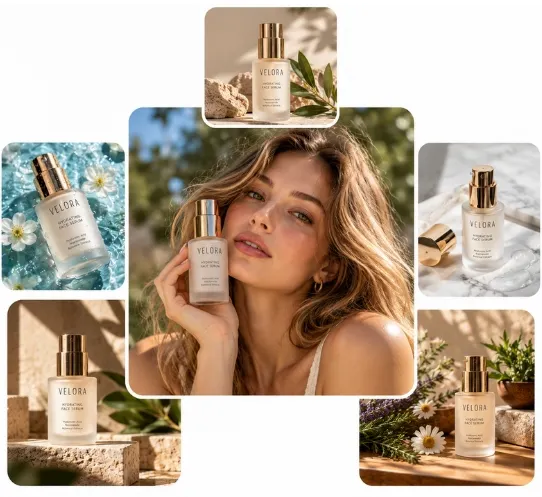
From AI models to studio shots, Blend gives you a complete visual toolkit to create studio-quality images at a fraction of the cost.
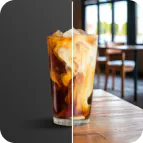
Generate realistic AI product backgrounds or studio scenes instantly, no photoshoot required.
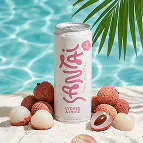
Turn your products into lifestyle images by placing them in real life scenes.
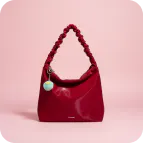
Create clean, minimal studio-quality product photos with perfect lighting and shadows.
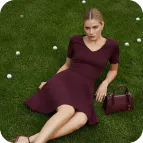
Showcase clothing and jewellery on diverse AI-generated models. See your apparel on real body types without costly model shoots.
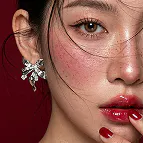
Showcase how your earring, necklace & bracelet look when worn. Drive conversions with realistic jewellery try-on visuals.
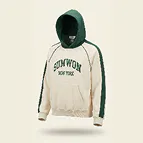
Create clean, professional ghost mannequin images (invisible mannequin effect) for clothing. Perfect for marketplaces like Amazon & Shopify.
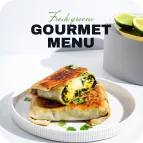
Generate complete marketing creatives, banners, and product visuals using simple text prompts.
Design a unique, AI-generated logo for your brand in seconds.
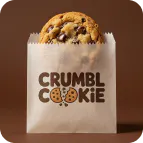
Place your logo on realistic product mockups like t-shirts, mugs, billboards, hoodie & more.
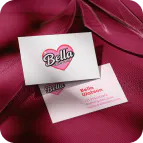
Design premium, print-ready business cards that reflect your brand identity. Professional results in seconds.
Create animated logo reveal videos for social media, presentations, & brand introductions.
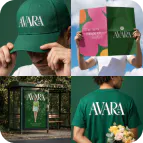
Just enter your email and we’ll send a ZIP with your mockups, logo reveal video, business card and logo.

Bring your products to life with AI video. Create motion content for reels, ads, & listings without a video production budget.
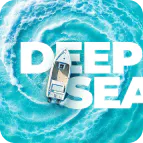
Layer text seamlessly behind product subjects for editorial-style social graphics and ads that stop the scroll.

Remove unwanted objects, props, watermarks, or distractions from any product photo with surgical precision.

Instantly erase any background from product photos with one click. Get clean, transparent, studio-quality cutouts.
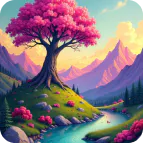
Create any image, backgrounds, & brand imagery from scratch using AI. Ideal for concept testing & mood boards.
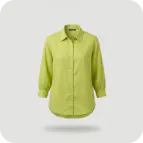
Digitally remove creases & wrinkles from garments in product photos for a clean, pressed, retail-ready look.
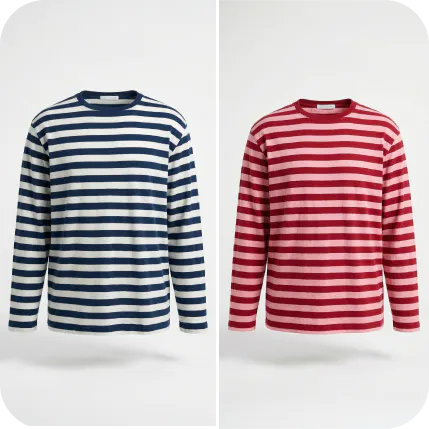
Visualize your product in every color instantly. Generate color variants of apparel, accessories, or products for listings.
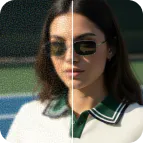
Enhance low-resolution product photos into high-definition, print-ready images. Recover detail, sharpness, & quality.
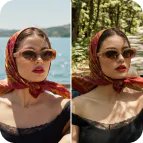
Swap backgrounds, change colors, add elements, or refine details of your product photo using a simple prompt.
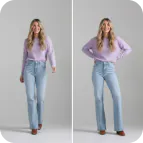
Change poses of your AI models to showcase the perfect fit angle, without reshooting. Ideal for high-volume fashion catalogues.
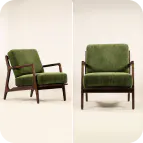
Generate multiple product angles from a single photo. Show your product from every perspective customers want to see.
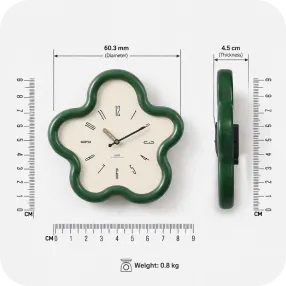
Display exact product dimensions with a visual scale directly on your product image.
An AI mockup generator creates realistic product visuals without design software or paid templates. With Blend, you upload a photo of your product and the AI places it on a model or into a styled scene.