


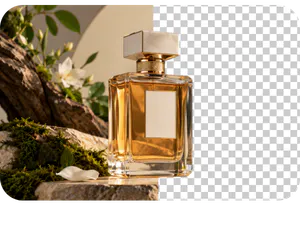
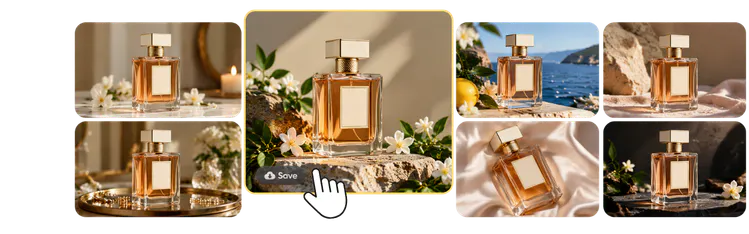
Change the background of a photo without masking layers by hand. Blend finds your subject, removes the old background, and leaves a clean cutout you can place into any new design or scene. It works on product photos and portraits.
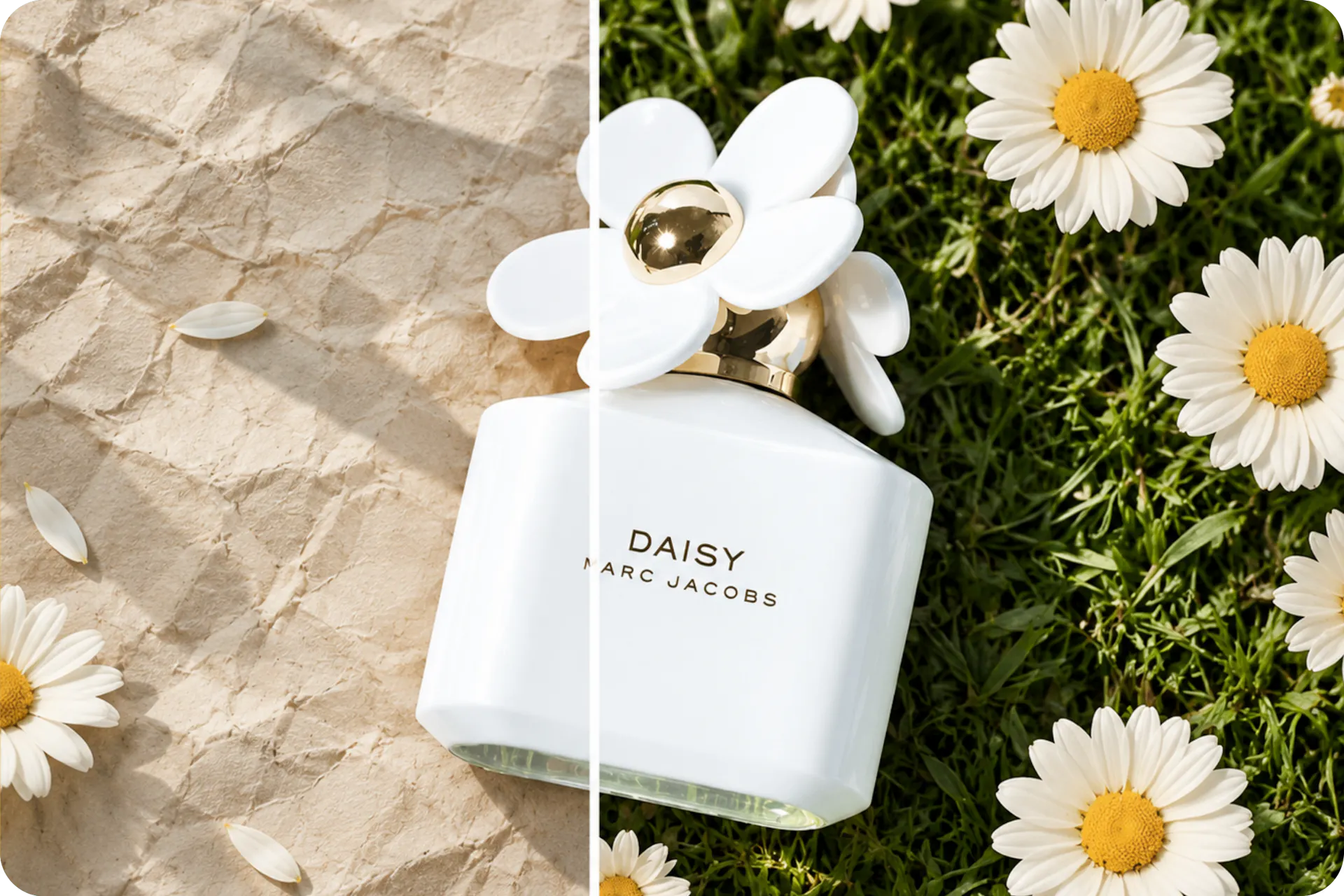
Upload, erase, and replace the background with a new color, or keep it transparent. Choose from thousands of curated templates or add a custom background. Swap a cluttered backdrop for a clean one, then add shadows so your subject sits naturally in the scene. Use the result in your ecommerce store or on social media.
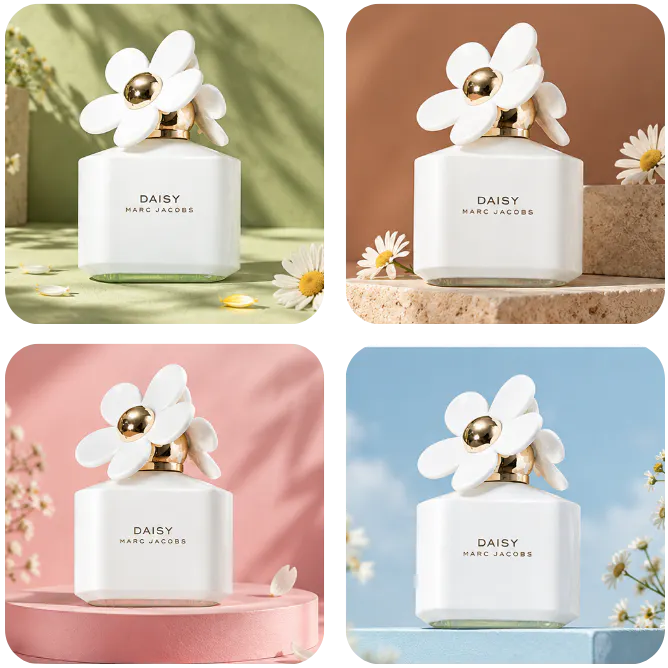
Describe the scene you want, or pick a generated background like studio, mountain, urban, wood, beach, Christmas or Halloween. AI Photoshoot builds the new background around your subject, so a plain photo can become a studio shot or a seasonal scene.

Upload your photo and Blend removes the background automatically. Then choose a new background in the Blend editor, from a solid color to a template, or generate a custom scene with AI Photoshoot.