


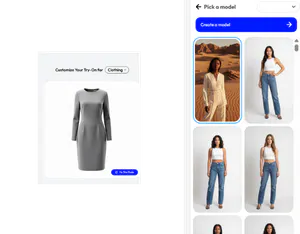
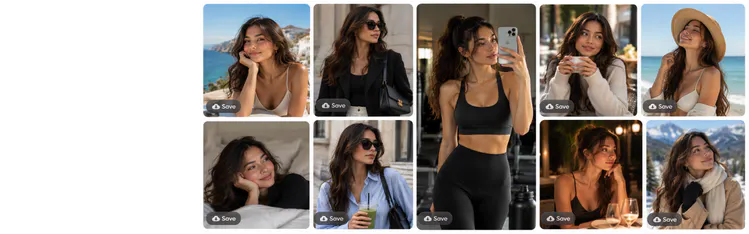
Pick ethnicity, hair type, skin tone, age group and body shape so your AI influencer reflects who you sell to. It works as an AI influencer for ecommerce brands that sell clothing or jewellery. If you sell in more than one market, you can create more than one virtual influencer.

Create a virtual model once and use it for all your clothing, which helps keep your images consistent. With Change Pose, one outfit image becomes a full set of model shots, with the model, outfit and overall look kept consistent.
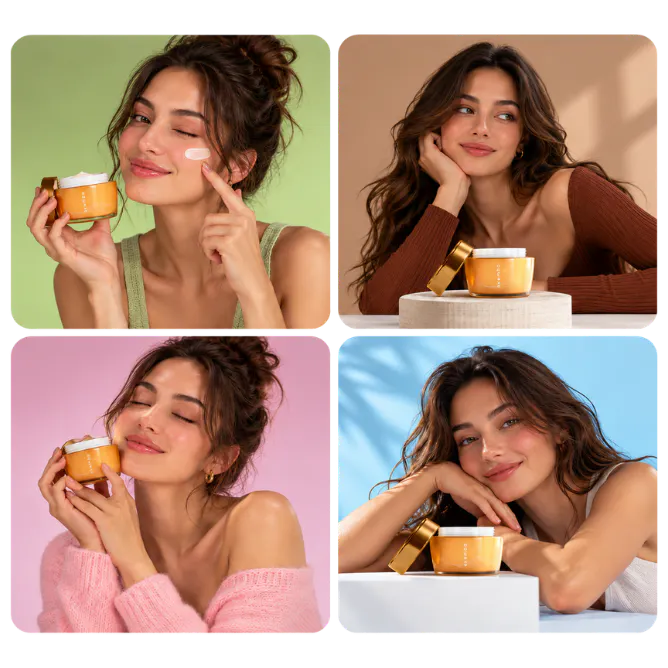
Use your AI model photos for store listings, social posts and ads. Then turn a model photo into a short video with AI Videos, choosing from 200+ presets.
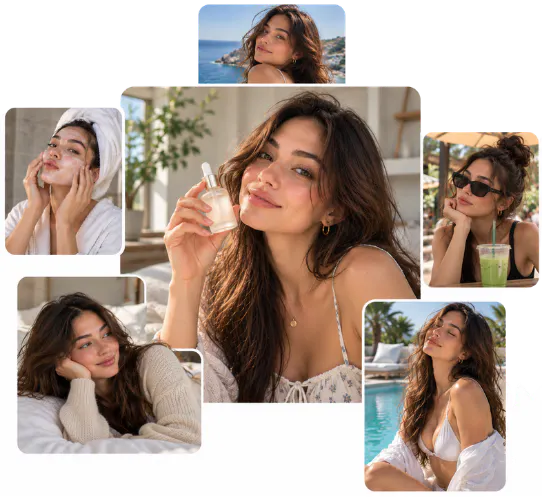
It creates a virtual person you can use to show your products instead of hiring a human model. You may also see it called a virtual influencer maker or generator. In Blend, you create one in the AI Model tool by choosing ethnicity, hair type, skin tone, age group and body shape.