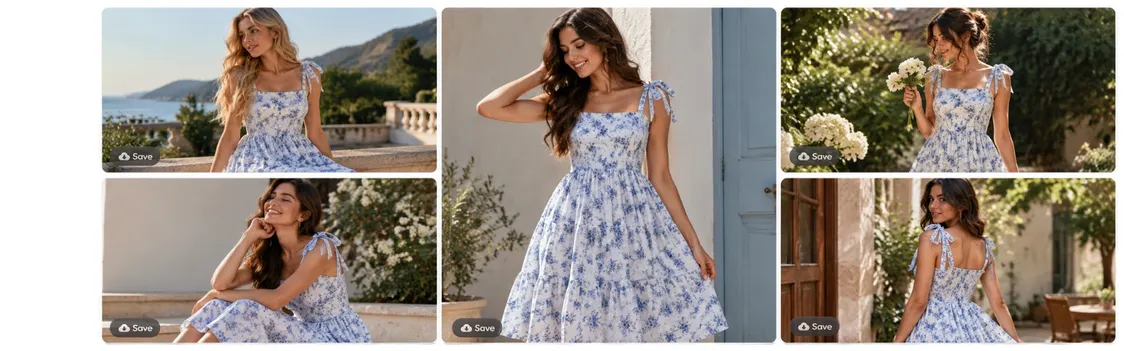
AI Fashion Model Generator — Put Your Clothes on AI Models

+ Create now

How to put clothes on an AI model?

Upload your garment photo

Upload a flat lay, ghost mannequin shot or garment photo. A clean, well-lit photo with the garment fully visible gives the AI the clearest read on shape, texture and print.

Upload your garment photo

Pick a model

Choose a model from Blend’s curated collection of diverse AI models. You can also upload your own model photo, with their consent, and Blend redresses them in your clothing. Choose a front or back view.

Pick a model

Save or customize

Export your on-model photo, or re-generate the same garment on another model. You can also change the background and pose, add accessories, or add images that focus on details.

Save or customize

Put clothes on an AI model from a flat lay

Turn flat lays into professional on-model shots in seconds, with realistic fit and fabric rendering. You don’t need a photoshoot, a studio or a hired model.

Diverse AI models for your audience

Choose from a diverse AI model collection to reflect your target audience. Men’s, women’s and kids’ clothing all work, including tops, bottoms, dresses and suits.
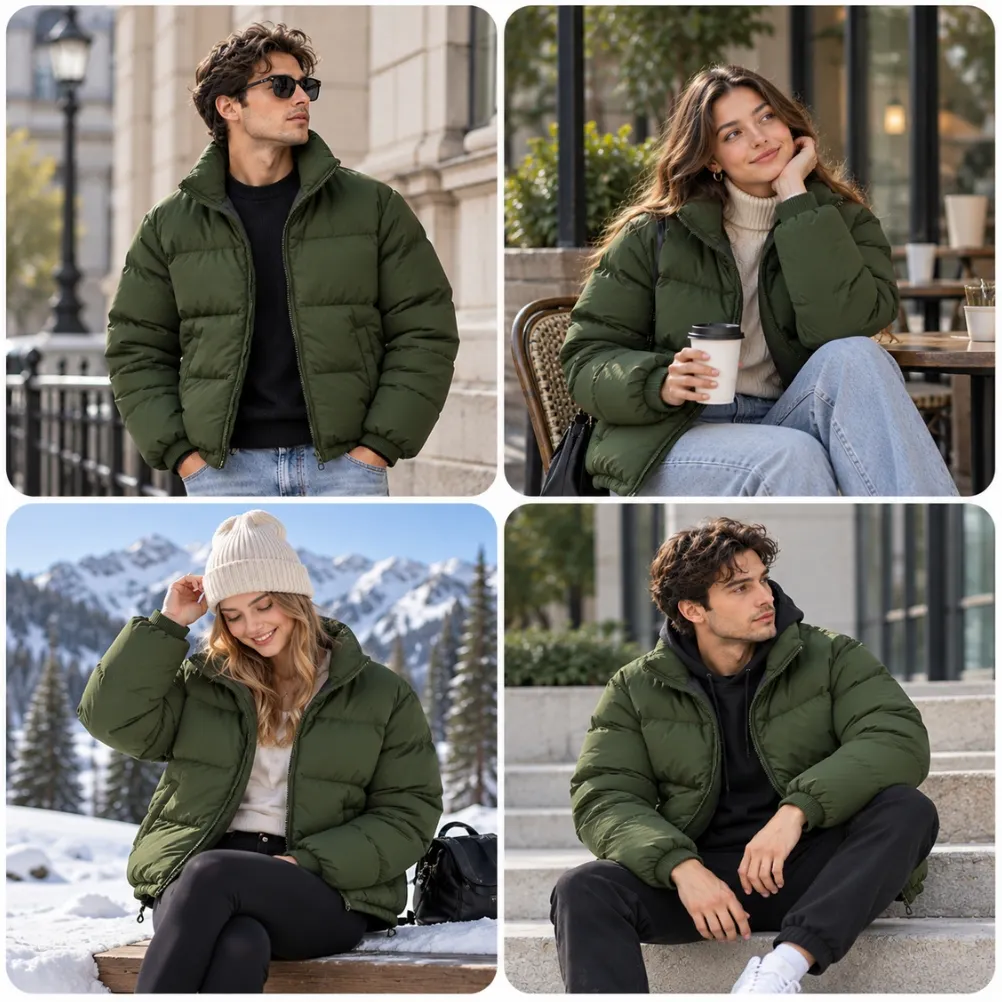
Edit your shots and bring them to life

Change the background, adjust the pose, or add accessories without starting over. With Change Pose, one outfit image becomes a set of shots in new poses. You can also turn a still model photo into a short video with AI Videos.
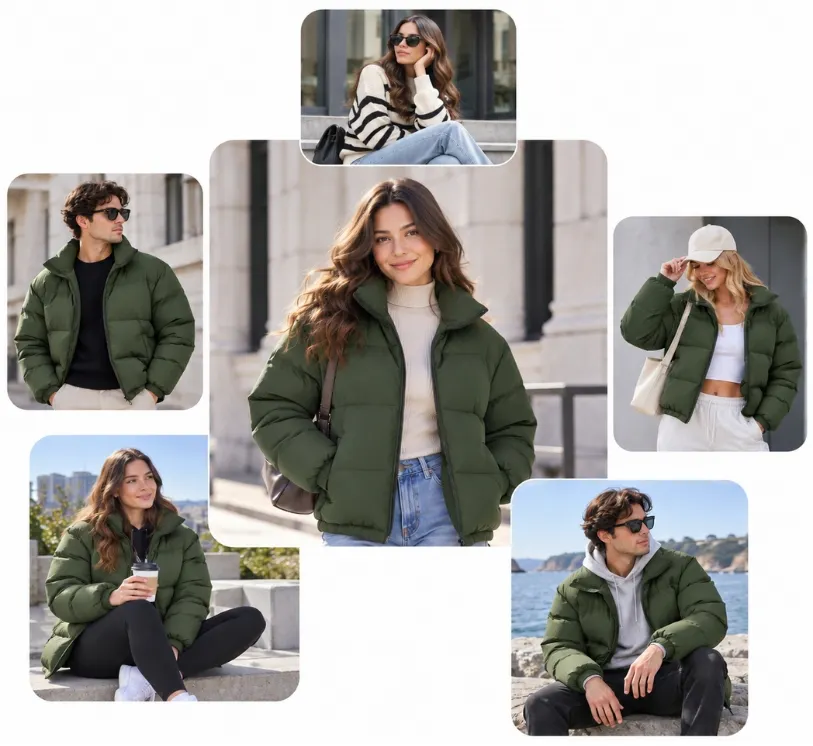
Frequently asked questions

It creates photorealistic on-model product images from garment photos. You upload a flat lay or product shot, choose a model, and describe the pose, setting and lighting you want.