
Blend vs Flair AI
Flair AI is a drag-and-drop design canvas for AI product photography, built around props, 3D staging, and manual scene building. Blend is a guided AI studio that skips the canvas, turning a product image into model shots, lifestyle scenes, and video without composing anything by hand. As a Flair AI alternative, Blend trades the learning curve for speed and adds product video that Flair AI does not offer.


A faster path from product photo to finished asset
Here is how Blend compares with Flair AI across the workflow, from AI models to product video and post scheduling.
| Features |  |  |
|---|---|---|
| Background Removal | ✓ | ✓ |
| AI image generation | ✓ | ✓ |
| Batch editing | ✓ | ✓ |
| No prompt required | ✕ | ✓ |
| AI Chat | ✕ | ✓ |
| Dedicated UI | ✓ | ✓ |
| Export Quality | HD | HD + Upscale to 4k |
| AI Models/Virtual Try On | ✓ | ✓ |
| Lifestyle shots | ✓ | ✓ |
| Studio shots | ✓ | ✓ |
| AI Videos | ✕ | ✓ |
| Product templates | ✓ | ✓ |
| Social media post scheduler | ✕ | ✓ |
Trusted by sellers across the globe
Read feedback from e-commerce brands who switched to Blend for their visual needs.
 App Store
Necessities Brand
A brand from US
Acerolover
Spain
 Google Play
Diana L Cruz O
Android user · Spain
Keerthana Philip
Founder, Sköl, a beverage brand
Watch how to create with Blend
How does having a dedicated UI help over a chat only UI in nano banana? Watch these videos to see how easy it is.
 ▶
▶How to create lifestyle product photos using AI
Turn boring product photos into stunning lifestyle shots in seconds using AI. Transform simple images into professional, high-converting visuals with Blend. No photoshoots, no expensive setups - just upload your product and let AI create realistic environments, lighting, and compositions that make your products stand out.
Watch Video ▶
▶How to put clothing and jewellery on AI Virtual Models
This video how to place your products on realistic AI virtual models using Blend. Simply upload your product, choose or generate a model, and create stunning, lifelike visuals in minutes.
Watch video ▶
▶How to Create AI Product Videos for Ads and Reels
Want to turn a single product photo into engaging videos for ads, reels, and social media? Transform static product images into dynamic, professional-looking content that captures attention and helps drive more sales across Instagram, TikTok, Facebook, YouTube Shorts, and ecommerce platforms.
Watch VideoWhere Blend pulls ahead for e-commerce
Flair AI is a capable product image generator, but control comes with setup time. Blend covers the parts that slow a busy seller down.
Guided results without building a scene
Flair AI's canvas gives fine control, and that control takes setup: props, lighting, camera, and composition on every shot. Blend removes that step. Upload a product, pick guided options, and get a finished image, which helps when you have volume and little time.
Product video Flair AI can't create
Flair AI is an image-only product image generator with no video output. Blend produces short product videos from a still image for Reels, listings, and ads. For sellers testing motion creatives, that closes a real gap in the workflow.
Try AI Videos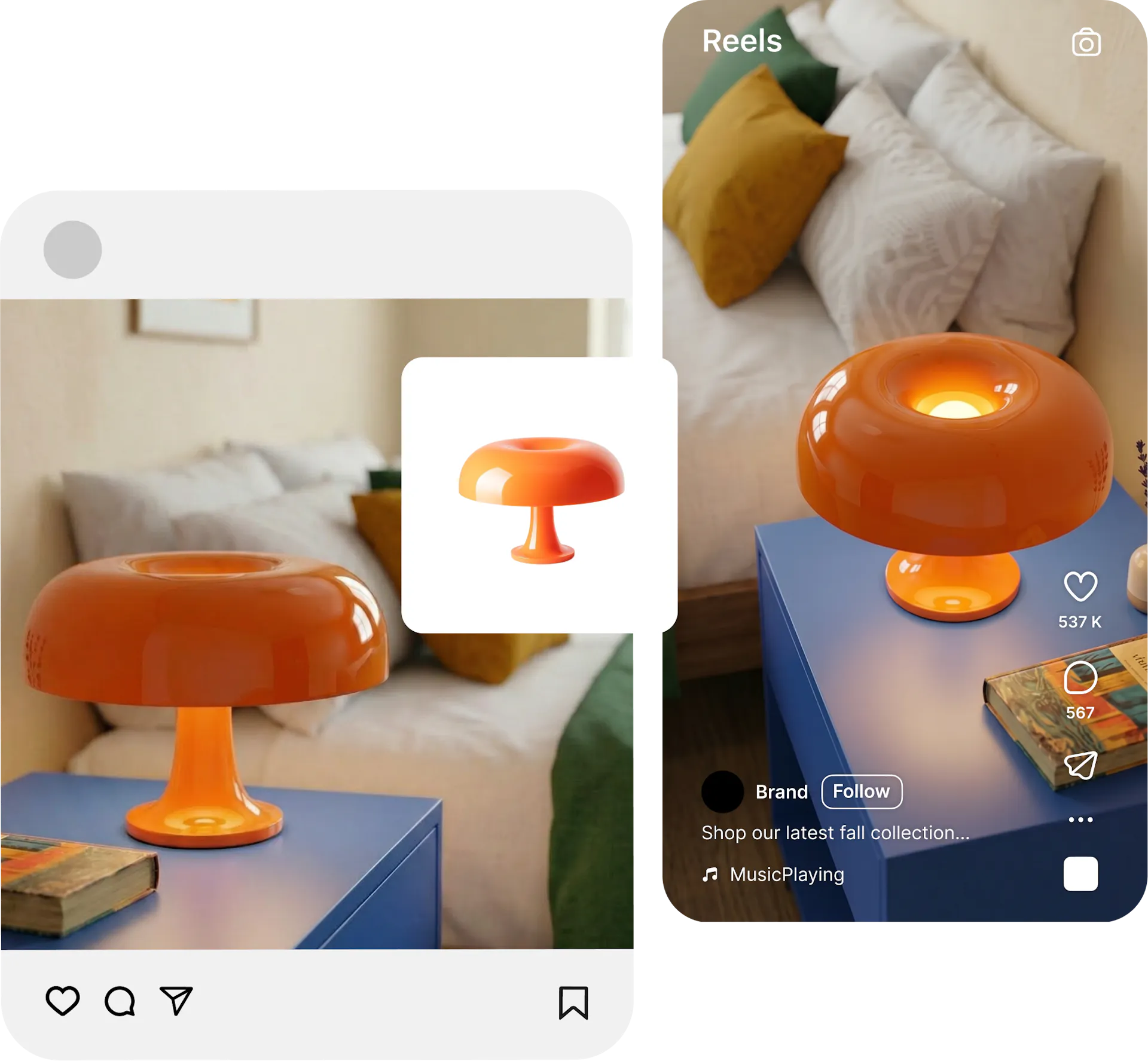
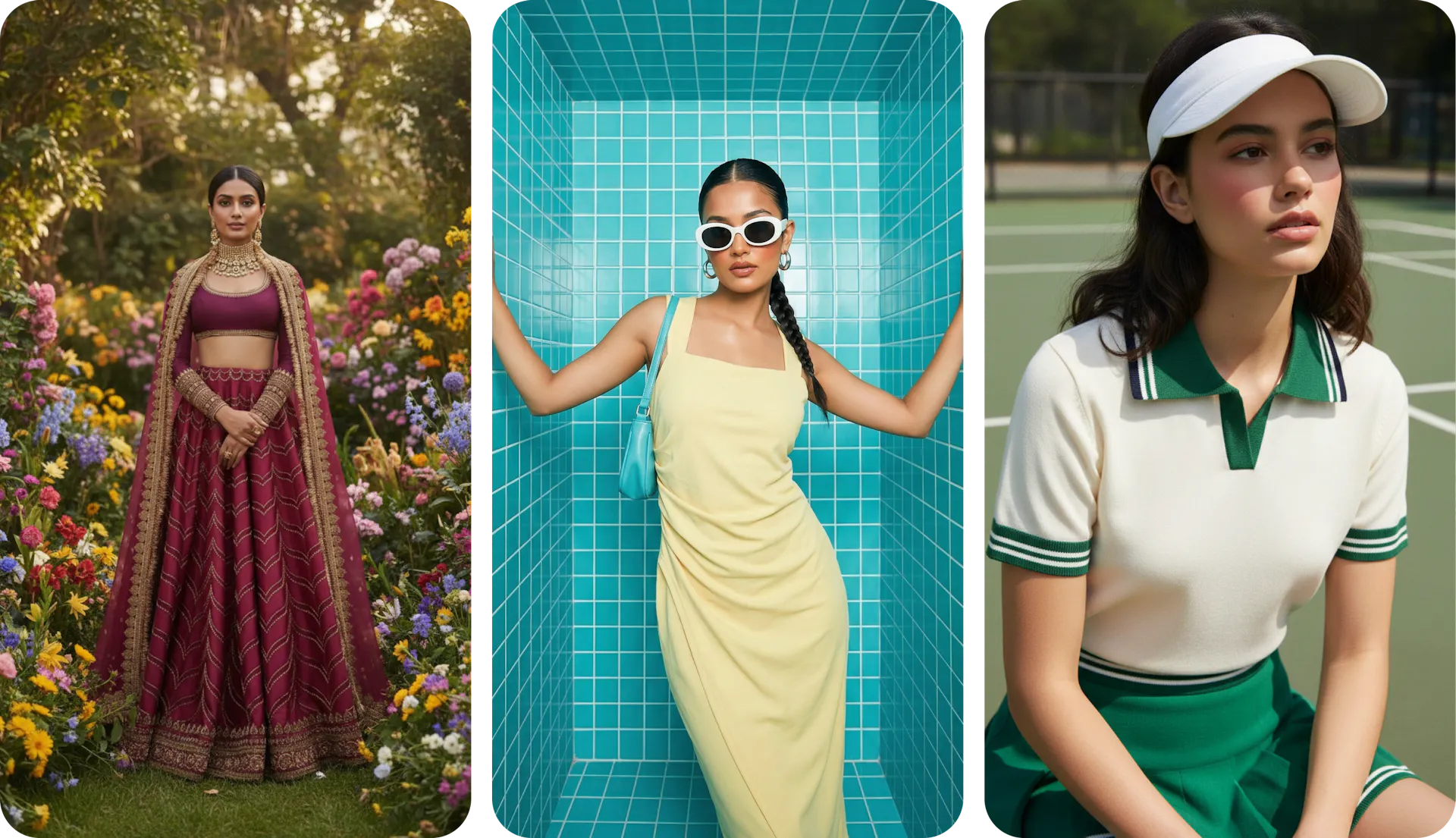
Consistent on-model imagery at scale
Flair AI can generate models, but holding one model, pose, and lighting steady across a big catalog means repeated manual setup. Blend locks a chosen model and scene style so every SKU matches. Brand ambassadors stay identical across hundreds of listings.
Try AI Models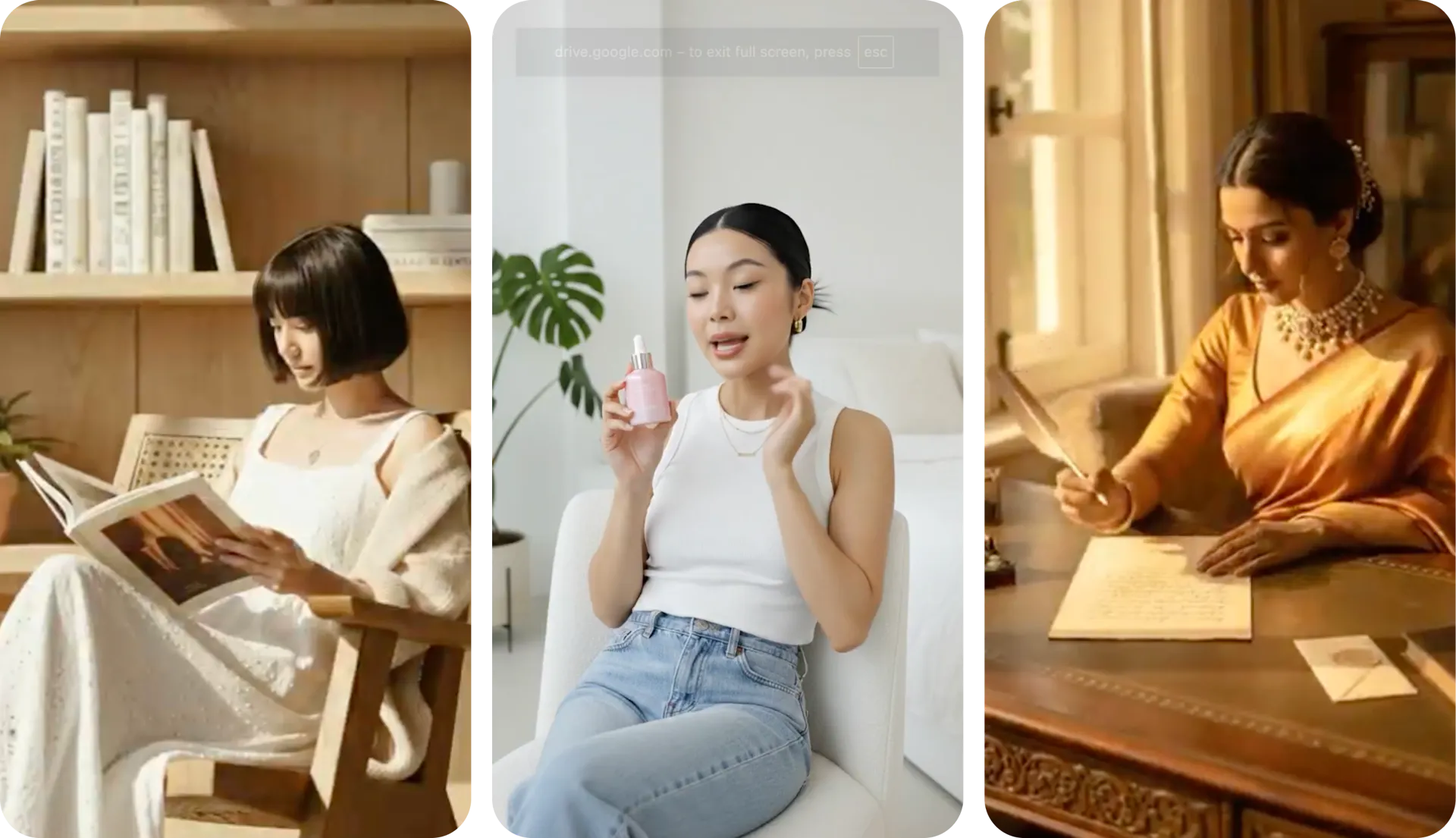
Why Sellers Prefer Blend over Flair AI
prompts needed in Blend. Flair AI requires prompt writing and a drag-and-drop canvas for every shot, which adds setup time per generation. Blend uses guided options, so a usable product image takes minutes without composing a scene.
setup steps per shot on Flair AI's canvas, including props, lighting, camera angle, and composition. Blend removes that manual loop with guided options, so a usable product shot takes minutes, not a design session.
AI tools from AI Model try on, lifestyle shots, studio shots and AI reel makers. Flair AI covers images and video with strong creative control, but leaves scheduling and guided generation to other tools.
workflow from shot to scheduled post. Flair AI ends at the exported image or video file. Blend includes a scheduler, so a finished photo or clip goes straight to a queued social post without opening a second app.
Frequently asked questions about Flair Ai vs Blend
Yes. Blend covers the same core ground as Flair AI, including AI product images, on-model shots, and lifestyle scenes, then adds product video and post scheduling. For sellers who want output without a design canvas, Blend is a practical Flair AI alternative.