


Stickers are everywhere right now. From WhatsApp chats and Instagram stories to Etsy shops and laptop decals, they have become one of the internet’s favorite ways to communicate personality.
A funny raccoon sticker can express exhaustion better than a paragraph. A cute coffee illustration instantly makes a conversation feel warmer. Brands use custom stickers to make packaging more memorable. Creators use them to build aesthetics. Small businesses even sell printable sticker packs online as digital products.
That is exactly why searches for terms like sticker maker online, online sticker maker, and how to create stickers have exploded recently. With AI tools like Blend, you can create aesthetic, funny, or professional-looking stickers within minutes simply by typing prompts.
Why Stickers Are So Popular Right Now
The internet has shifted toward visual communication. People increasingly use memes, emojis, GIFs, and stickers because they feel faster, more expressive, and more personal than plain text.
That emotional connection is what makes stickers powerful. Today, stickers are used for:
- WhatsApp sticker packs
- Instagram story elements
- Journaling and planners
- Laptop decals
- Product packaging
- Discord communities
- Digital scrapbooks
- Etsy printable shops
How to Create Stickers Online Using Blend AI
Creating stickers used to require tools like Photoshop or Illustrator. Today, AI simplifies the entire process dramatically. Instead of manually drawing every detail, you can generate artwork using prompts and customize the results within minutes. Here is the easiest way to create stickers online using AI:
Step 1: Go to Blend and Click on “Start Creating”
Go to the Blend website and click on “Start Creating” option. You will see multiple creation options including stickers, typography, signatures, and AI image generation.
The interface is beginner-friendly and designed for fast creation, which makes it ideal if you want to create custom stickers online without learning complicated editing software.
Step 2: Select the AI Image Feature and Choose “Sticker”
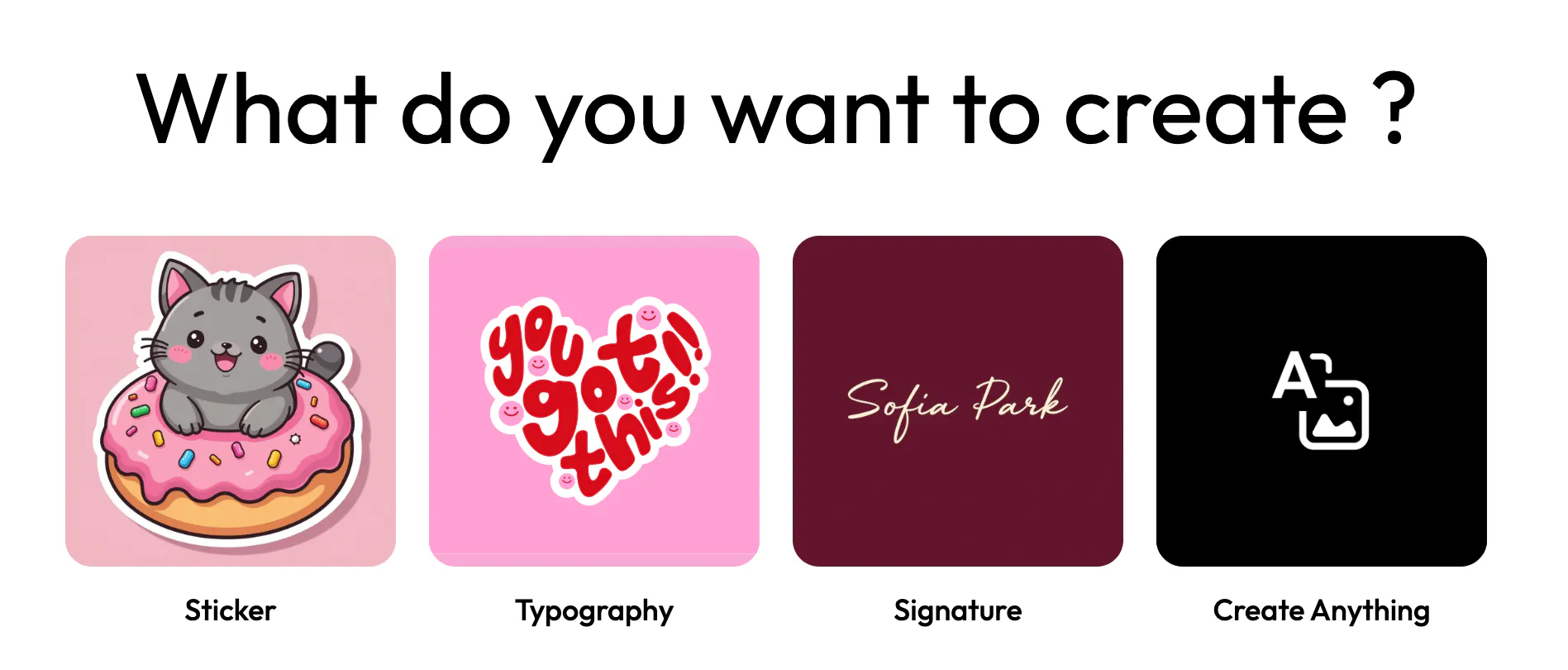
Once inside the AI image section, select the Sticker feature. This tells Blend to generate artwork optimized for sticker-style visuals with clean outlines and cohesive compositions.
You can either:
- type a prompt
- upload inspiration images
- combine both for more accurate results
This flexibility helps you create highly personalized sticker designs.
Step 3: Describe Your Sticker or Add Inspiration
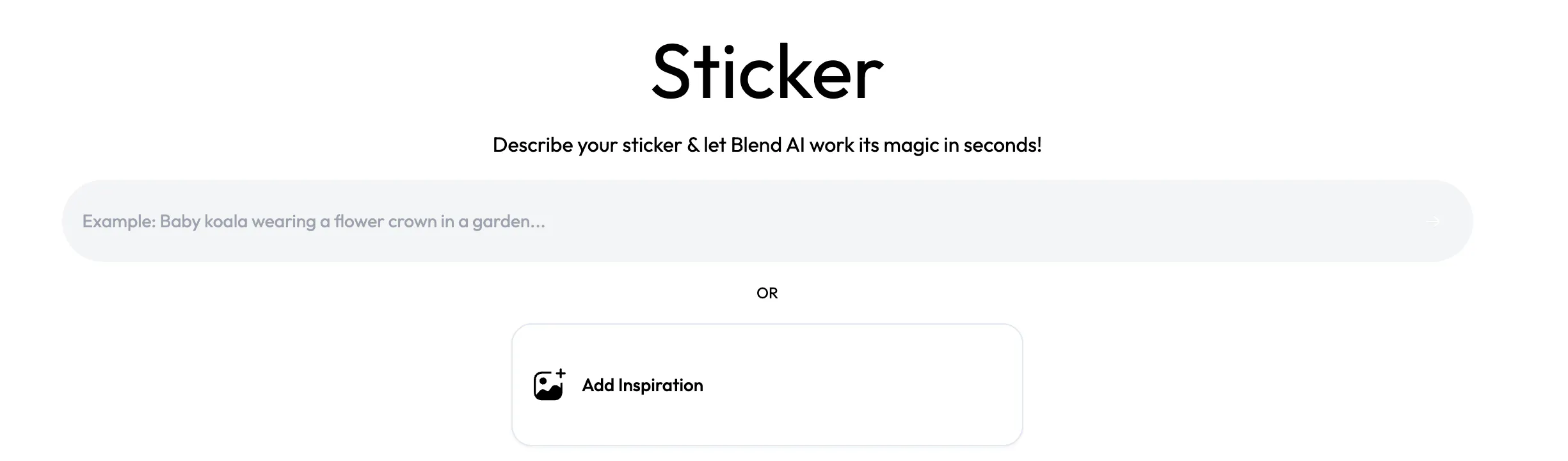
Now comes the fun part. Describe exactly what you want your sticker to look like. For example: “cute cat eating ice cream sticker in kawaii style with white outline” or you can also type something like “retro astronaut sticker with vintage pastel colors”.
The more descriptive your prompt is, the better your result becomes. You can also upload inspiration images if you want the AI to follow a particular aesthetic or mood. Detailed prompts usually perform better because they give the AI clearer direction regarding:
- style
- mood
- color palette
- outline type
- composition
Step 4: Generate Your Sticker
Once your prompt is ready, generate your sticker.Blend AI will instantly create multiple sticker variations based on your description. For example, a prompt like “cat eating ice cream sticker” can generate multiple styles ranging from retro cartoon aesthetics to cute kawaii illustrations.
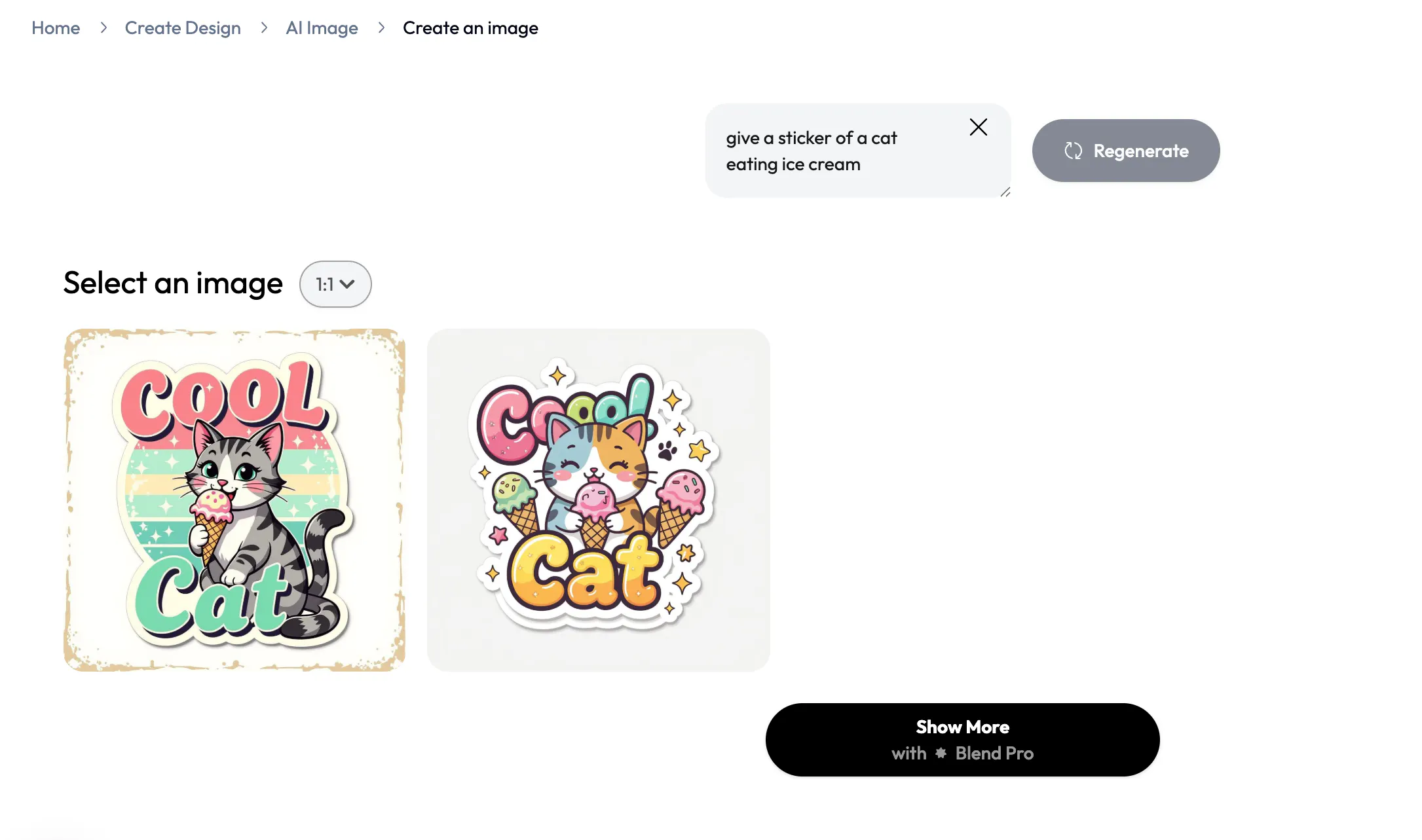
This is one of the biggest advantages of using an online sticker maker. Instead of redesigning everything manually, you can experiment rapidly with:
- colors
- typography
- expressions
- poses
- themes
That speed makes AI especially useful for creators building sticker packs or Etsy collections.
Step 5: Customize Your Sticker
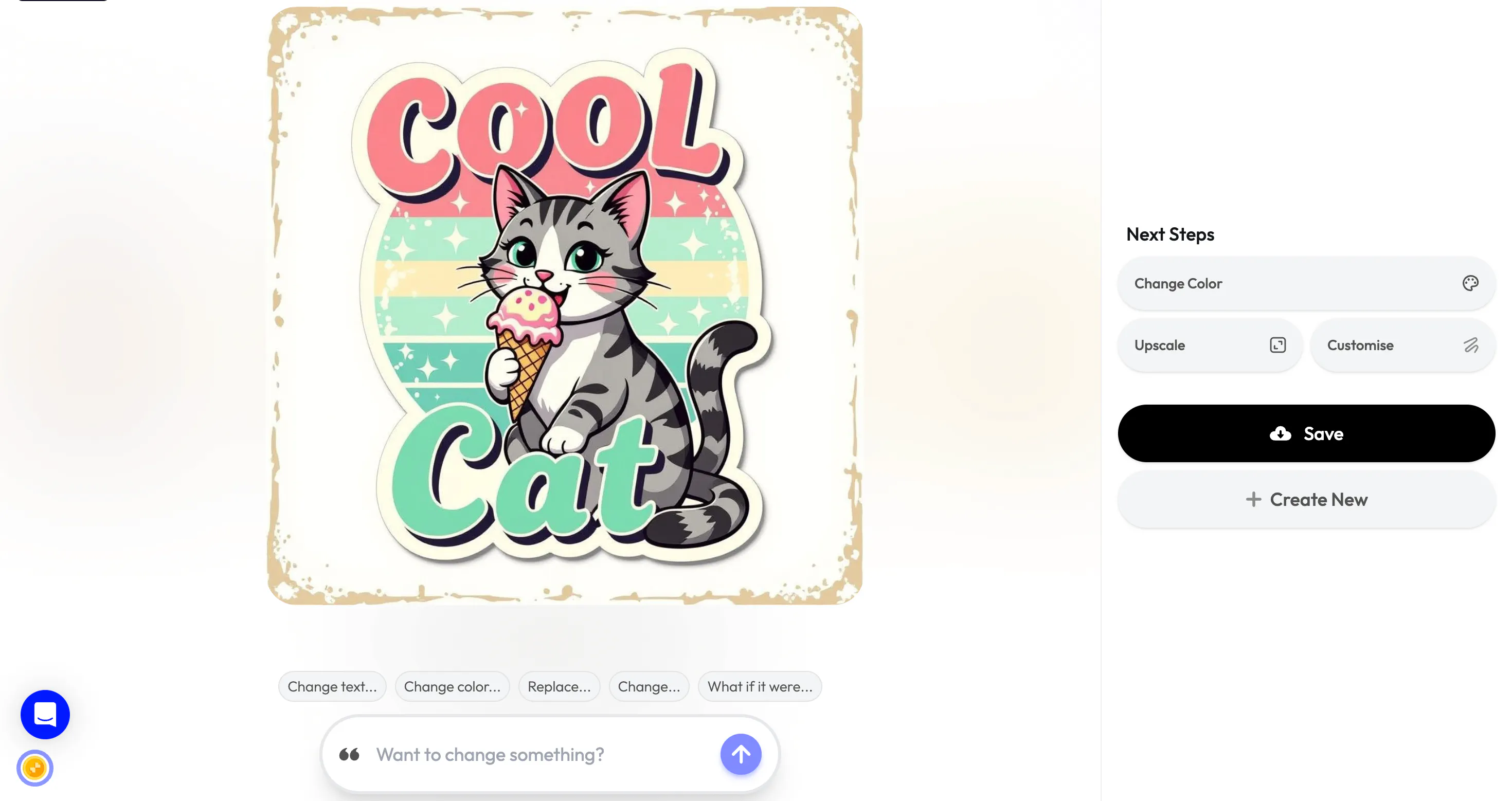
Once you select your favorite version, you can customize it further.
Blend allows you to:
- change colors
- edit text
- upscale the image
- modify design elements
- regenerate variations
This makes it easy to refine your design until it feels polished and professional. After customizing, you can save and download the final sticker for WhatsApp, Instagram stories, digital planners, Etsy shops, packaging, and laptop decals.
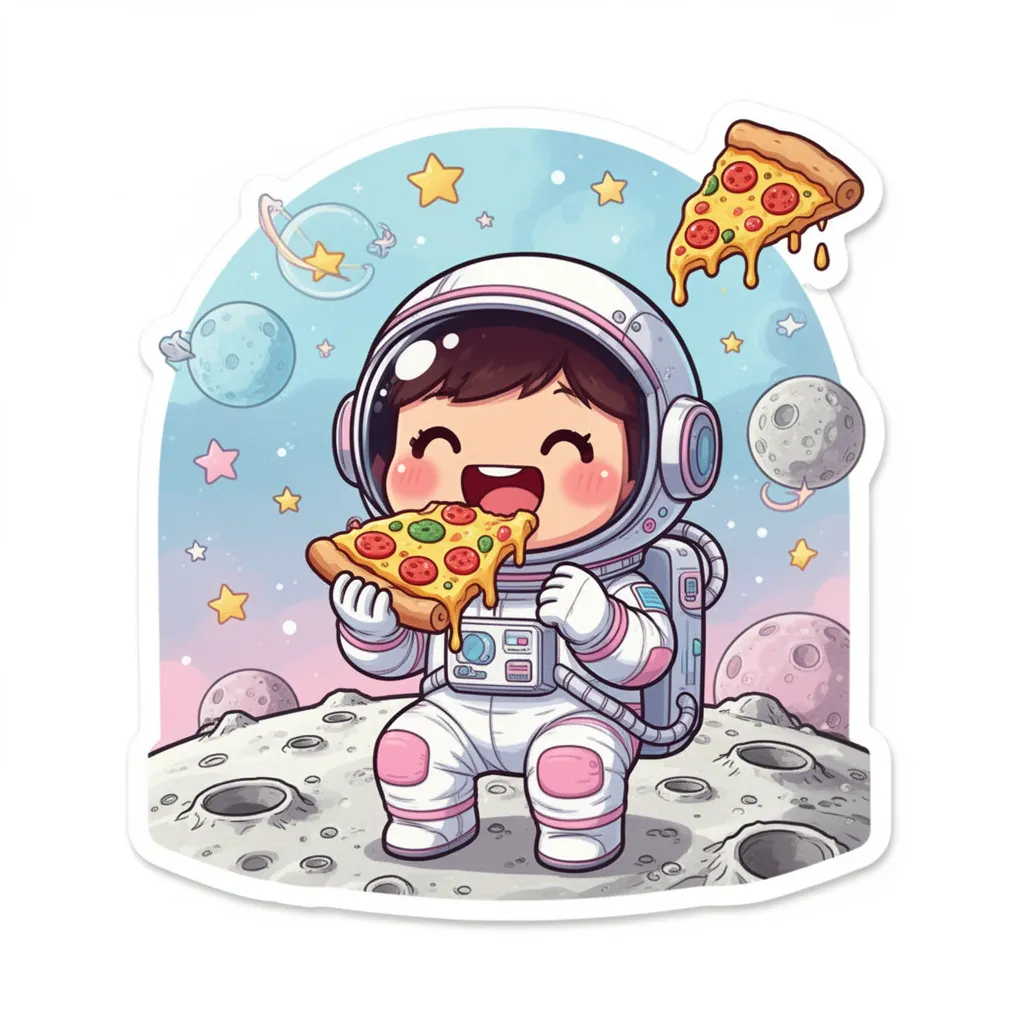
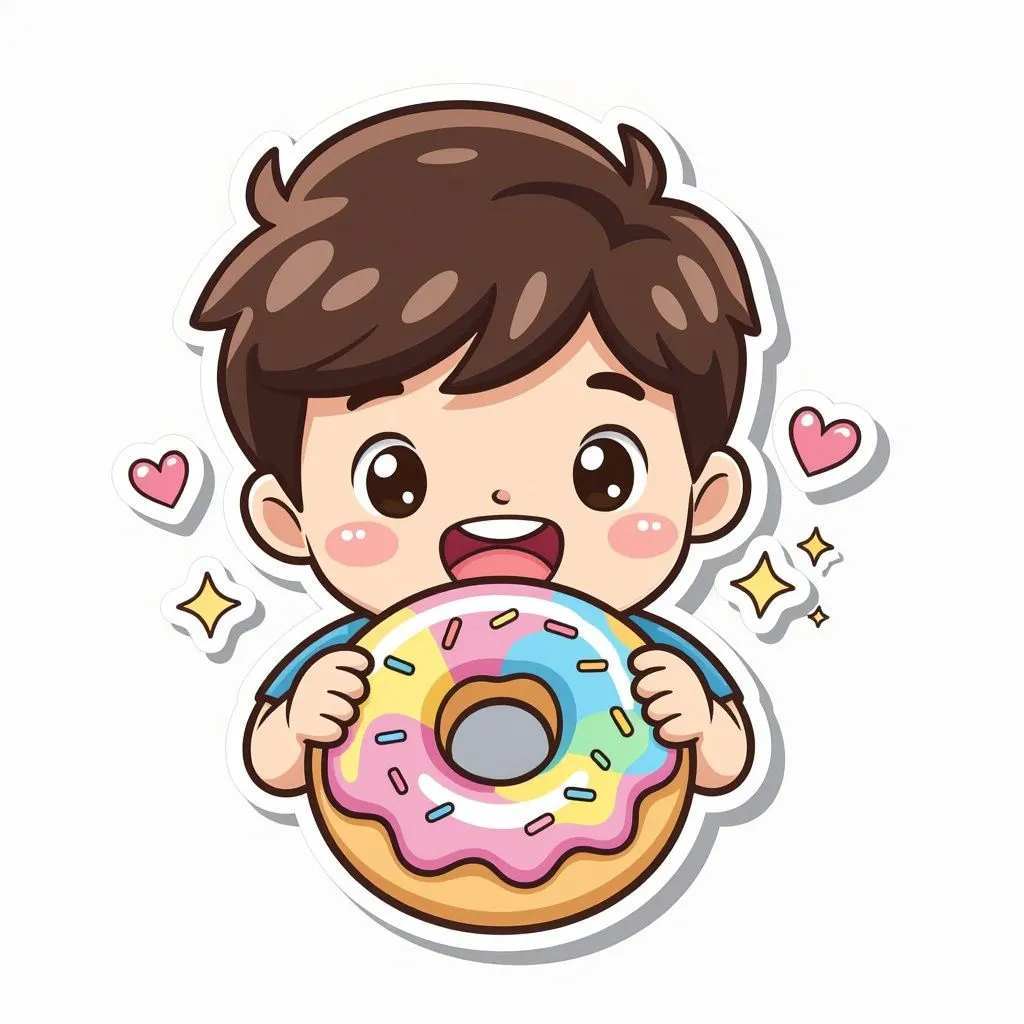
Take a look at these stickers I created using Blend:
Best Sticker Ideas to Try
If you are unsure where to begin, start with themes that already perform well online.
Cute food stickers remain incredibly popular because they are expressive and easy to personalize. Tiny smiling sushi rolls, sleepy coffee cups, and adorable dessert characters consistently work well.
Funny reaction stickers are another major category. Meme-inspired stickers featuring dramatic animals, exhausted raccoons, or sarcastic frogs tend to get shared heavily across messaging apps.
Aesthetic stickers are also trending right now. Celestial themes, moon phases, dreamy clouds, botanical illustrations, butterflies, and retro textures are especially popular for journaling and digital planners.
Small businesses often create custom business stickers too, including packaging labels, thank-you stickers, and branded visuals.
Conclusion
Stickers have evolved far beyond simple decorations. They are now part of internet culture, branding, self-expression, and even online businesses. And thanks to AI apps like Blend and online sticker makers, you can create them without any professional illustration skills.