


You take a great photo. The lighting is good. The subject looks perfect. Then you zoom in… and suddenly it’s blurry. Sounds like a nightmare, doesn’t it? Don’t worry. We’ve got you covered.
You don’t need to be a Photoshop professional to fix it anymore. Modern AI tools like Blend can help you fix blurry photos, increase image resolution, and restore missing details in seconds. Here's how you can do it with the Blend app:
Step 1: Tap the Upscale Feature on Blend
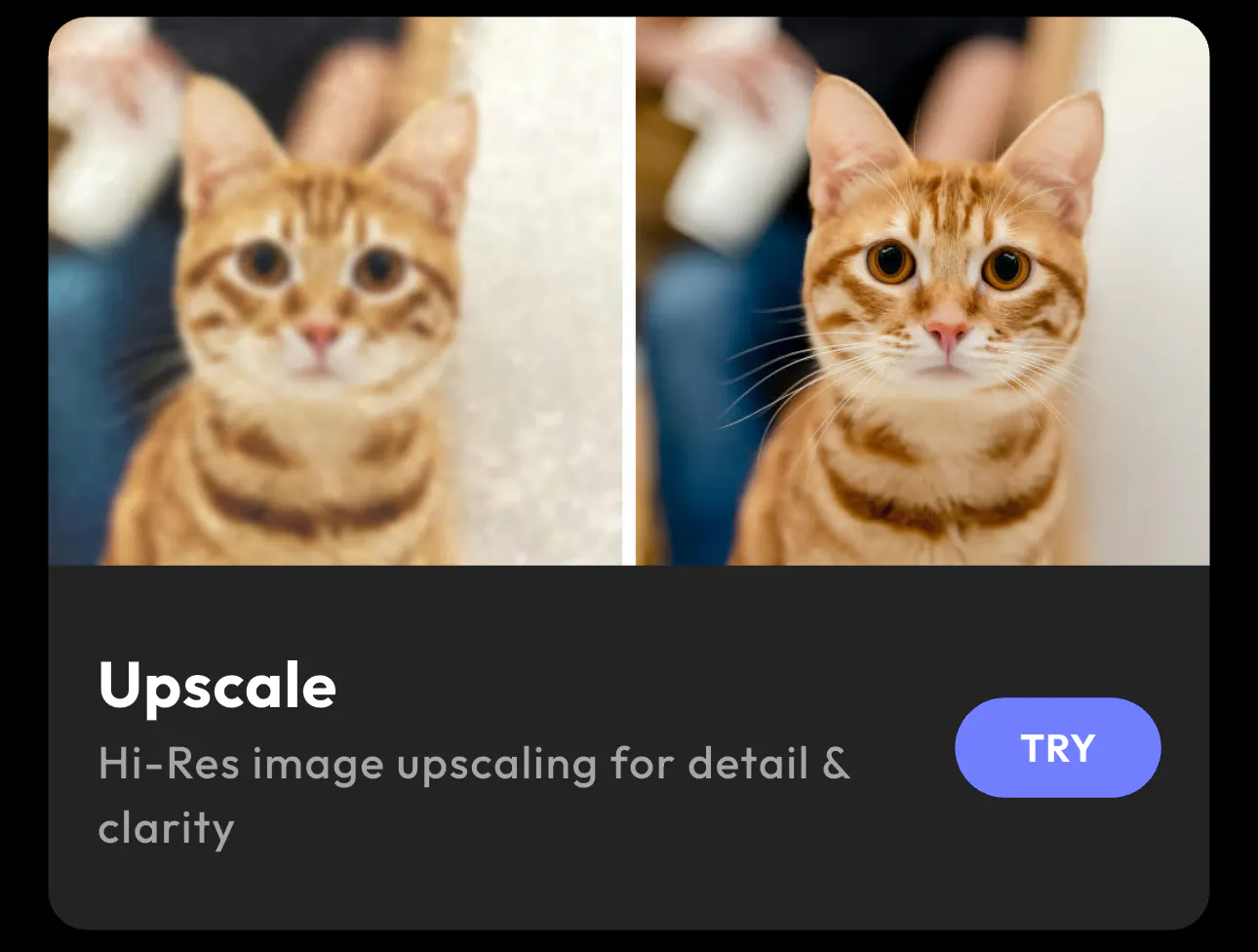
Open the Upscale tool and upload the image you want to improve. Once the image loads, you will see a preview of the photo along with options like Enhance and Transform.
The tool is designed to unblur, remove noise, and make the image sharper automatically. This is where you begin the process of how to unblur pictures or how to unblur images using AI.
Step 2: Tap the Enhance Button
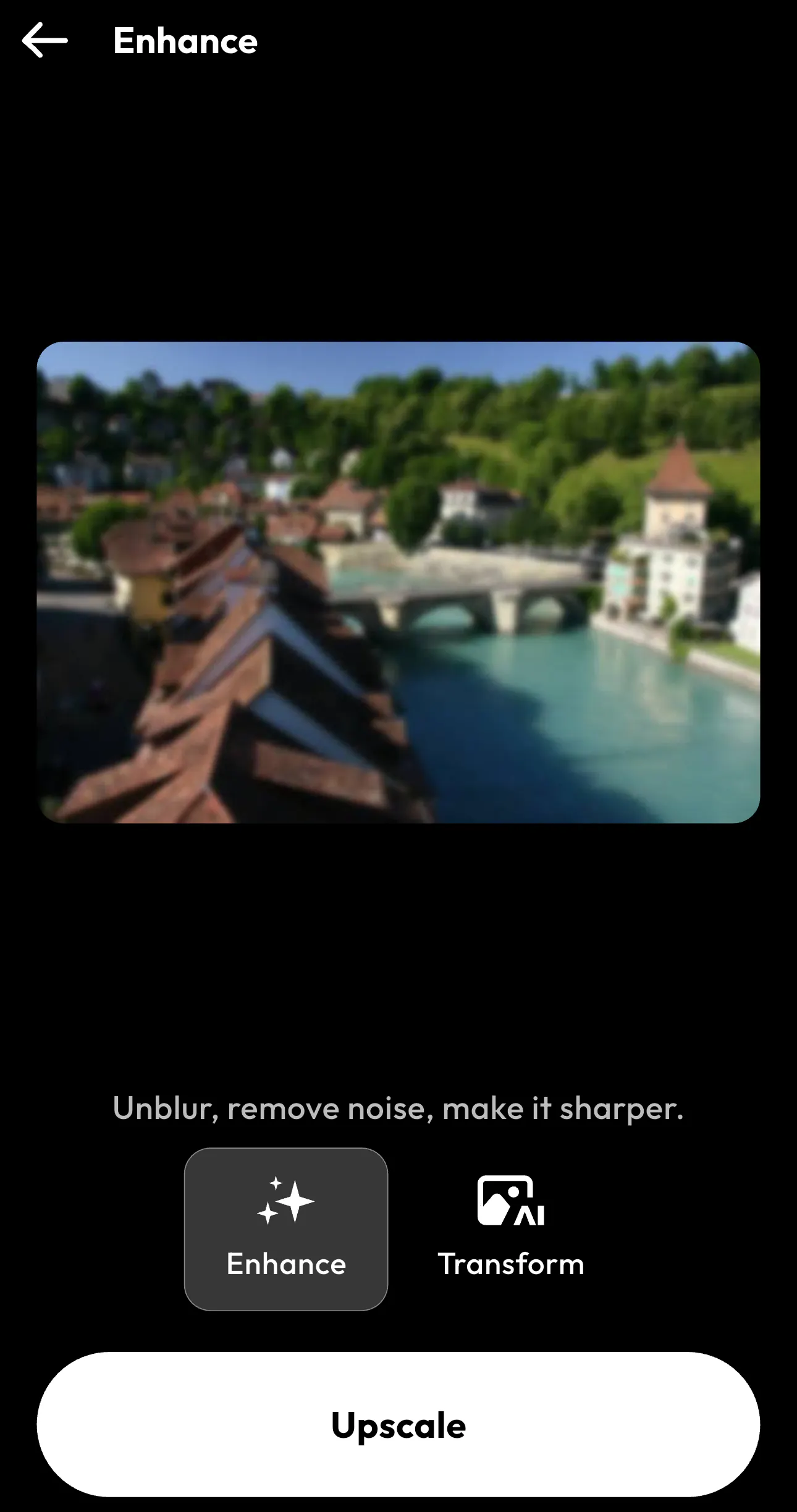
After opening Upscale feature, select the Enhance feature. This will increase the resolution of your image while improving clarity.
Instead of simply stretching the image, the tool enhances details so blurry photos appear sharper and clearer. This step helps fix blurry pictures, improve sharpness, and restore details in low-resolution images.
Step 3: Preview the Before and After
Once the enhancement is complete, you will see a before and after comparison. The Before view shows the original blurry image, while the After view shows the improved version with clearer details and better sharpness.
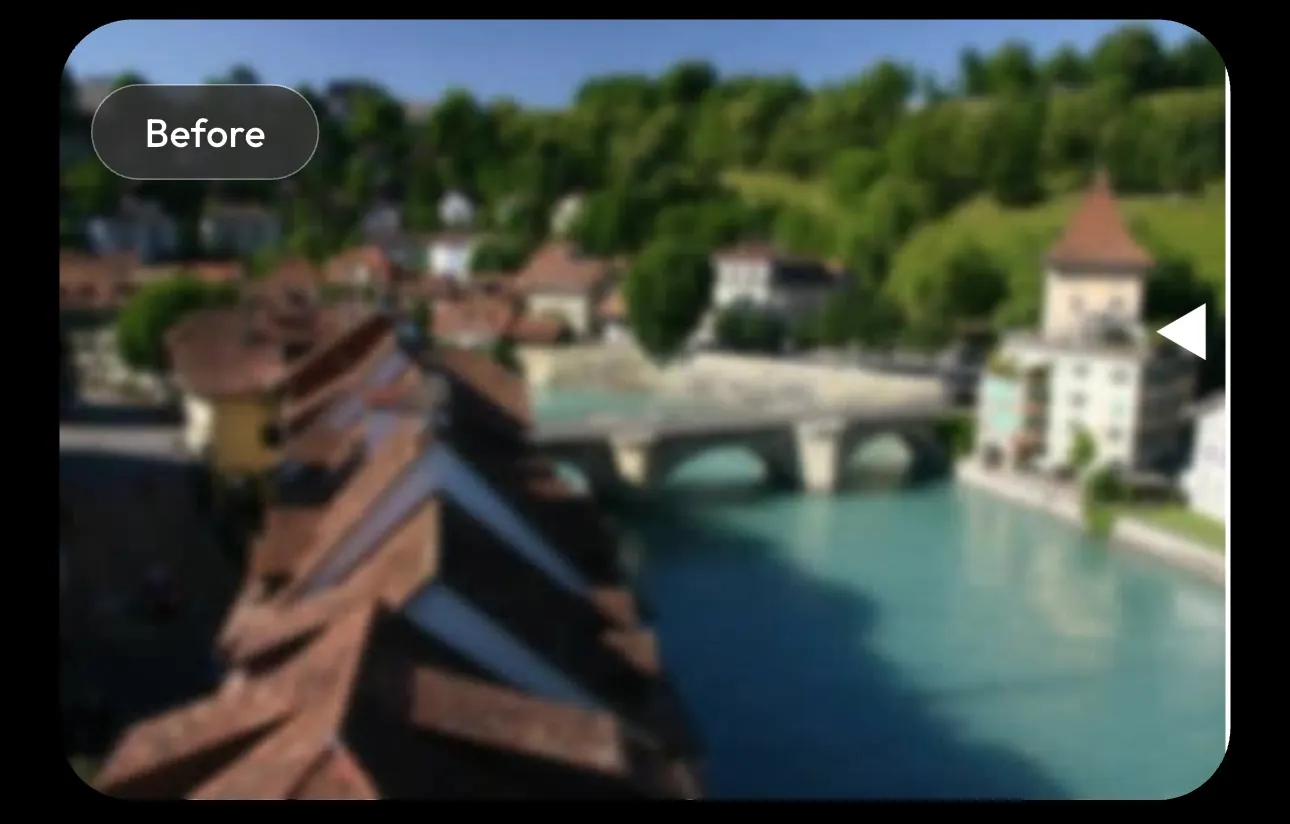
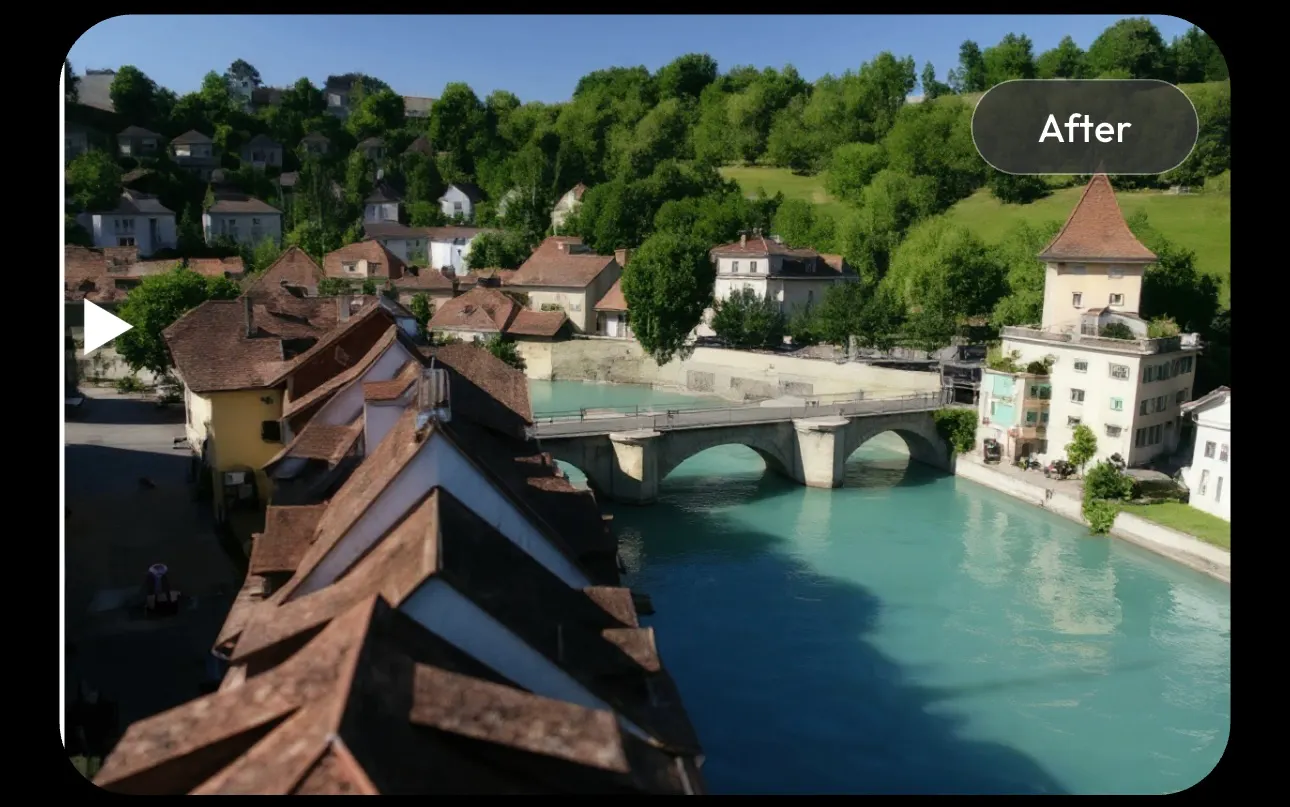
You can slide between the two to see the difference.
When you are happy with the result, tap Save to download your enhanced image. And there you have it. Your picture is unblurred in under ten seconds with the help of the Blend app.
Other Ways to Unblur Pictures
If you are trying to learn how to unblur pictures or how to unblur images, Blend’s Upscale feature is one option. Several tools and techniques can help you fix blurry photos, improve clarity, and restore image detail.
1. Use Photoshop’s Sharpen Tools
For those who want a more professional software, then you can give Adobe Photoshop a try. It offers powerful sharpening tools and has features like Smart Sharpen and Unsharp Mask to increase edge contrast and help sharpen blurry images.
This method works best when the blur is mild and you want to fix blurry photos without drastically altering the image.
2. Use Mobile Apps to Fix Blurry Pictures
If you prefer editing on your phone, many mobile apps allow you to fix blurry pictures in seconds. These apps typically include features like image sharpening, clarity enhancement, and AI photo improvement.
Mobile tools make it easy to sharpen blurry photos and improve image quality directly from your device.
3. Reduce Image Noise
Sometimes photos appear blurry because of digital noise, especially in low-light images. Using noise reduction tools can remove noise from photos and improve overall clarity.
When you combine noise reduction with sharpening, it can significantly enhance image quality and make photos look clearer.
4. Restore Old or Low-Resolution Photos
Older photos and low-resolution images often lose detail over time. AI restoration tools can help restore old photos, increase image resolution, and enhance blurry images by reconstructing missing pixels.
This technique is commonly used to fix blurry images and recover details from scanned or archived photos.
Common Mistakes to Avoid When You Want to Unblur Picture
When learning how to unblur images, avoid these mistakes:
- Over-Sharpening: Excessive sharpening can introduce artifacts and make images look unnatural.
- Enlarging Images Without Upscaling: Always use AI upscaling before increasing image size.
- Using Low-Quality Editing Apps: Not all tools use advanced AI models, so results may vary. You need a smarter AI tool like Blend that will unblur your picture in seconds.
Conclusion
How to unblur pictures was a daunting task a few years back. You need editing skills and a degree. That’s not the case anymore. Today, AI technology makes it possible to unblur images in seconds, restore details, and increase resolution automatically.
If you want the easiest solution, Blend’s Upscale feature allows you to transform blurry photos into sharp, high-resolution images with just a few clicks. Upload your photo, choose Upscale, and let AI handle the rest.
FAQs
Can you unblur a picture?
Yes. Modern AI tools can analyze blurry images and reconstruct missing details to improve sharpness and clarity.
How do you fix a blurry image online?
Upload the image to an AI enhancer, apply an image upscaler, and download the improved version.
What is the best way to unblur images?
The most effective method is AI image upscaling, which rebuilds missing pixels and improves image resolution.
Can AI restore blurry photos?
Yes. AI models can restore old or low-resolution photos by reconstructing details that were lost.
Is it possible to fix extremely blurry pictures?
Mild to moderate blur can usually be improved significantly, though extremely blurred images may not be fully recoverable.