
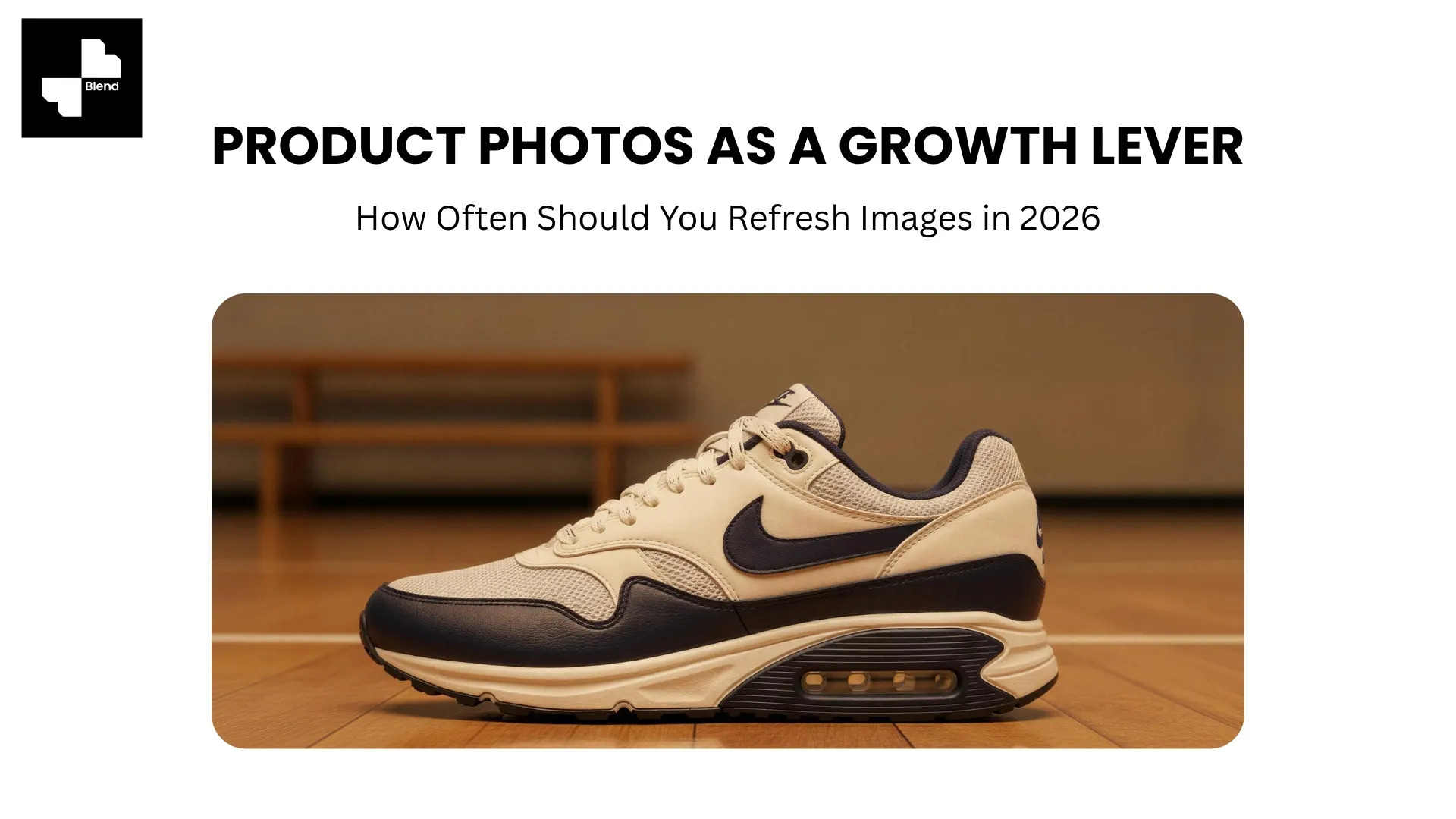



Pull up your best-selling product on Amazon or Shopify right now. Check the click-through rate from three months ago against today. If it has dropped 10% or more while your search impressions stayed flat, the listing itself is not the problem. Your image is. The product has not changed, but the competitive landscape around it has.
Most sellers never run this check. Product photos get uploaded once and left alone for months or years. Meanwhile, competitors add lifestyle scenes, on-model shots, and video to their listings, and the relative quality of your static images quietly erodes. The fix is treating product photography like ad creative: review it on a cycle, refresh what is underperforming, and test new variations on your highest-traffic listings. Here is a practical framework for doing that.
Why Product Photos Lose Their Edge Over Time
Product images do not degrade technically. The pixels are the same as the day you uploaded them. What changes is everything around them, specifically the competitive landscape, platform standards, and shopper expectations.
Visual Fatigue and Declining Click-Through Rates
When the same listing image runs for months, shoppers who have seen it before scroll past it faster. On platforms like Amazon and Etsy, where customers browse repeatedly, visual familiarity reduces the stopping power of your thumbnail.
More importantly, the bar keeps moving. When competitors invest in lifestyle scenes, on-model shots, and product videos while your listing still shows a basic white-background photo from last year, your relative quality drops. Shoppers compare listings side by side, and the one with richer visuals wins the click.
Your Competitors Are Refreshing Already
Brands that treat conversion rate optimization seriously now run image refresh cycles the same way they rotate ad creative. The logic is identical: repeated exposure causes fatigue, so you update.
Industry data consistently shows high-quality product images as the top factor in purchase decisions, outranking price, reviews, and shipping speed for first-time buyers. When your images are stale, and a competitor's are fresh, the conversion gap compounds week after week.
The Data Signals That Tell You When to Refresh
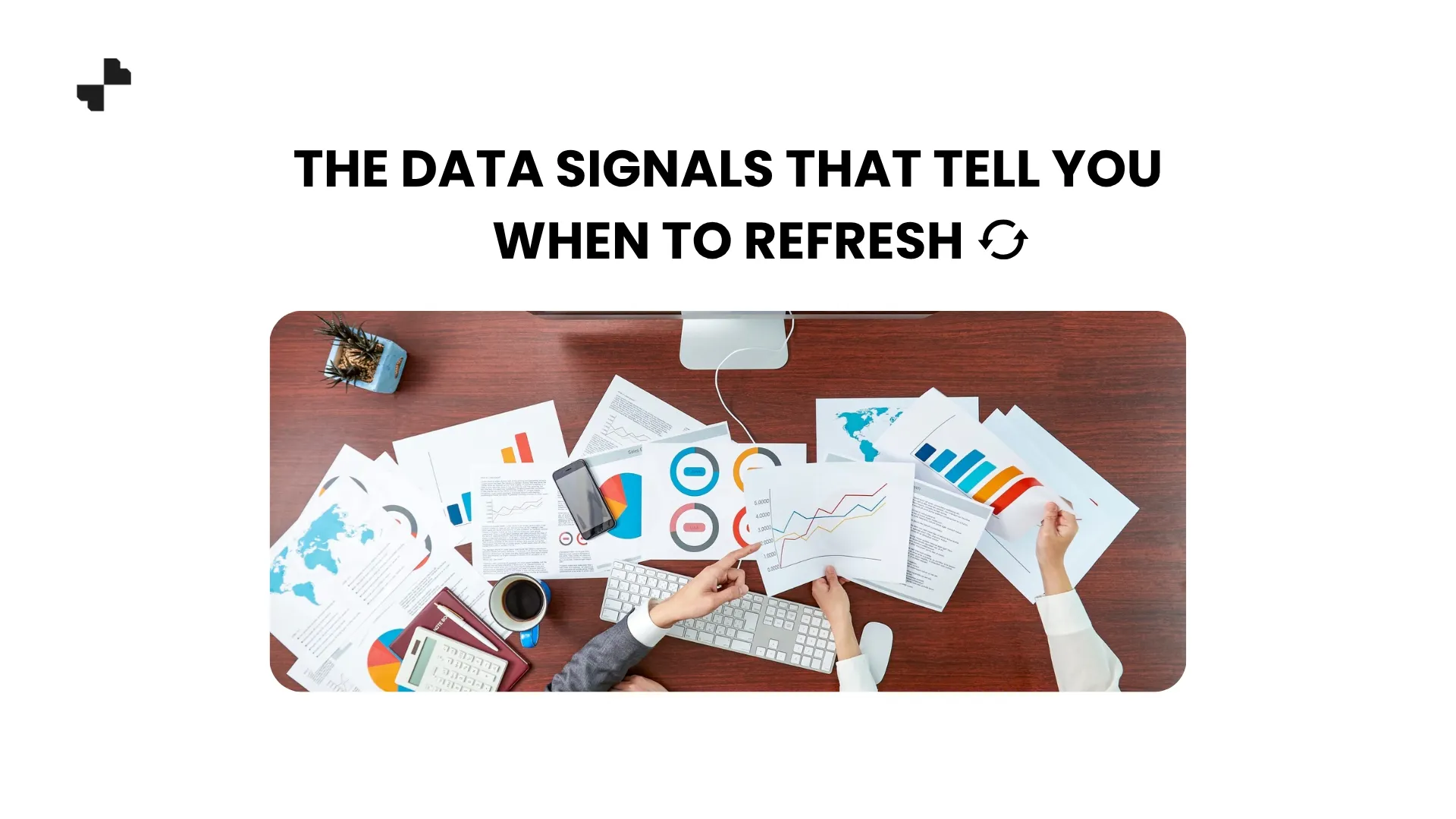
Refreshing on a fixed schedule is a start. Refreshing based on actual performance data is better.
Performance Metrics to Watch
Pull these numbers monthly for your top-selling and highest-traffic products:
- Click-through rate (CTR). A declining CTR on a product with stable search impressions is one of the clearest signals that your listing image is losing its pull. The product is being seen but not clicked.
- Conversion rate. If CTR is stable but conversion is dropping, the issue may be in your secondary images or the gap between your hero image and the detail shots.
- Time on page. Decreasing time on your product page can indicate that shoppers are not engaging with the image gallery, which often means the images are not compelling enough to hold attention.
- Return rate with "looks different" feedback. An increase in returns citing appearance mismatch is a direct signal that your images are not accurately or compellingly representing the product.
Focus your refresh effort where the data tells you to. The 20% of products driving 80% of your revenue should get the most frequent attention.
Seasonal and Market-Driven Triggers
Beyond performance data, certain moments naturally call for an image refresh:
- Seasonal shifts. A product in a cozy winter setting looks out of place in July. Swapping lifestyle backgrounds seasonally keeps online store images current.
- Competitor upgrades. When a direct competitor launches updated visuals, your relative quality drops immediately.
- Platform feature changes. New image slots, video support, or gallery formats are quick wins when you update to use them.
- Product updates. New packaging, revised labels, or updated colorways need corresponding image updates.
What a Product Image Refresh Actually Looks Like
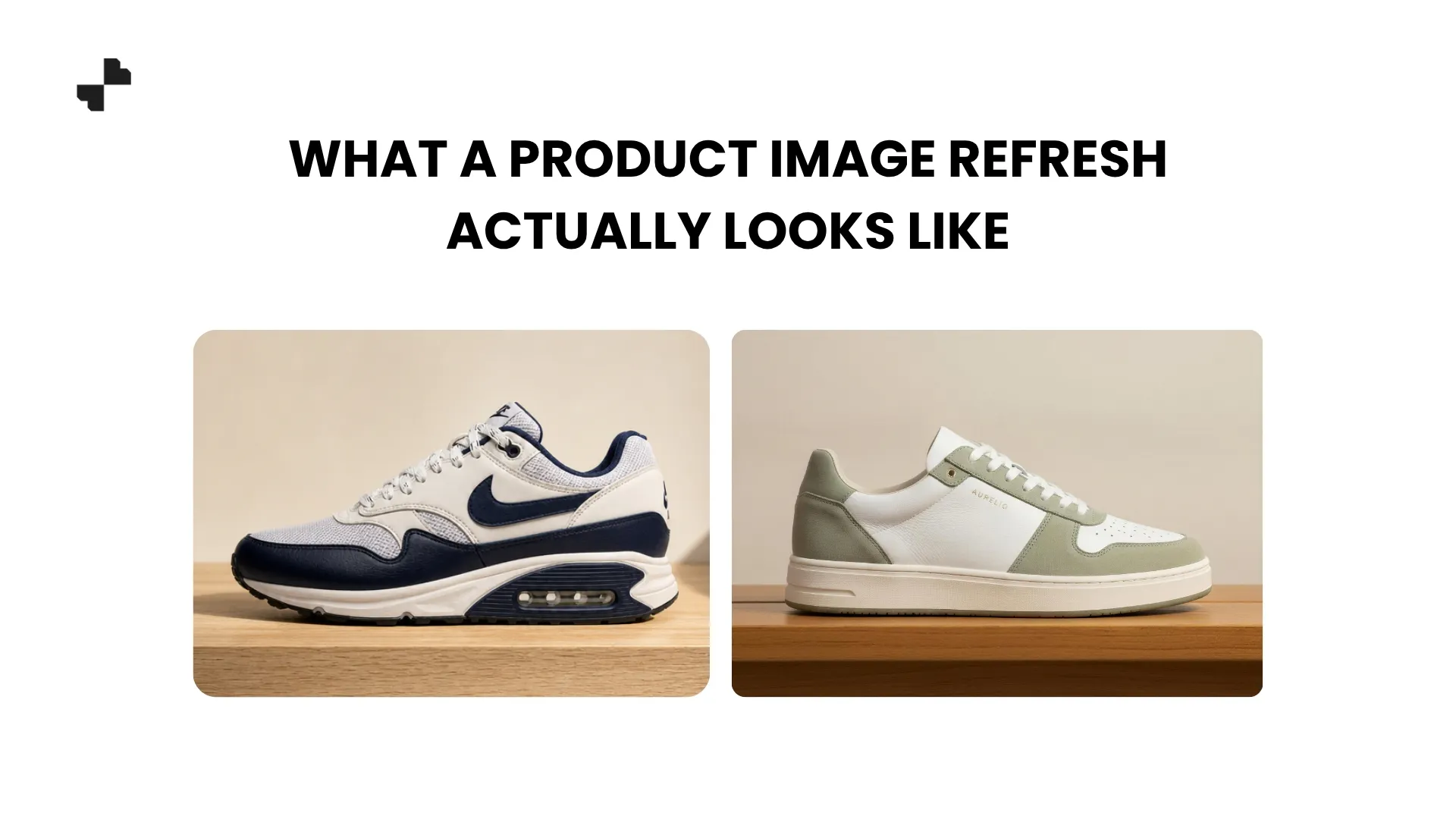
A "refresh" does not always mean reshooting from scratch. In 2026, most image refreshes fall into one of two categories.
Quick Refreshes That Take Minutes
For products where the core image is solid but needs a lift, quick refreshes can make a meaningful difference:
- Swap the background. Replace a plain white background with a styled product visuals scene, or update an old lifestyle background with a seasonal setting.
- Add image types you are missing. If your listing only has studio shots, add a lifestyle scene or an on-model image. Going from 3 images to 6 per listing can noticeably improve engagement.
- Clean up and re-export. Remove dust, fix minor color issues, and re-export at current resolution standards using AI image editing tools.
- Generate a product video. Adding a short video clip to a listing that currently has none is one of the fastest ways to boost engagement and time on page.
Each of those updates takes minutes per product with AI tools and can meaningfully improve listing performance without a reshoot.
Full Visual Overhauls for Underperforming Products
For products where the data shows significant decline, or where the original photography was never strong, a full overhaul is worth the investment:
- Reshoot (or re-photograph with your phone) on a clean background
- Run the new image through a complete AI product photography pipeline: background removal, lifestyle scene generation, model shots, and product video
- Replace every image in the listing in one update rather than swapping individual images over time
A full overhaul gives you the chance to rebuild the listing's visual package from scratch and often produces a measurable conversion lift within 30 to 60 days.
[IMAGE: Before/after listing comparison. Left: original listing with 3 basic white-background product shots. Right: refreshed listing with 6 images including lifestyle scenes, on-model shots, and a product video thumbnail.]
A Practical Refresh Cadence for 2026
The right cadence depends on your catalog size and how fast your market moves. Here is a framework that works for most ecommerce brands.
The Quarterly Review Cycle
Every 90 days, pull performance data on your full catalog and sort products into three groups:
- Top performers (top 20% by revenue). Review images even if performance is stable. Add any missing image types (lifestyle, video, on-model). Small upgrades here protect your highest-value listings.
- Declining performers. Any product showing a CTR or conversion drop of 10% or more gets a quick refresh. Swap the hero image, add a lifestyle scene, or generate a video.
- Underperformers. Products significantly below category benchmarks get flagged for a full visual overhaul in the next cycle.
Between quarterly reviews, refresh reactively when seasonal shifts, competitor moves, or platform changes create an obvious opportunity.
How AI Makes Continuous Refreshing Affordable
The reason most brands never refresh product images is cost. A traditional reshoot costs hundreds of dollars per product. Multiply that by 100 SKUs and the math kills the project before it starts.
AI product image editing tools change that equation. Swapping a background, generating a new lifestyle scene, adding a model shot, or creating a product video from an existing photo costs pennies per image and takes minutes per product. Refreshing your top 50 products every quarter becomes a half-day task instead of a five-figure project.
For brands managing online store optimization as an ongoing practice rather than a one-time setup, that accessibility is what makes image refreshing a realistic, repeatable growth lever.
Stop Treating Product Photos as a One-Time Investment
The brands growing fastest in 2026 treat product imagery the same way they treat ad creative, as a performance asset that gets reviewed, tested, and refreshed regularly. Blend makes that refresh cycle practical by handling background swaps, lifestyle scenes, model shots, and product video in one platform. Upload your top-selling product and see how a quick visual refresh can look.
Frequently Asked Questions
How often should I refresh my product photos?
Review your top-performing products quarterly and refresh based on performance data. Products with declining CTR or conversion rates should be refreshed immediately. Stable performers benefit from seasonal updates 2 to 4 times per year.
Does refreshing product images actually improve conversion rates?
Yes. Adding image types (lifestyle, video, on-model) to listings that only have basic studio shots consistently improves engagement. Going from 3 to 6 images per listing can produce measurable conversion lifts.
Do I need to reshoot products to refresh the images?
Not usually. AI tools can swap backgrounds, generate lifestyle scenes, add model shots, and create videos from your existing product photo. A full reshoot is only needed if the original image quality is poor.
Which products should I prioritize for image refreshes?
Start with your highest-revenue products and any product showing a declining CTR or conversion rate. The 20% of products driving 80% of revenue should get the most frequent visual attention.
Can I refresh images seasonally without confusing customers?
Yes. Swap lifestyle backgrounds to match the season while keeping the product itself unchanged. A candle on a cozy autumn shelf in October and a bright outdoor table in June shows the same product in relevant context.
How long does it take to see results after refreshing product images?
Most sellers see measurable changes in CTR and conversion within 30 to 60 days of updating listing images. Products with higher traffic volumes show results faster.