
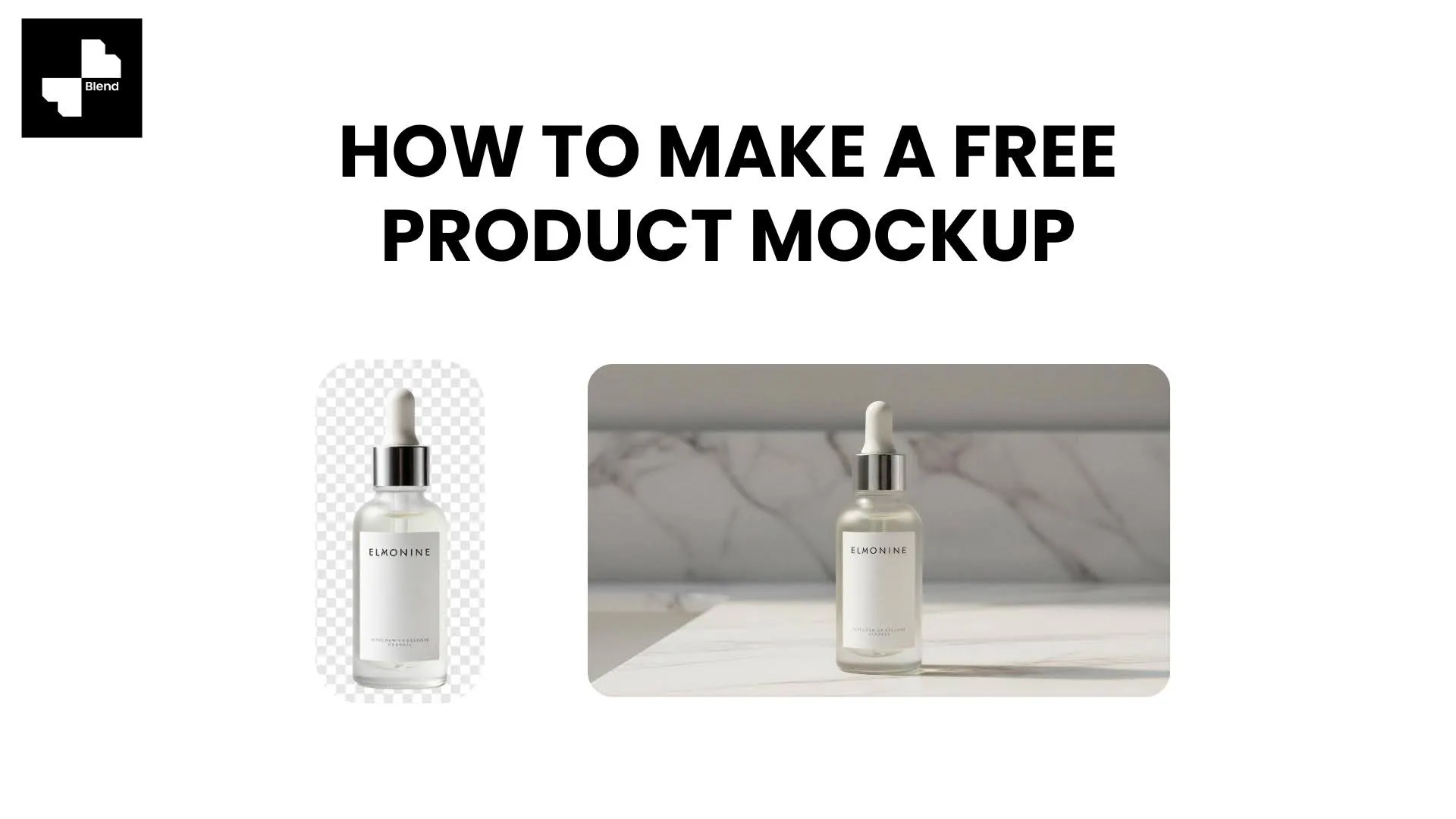



You need a product mockup for your Shopify listing, a pitch deck, or an Instagram ad. So you search "free mockup template," download a PSD file, open it in Photoshop, spend twenty minutes figuring out the smart object layers, and the final result still looks like a stock template that ten thousand other sellers already used.
Traditional mockup templates are rigid. You get a fixed angle, a fixed background, and a fixed lighting setup. If you want a different scene, you download another template and start over. AI has made this entire process unnecessary. With a tool like Blend, you upload your actual product photo and generate realistic product mockup scenes in seconds, no templates, no Photoshop, no design skills.
What Is a Product Mockup
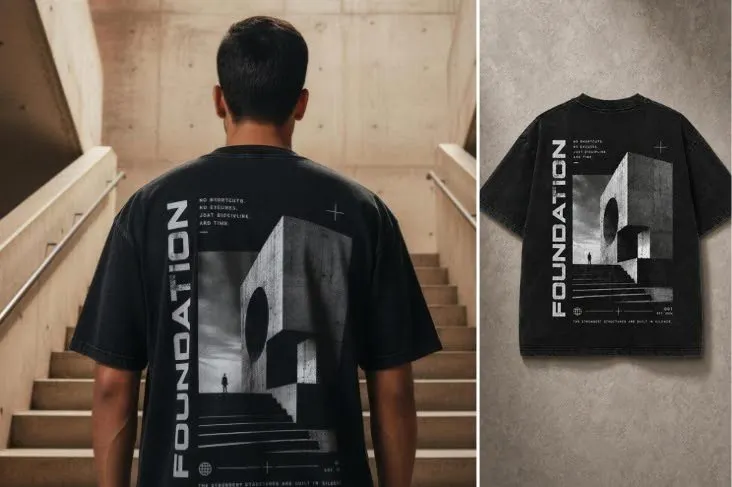
A product mockup is a realistic visual that shows what your product looks like in context before (or instead of) a professional photoshoot. Mockups are used for ecommerce listings, social media ads, pitch decks, print-on-demand storefronts, and brand presentations.
Template Mockups Need Design Skills and Software
Traditional mockup workflows rely on PSD or Figma templates. You download a file, swap in your design using smart object layers, and export. The problem is that you need editing software, you need to understand layers and masking, and every template locks you into one fixed scene. Changing the angle, background, or lighting means finding a completely different template.
AI Mockups Generate Scenes from Your Real Product
AI mockup generators work differently. You upload a photo of your actual product, and the AI builds a scene around it, complete with realistic lighting, shadows, surface textures, and props. No template swapping, no layer management. You describe what you want (or pick a scene style), and the tool generates it. The result is a unique image of your real product, not a generic placeholder.
How to Make a Free Product Mockup with Blend
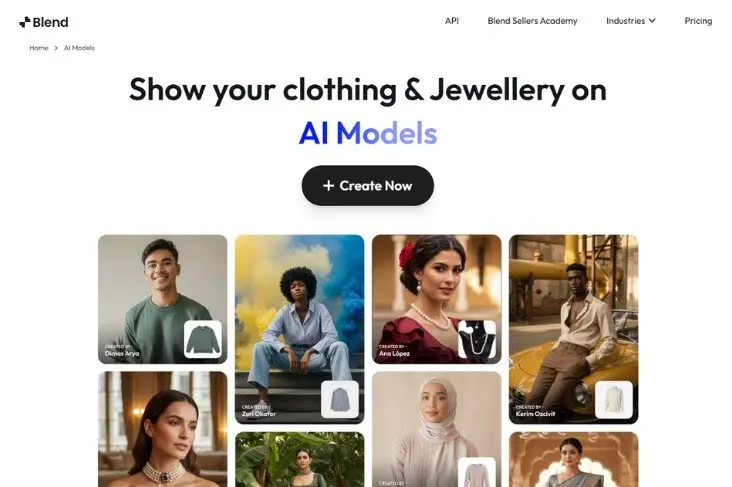
Blend offers a free tier that lets you generate product mockups without paying for templates or design software. Here is the step-by-step process.
Upload Your Product Photo and Clean the Background
Start by uploading your product image to Blend. A flat lay, a packshot, or a white-background photo all work as starting points. Use background removal to isolate your product cleanly. If there are tags, wrinkles, or stray objects in the frame, the magic eraser handles cleanup.
A clean cutout is the foundation of every good mockup. The sharper the product edges, the more realistic the AI-generated scene will look.
Generate Apparel Mockups with AI Models
For clothing, accessories, and fashion products, Blend's clothing mockup generator places your garment on a virtual model with realistic fit, fabric texture, and natural poses. You choose the model's body type, skin tone, and pose direction. No casting call, no fitting session, no studio.
- Upload a flat lay, ghost mannequin shot, or garment photo
- Select from diverse AI models with different body types and poses
- Generate multiple on-model mockups from a single product image
For t-shirt mockups, hoodies, dresses, jackets, and accessories, this replaces the entire workflow of downloading apparel mockup templates and editing them one by one.
Create Lifestyle and Scene Mockups
For products that are not worn on the body (home goods, beauty, food, electronics, packaging), Blend's lifestyle mockup generator places your product into realistic room scenes, outdoor settings, or styled surfaces. The AI handles lighting, shadows, surface interactions, and ambient details.
- Beauty product on a marble bathroom counter with soft window light
- Coffee mug on a wooden desk next to a laptop, cozy home office scene
- Candle on a bedside table with warm evening glow and linen textures
- Packaging box on a styled flat lay with tissue paper and branded stickers
Every scene is generated from your actual product photo, so the mockup shows your real item in a real-looking environment, not a generic template shape.
Export and Resize for Any Platform
Once your mockup looks right, export it in the resolution and aspect ratio your platform needs. You can also turn your best mockups into short-form product videos for social content.
- Square (1:1) for Instagram, Etsy, and marketplace grids
- Vertical (9:16) for TikTok and Stories
- Landscape (16:9) for website hero banners and pitch decks
Which Products Work Best with AI Mockups
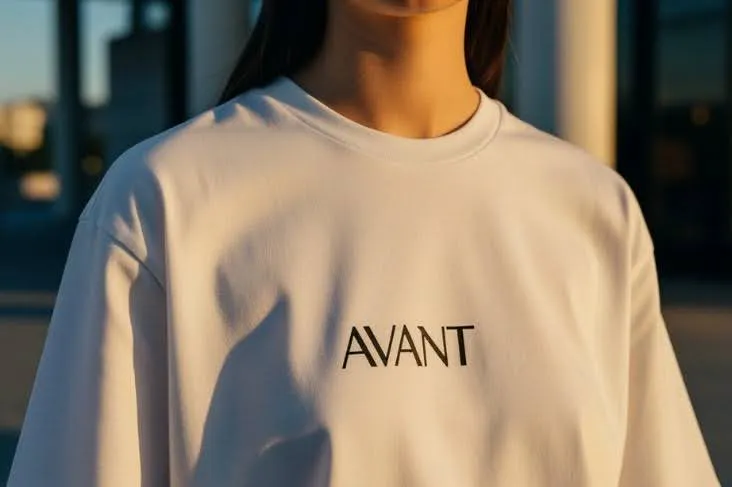
AI mockup generators work with nearly any physical product, but some categories benefit more than others.
Apparel and Fashion
T-shirts, hoodies, dresses, jackets, and accessories are the most common mockup categories. AI model generators like Blend produce results that rival traditional on-model photography, with accurate fabric rendering and natural body placement. Print-on-demand sellers and clothing brand photography teams see the biggest time savings here.
Home Goods, Beauty, and Packaging
Candles, skincare bottles, mugs, packaging boxes, and home decor items all photograph well in AI-generated lifestyle scenes. The AI matches shadows and reflections to the surface material, so a bottle on marble looks different from a bottle on wood. For packaging mockups, upload a photo of your actual box or bottle and generate scene variations instead of hunting for the right box packaging mockup template.
Mockups Should Show Your Real Product, Not a Template Shape
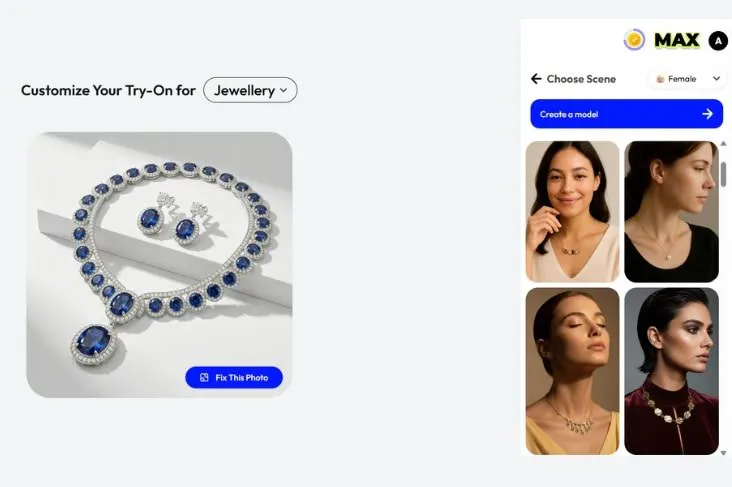
Traditional mockup templates served their purpose, but they lock you into generic scenes and require design software to use. AI mockup generators like Blend flip the process. You start with your real product photo and generate unlimited scenes around it, for free.
Upload your product to Blend, remove the background, and generate on-model mockups, lifestyle scenes, or studio shots from a single image. No Photoshop. No PSD files. No static templates.
Ready to make your first free mockup? Start creating for free with Blend and see your product in any scene.
Frequently Asked Questions
What is a free product mockup generator?
A free product mockup generator is a tool that creates realistic product visuals without design software or paid templates. AI-powered generators like Blend let you upload a product photo and place it into styled scenes for free.
Can I make t-shirt mockups without Photoshop?
Yes. AI mockup tools let you upload a garment photo and generate on-model T-shirt mockups with realistic fit and fabric detail. No smart object layers, no PSD files, no design skills required.
What file do I need to start making a mockup?
A clean product photo works best. A flat lay, a white-background shot, or a ghost mannequin image all give the AI enough detail to generate realistic mockup scenes.
Are AI-generated mockups good enough for ecommerce listings?
Yes. AI mockups produced by tools like Blend match the visual quality of traditional product photography for marketplace listings, social media, and ad creatives. Most platforms accept them as long as the product is accurately represented.
Can I make packaging mockups with AI?
You can upload a photo of your packaging (box, bottle, pouch, or jar) and place it into styled lifestyle scenes using AI. For designing packaging graphics from scratch, a dedicated packaging design tool may be a better fit.
How many mockups can I generate for free with Blend?
Blend offers a free tier that includes a set number of generations. You can create multiple mockup variations from a single product photo, and the paid plans unlock higher volumes for brands with larger catalogs.