
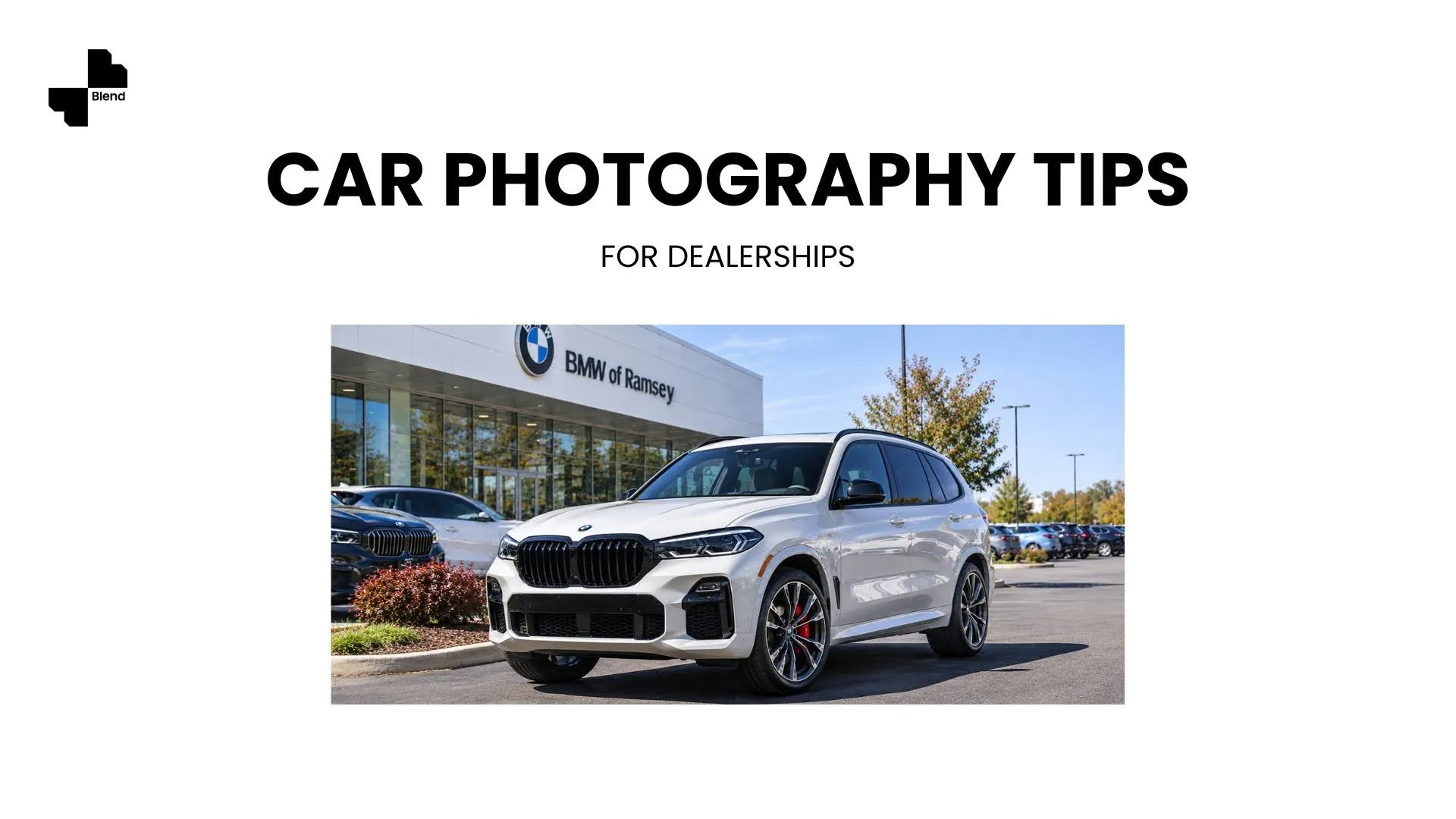
Most car photography advice online applies to any product: use good lighting, pick a clean background, shoot from multiple angles. That's fine as a starting point, but cars have specific problems that generic tips don't solve: body panel reflections, inconsistent lot lighting, and background clutter that changes every time you move a vehicle.
The car photography tips below focus on what actually matters for dealership listings: getting consistent, professional-looking inventory photos without booking a studio for every car on your lot.
Why Car Photography Makes or Breaks Online Listings
Buyers make their first judgment about a vehicle from the listing photos, not the description. A car photographed in a cluttered lot with inconsistent lighting looks like a worse deal than the same car shot against a clean background with even exposure, even if the price is identical. For dealerships managing 50-200+ vehicles at a time, the gap between "good enough" and "professional" across every listing is what separates the lots that get clicks from the ones that get scrolled past.
Automotive-Specific AI Photo Tips With Blend
Generic photography tips (clean background, good lighting, multiple angles) apply to any product, but cars have their own problems: reflections off the body panel, driveway clutter in the background, and inconsistent lighting between shots taken at different times of day.
- Fix the background without reshooting. Upload your vehicle photo and use AI Photoshoot to swap a cluttered driveway for a clean showroom or scenic backdrop.
- Keep lighting consistent across a batch. If you're photographing multiple vehicles, apply the same Lifestyle Shot scene across the whole set so your listings look like one cohesive shoot instead of photos taken on different days.
- Highlight reflections intentionally. A clean, evenly lit background (rather than a busy one) makes the car's natural reflections read as a feature, not a distraction.
Five Car Photography Tips That Actually Move Listings
Beyond the AI workflow, a few fundamentals specific to automotive photography make the difference between photos that sell and photos that sit.
Shoot Every Angle the Buyer Expects
Car buyers have a mental checklist: front three-quarter, rear three-quarter, both sides, and a direct front shot. Missing any of these creates doubt. Shoot all five exterior angles for every vehicle, even if the car looks identical from both sides. Consistency across your inventory matters more than getting one perfect hero shot. A dealership with five clean angles on every listing builds more trust than one with a single great photo and three blurry ones.
Capture the Interior Like a Walkaround
Interior photos sell the experience of sitting in the car. Shoot the dashboard from the driver's seat, the rear seats from the front, and one wide shot from the open driver's door. For higher-end vehicles, add a close-up of the steering wheel, infotainment screen, and any premium materials (leather, wood trim, stitching). Clean the interior before shooting. Crumbs on the seat or a stray air freshener on the mirror will cost you more credibility than any lighting trick can recover.
Use Consistent Lighting Across Your Inventory
The biggest visual problem in dealership photography isn't bad lighting on one car. It's different lighting across twenty cars. If you photograph vehicles at different times of day, in different weather, and in different lot positions, your listings look disjointed. Shoot during the same two-hour window (overcast days or early morning work best for reducing harsh reflections), or use Blend's Studio Shot to normalize the lighting across your entire inventory after the fact, so every vehicle gets the same clean, even exposure.
Clean Up Background Clutter Without Reshooting
A car photographed on the lot will have other vehicles, signage, power lines, or trash cans in the background. Reshooting is rarely practical when you're processing dozens of cars a week. Instead, upload the photo and use background removal to strip the lot entirely, then place the vehicle on a clean white or showroom background. For smaller distractions like a stray cone or a license plate frame, Magic Eraser brushes them out without touching the rest of the image.
Match Your Photos to Platform Requirements
Different listing platforms expect different things. AutoTrader and Cars.com favor clean, well-lit photos with the vehicle as the sole subject. Your dealership website benefits from a mix of studio-style shots and lifestyle backgrounds that show the car in an aspirational setting. Social media ads perform best with short video walkarounds rather than static images. Formatting every photo to 1920x1080px minimum keeps images sharp across all platforms.
From Phone Photo to Showroom Listing
A phone photo taken on the lot and three AI tools can produce what used to require a dedicated photography bay and a full editing workflow. Upload your vehicle photos to Blend, apply a consistent background and lighting treatment, and export listing-ready images for every platform your dealership uses.
Frequently Asked Questions About Car Photography
How do I take better car photos for listings?
Shoot all five standard exterior angles (front three-quarter, rear three-quarter, both sides, direct front) plus interior shots in consistent lighting. Use AI tools to normalize backgrounds and exposure across your full inventory.
How do I remove a cluttered background from a car photo?
Upload the photo to Blend and use background removal to strip the lot environment entirely. Replace it with a clean white backdrop or a showroom scene. For smaller distractions, Magic Eraser removes individual objects without affecting the rest of the image.
What is the best time of day to photograph cars?
Overcast days or early morning (within an hour of sunrise) produce the most even lighting with minimal harsh reflections on body panels. Avoid midday sun, which creates strong shadows and blown-out highlights on curved surfaces.
How many photos should a car listing have?
A minimum of 15-20 photos per vehicle is standard for competitive listings: 5 exterior angles, 5-6 interior shots, and close-ups of key features, wear points, and the odometer.
Can I use a phone camera for dealership photography?
Yes. Modern smartphone cameras produce sufficient resolution for online listings. The quality gap between phone and DSLR photos narrows significantly once you apply consistent backgrounds and lighting correction through AI tools.
How do I keep photos consistent across a large inventory?
Apply the same AI background and lighting treatment to every vehicle. Blend's batch workflow lets you process multiple photos through the same scene and exposure settings, so a 50-car inventory looks like it was photographed in one session.