
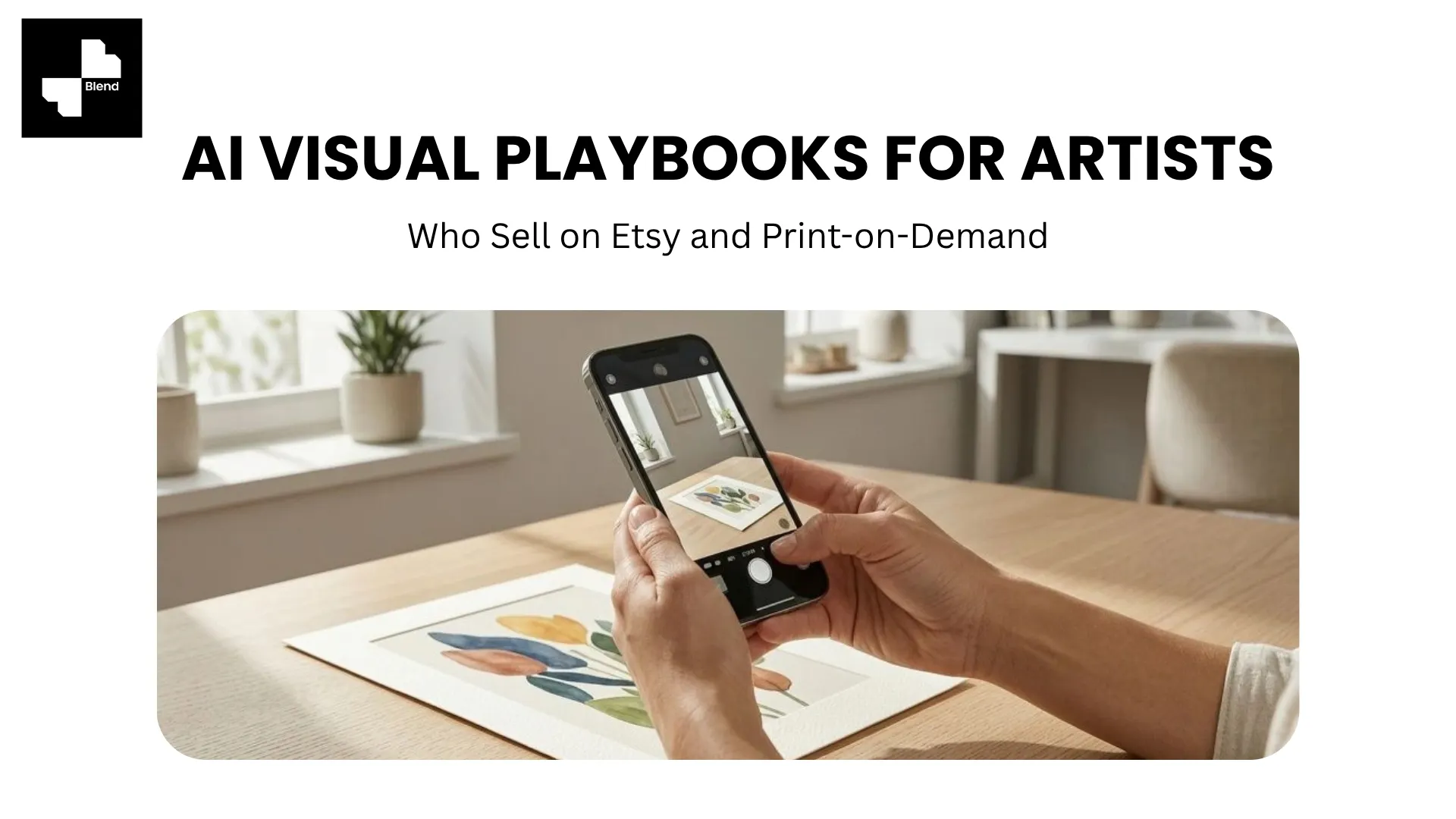



You designed a great print. You uploaded it to Printful. You listed it on Etsy with the default mockup, a flat t-shirt on a white background that looks identical to 10,000 other listings. And then you waited for sales that never came.
The design is not the problem. The listing photo is. Etsy shoppers make split-second decisions based on the thumbnail before they ever read your title or description. When your mockup looks exactly like every other seller using the same template, there is nothing for the eye to land on.
AI visual tools change this equation. Instead of relying on the same stock mockups everyone else uses, you can generate unique lifestyle scenes, put apparel designs on realistic AI models, and create product videos, all from a single product image. No photography experience needed.
Here are three practical plays to upgrade your shop's visuals.
Why Most Etsy and POD Listings Look the Same
Before diving into solutions, it helps to understand why the problem exists. The visual sameness on Etsy and POD platforms is not a coincidence. A structural issue in how sellers create listing images drives the uniformity.
The Mockup Trap Every Seller Falls Into
Printful, Printify, Gooten, and other POD providers include default mockup generators. Upload your design, pick a product, and the platform produces an image. The problem is that every seller on that platform gets the same angles, lighting, model poses, and backgrounds.
Etsy shoppers scroll through pages of results. When 20 listings feature the same flat-shirt-on-white-background mockup, nothing stands out. Sellers with product images showing designs in styled, real-world settings are the ones earning the click.
What Etsy's Algorithm Rewards
Etsy's search ranking factors include click-through rate. Listings that get clicked more often rank higher. Lifestyle images that show products in context, a framed art print over a couch, a mug on a morning desk, a tote bag at a farmers market, consistently earn higher click-through rates than isolated product shots on blank backgrounds.
Better listing photos do not just look nicer. Improved click-through rates directly feed the algorithm that determines whether your shop gets seen.
Play 1. Turn Basic Product Shots into Lifestyle Listings
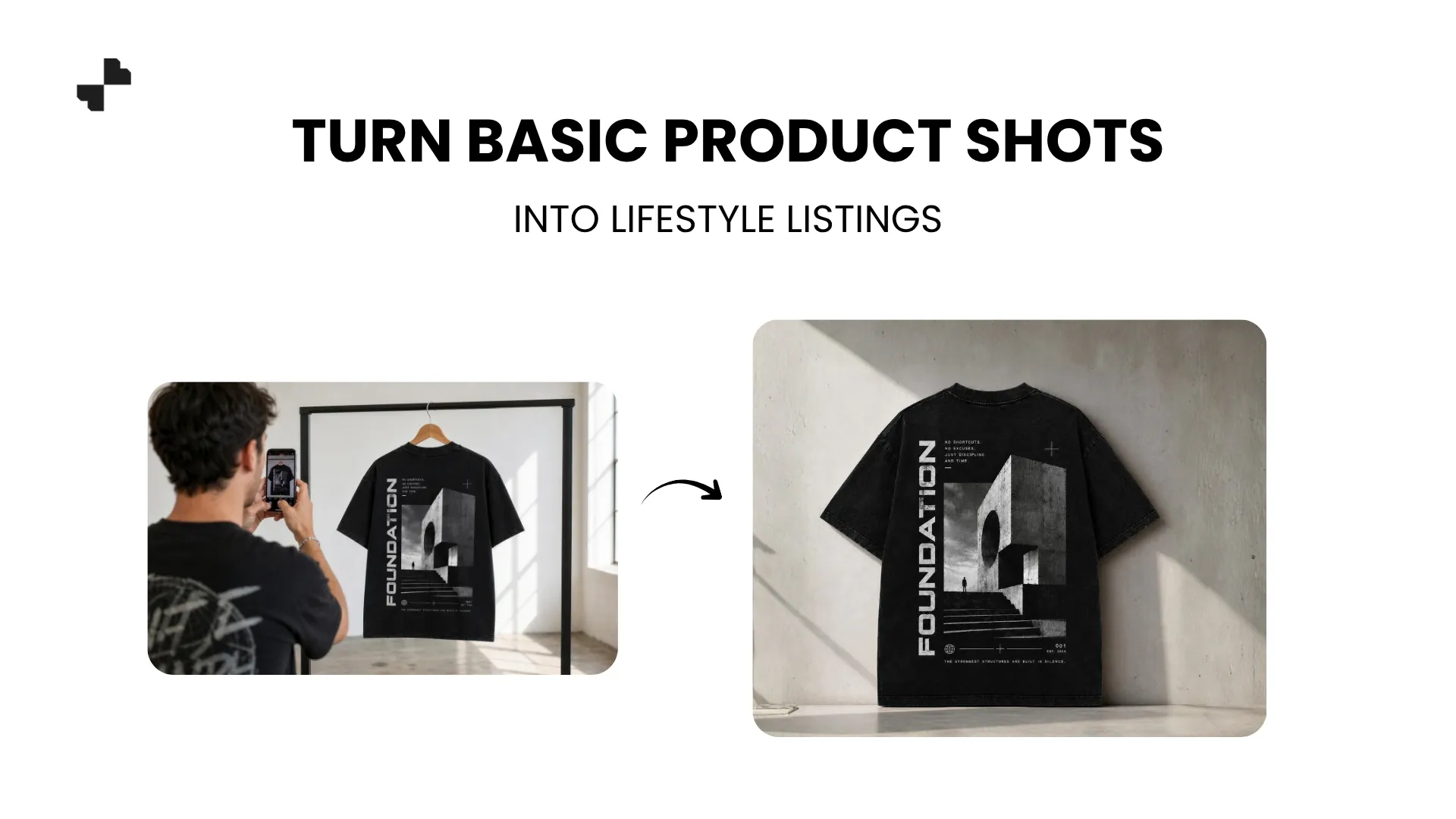
Whether you order samples of your products or work from mockup images, AI tools can transform a basic product shot into a unique lifestyle scene that no other seller has.
Start with a Clean Product Image
If you order product samples (which is worth doing for your bestsellers), photograph them on a clean, plain surface with natural light. A phone camera and a white table near a window work fine for DIY product photography. Strip the background using an AI removal tool so you have a clean cutout to work with.
If you work only from mockups, export the highest-resolution version available from your POD platform. Many platforms now offer transparent-background exports, which give you maximum flexibility for what comes next.
Generate Unique Scenes That Match Your Brand
Once you have a clean product image, an AI image generator places it into a realistic lifestyle scene. The key is writing prompts that match your art style and target customer.
Scene ideas by product type:
- Art prints and posters: Framed on a gallery wall in a minimalist apartment, or leaning against a shelf in a boho living room
- Mugs and drinkware: On a cozy morning desk with a book, or on a kitchen counter next to a French press
- T-shirts and hoodies: Styled on a model in a casual urban setting (more on model shots in Play 3)
- Tote bags: Carried at a farmers market, or slung over a chair at a cafe
- Phone cases: Held in hand on a textured surface, or lying on a marble desk
The specificity of your prompt determines how unique the result looks. "Mug on a table" gives generic output. "Ceramic mug on a warm oak desk, soft morning window light, open sketchbook nearby, cozy studio atmosphere" gives a scene that feels like your brand.
Play 2. Build Visual Consistency Across Your Entire Shop
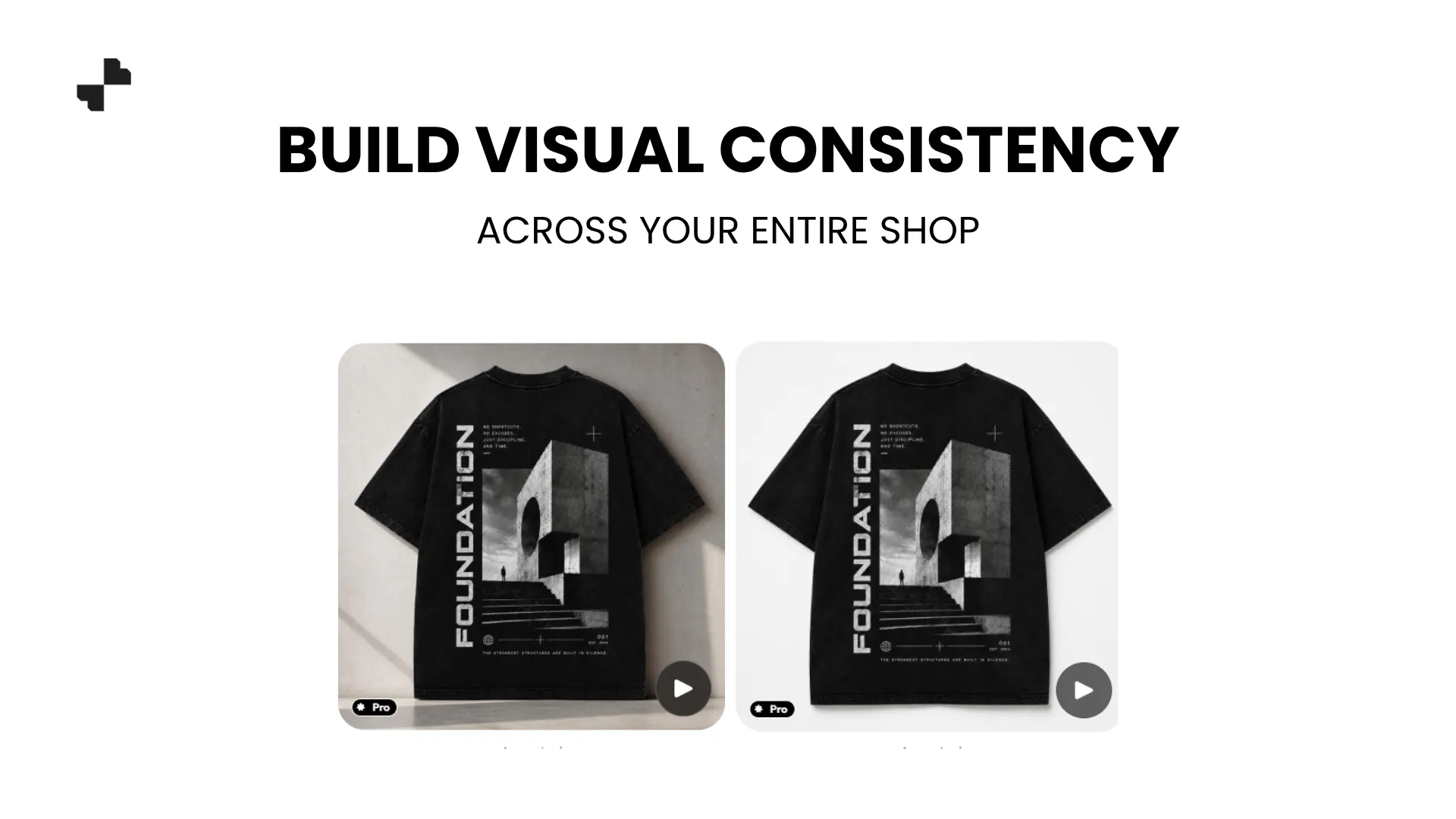
A shop where every listing image has a different style, lighting, and background looks like a flea market. A shop where every image shares a cohesive visual language looks like a brand. For artists selling ecommerce product images across multiple product types, that consistency is what builds trust and repeat customers.
One Aesthetic System for Every Product Type
Pick a visual direction that reflects your art style and stick with it. If your designs are warm, earthy, and organic, your listing backgrounds should use natural wood, linen textures, and soft daylight. If your style is bold, graphic, and urban, go with concrete surfaces, moody lighting, and minimal props.
Create 2 to 3 scene templates, one for flat products (prints, posters, stickers), one for 3D products (mugs, candles, phone cases), and one for apparel. Run every new product through the matching template. Your shop grid should feel like a curated gallery, not a random assortment.
Batch-Generate When You Drop New Designs
Most POD artists release designs in batches of 5 to 10 across multiple product types. Running each design through saved scene templates means you can generate AI product images for an entire drop in one sitting instead of creating each listing image individually.
For a new collection of 8 designs across mugs, shirts, and prints, that is 24 listing images. With saved templates, one workflow was repeated 24 times with consistent results.
Play 3. Add Model Shots and Video to Stand Out
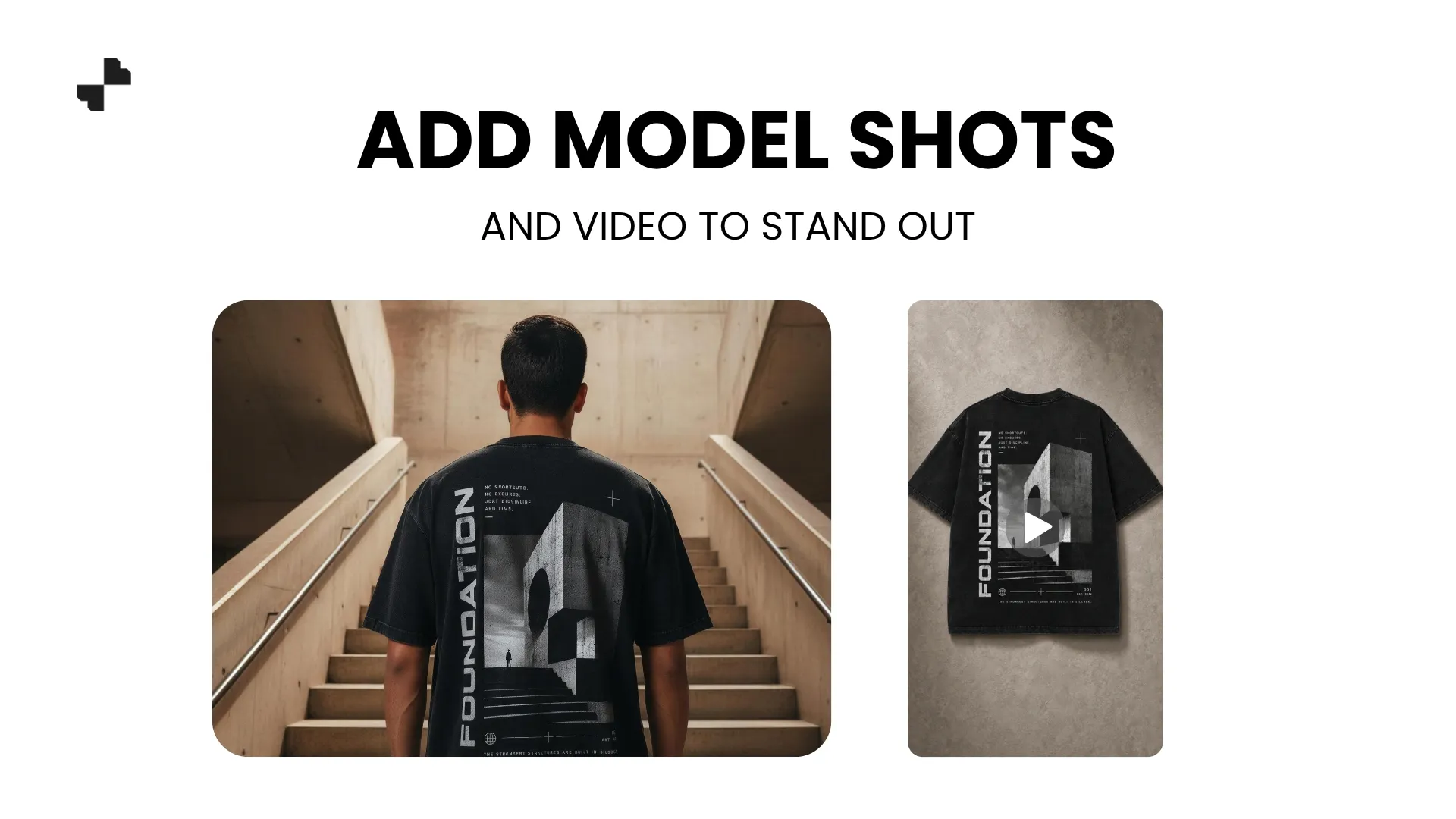
Flat product images are the floor. Model shots and video are what separate top Etsy sellers from the rest of the pack.
Put Apparel on AI Models Instead of Flat Mockups
A t-shirt draped flat on a surface communicates the design. The same t-shirt on a person communicates the fit, the drape, and the vibe. For POD apparel, AI-generated images of models wearing your design outperform flat mockups in almost every metric, especially click-through rate on search results.
Upload your product photo, and the AI generates a realistic on-model shot. Choose model attributes (skin tone, body type, pose) that match your target customer. For a streetwear brand, a casual urban backdrop. For a yoga-themed line, a calm outdoor setting. The model shot tells a story that a flat mockup never can.
Turn Your Best Listing Images into Short Video Clips
Etsy supports video on listings, and shops that use it tend to see higher engagement. A 5-to-10-second clip showing a slow zoom into a framed print, a gentle rotation of a mug, or a transition between your flat design and the finished product in a lifestyle scene grabs attention in a way static images cannot.
AI video tools generate these clips from your existing product photos. No camera, no editing software, no video experience. For sellers who also post on Instagram, TikTok, or Pinterest, the same clips double as social content.
Stop Blending In with Every Other Listing
The best-selling Etsy and POD shops are not always the best artists. Often, the difference is the online store images. AI tools make that visual quality accessible to every independent creator, regardless of photography budget or experience. Blend handles background removal, lifestyle scenes, model shots, and product videos in one platform. Upload your first product and see how much better your listing can look.
Frequently Asked Questions
Do I need to order product samples to use AI photo tools?
No. You can work from mockup images exported from your POD platform. Higher-resolution exports with transparent backgrounds work best. Ordering samples for your top sellers and photographing them gives even better results.
Will AI-generated listing images look too similar to other sellers?
No, because AI generates unique scenes based on your specific prompt. Unlike stock mockups that thousands of sellers share, your lifestyle scenes are one of a kind.
Does Etsy allow AI-generated or AI-edited product photos?
Etsy allows digitally enhanced and mockup-based listing images as long as the photos accurately represent the product the customer will receive. Avoid heavy filters that misrepresent colors.
How many listing images should I create per product?
Etsy allows up to 10 images per listing. Aim for at least 5 to 7, including a lifestyle scene, a clean product shot, a detail/close-up, a size reference, and if selling apparel, an on-model shot.
Can I use the same AI backgrounds across different product types?
You can use the same visual style (lighting, color palette, mood) but adjust the scene to fit each product type. A mug needs a tabletop scene while a poster needs a wall setting. Keeping the aesthetic consistent is what matters.
How long does it take to generate listing images with AI?
Most individual images take under a minute. Generating a full set of lifestyle, studio, and model images for one product typically takes 5 to 10 minutes.