
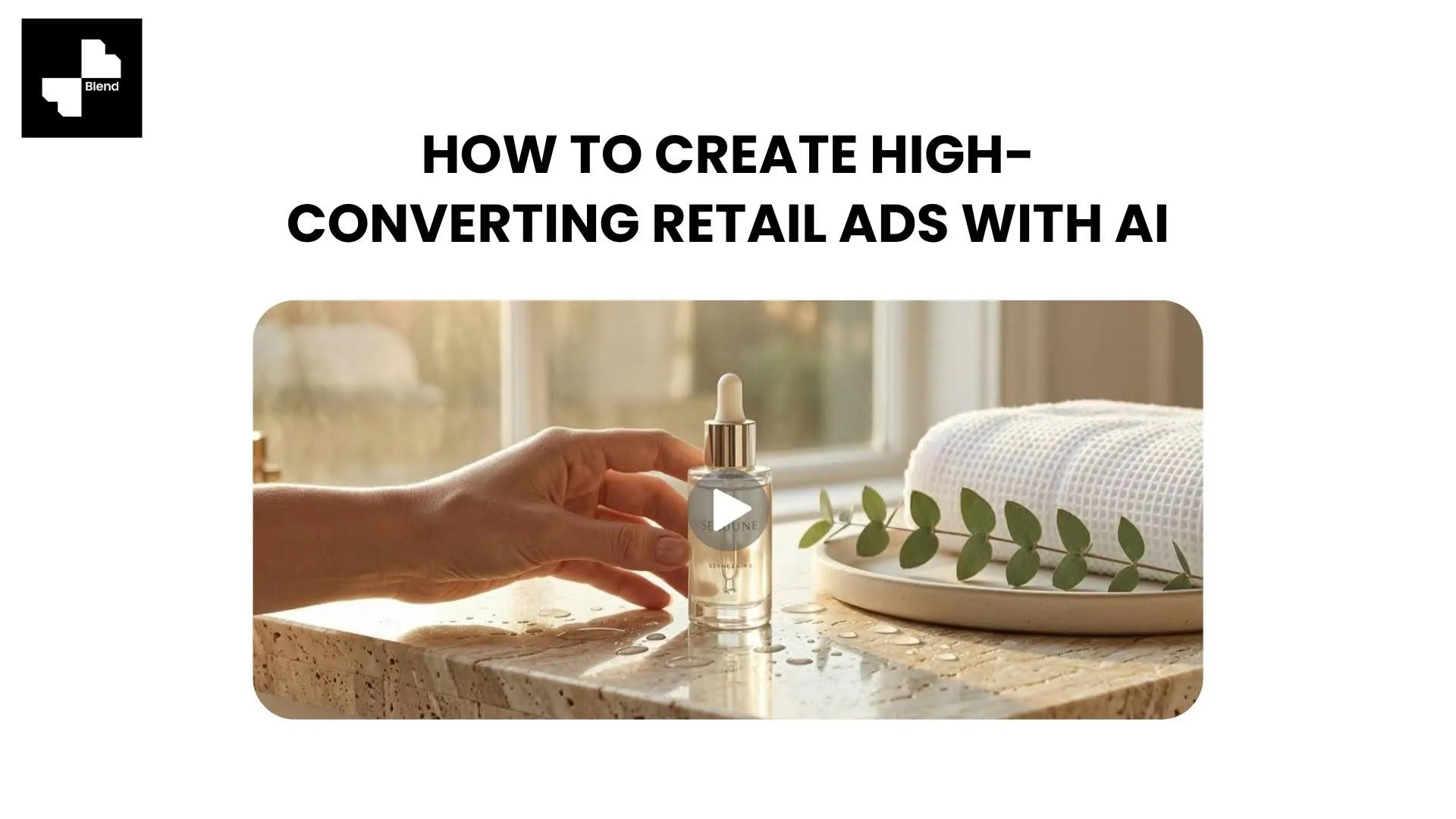



You uploaded 40 new SKUs last week. Each one needs at least three ad-ready visuals for Instagram, Amazon, and TikTok. That is 120 images before you even think about video. If your workflow still involves Photoshop and a freelancer, your next campaign is already behind schedule.
Blend turns a single product photo into lifestyle scenes, on-model shots, and short-form video ads without a studio or a three-week production cycle. Here is the step-by-step AI ad creation workflow that gets you from one upload to a full set of conversion-focused ads in minutes.
Why Traditional Ecommerce Ads Underperform
Before jumping into the steps, it helps to understand what holds most ecommerce ads back. The issue is rarely the budget. Most sellers lose conversions long before ad spend runs out.
Product Photos That Look Like Everyone Else's
A white-background product image might work for a marketplace listing. But when that same flat photo lands in a paid ad on Instagram, nobody stops scrolling. Conversion-focused ads need context, like a jacket shown on a model or a skincare bottle placed on a bathroom shelf. Without that, your product looks like clip art.
Manual Editing Kills Your Campaign Timeline
Seasonal campaigns and new product drops demand fresh ad creatives on tight timelines. If your product ad design process involves Photoshop or a freelance designer, you will miss sales windows that faster competitors are already filling. AI advertising tools cut that timeline from days to minutes.
How to Create AI Retail Ads Step by Step with Blend

You do not need a production team or an expensive digital advertising AI platform to build strong ad creatives. Blend lets you create professional ad visuals directly from photos you already have.
Upload Your Product Photo and Clean the Background
Upload a product image to Blend. If your photo has a cluttered background, use background removal to isolate the product instantly. You can also clean up unwanted objects like tags or stray props.
A clean, isolated image is the foundation of every strong ad creative. Once the background is gone, you can build any visual from that single file.
Generate Lifestyle Scenes and On-Model Shots
A product in context sells faster than a product on white. Blend's lifestyle product photos feature your item in realistic settings like a living room or outdoor patio without staging a single prop.
For apparel and accessories, the virtual try on clothes tool generates on-model shots with diverse body types, poses, and skin tones. No model hire, no fitting session, no studio rental.
- Generate 3-5 lifestyle variations per product for A/B testing
- Create on-model imagery for clothing photography without scheduling a shoot
- Keep brand consistency across every SKU in your catalog
Turn Still Photos into Scroll-Stopping Video Ads
Video ads outperform static images across social media and marketplace placements. But shooting video for every product is not realistic for most sellers. Blend's product video creator generates short-form videos from existing product photos, ready for Instagram Reels, TikTok, and Amazon.
- Build product showcase videos from still images in minutes
- Add motion and transitions without video editing software
- Export in platform-ready formats for paid and organic campaigns
Scaling AI Ad Creatives for Every Platform
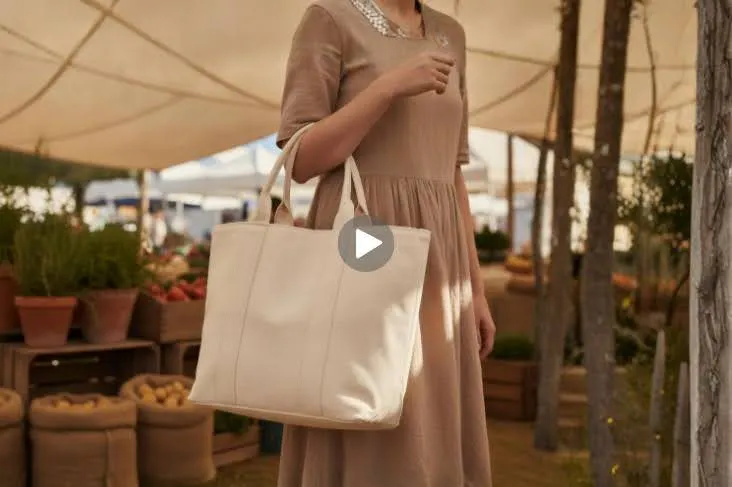
Once you have core visuals ready, retail campaign optimization means matching the right format to every channel where your customers shop.
Build Dozens of Variations from One Upload
One product photo uploaded to Blend can become 10, 20, or 50 unique ad assets. Swap backgrounds, change model poses, or generate color variants. An AI image generator makes testing at scale possible in ways manual production cannot match.
For fashion brands running ecommerce fashion photography across hundreds of SKUs, the time savings alone can reclaim weeks of production every quarter.
Format Visuals for Social, Marketplace, and Paid Search
Different ad platforms need different image sizes and styles. Inside Blend, you can resize and reformat your ad visuals for each destination without starting over.
- Square (1:1) for Instagram feed ads and marketplace listings
- Vertical (9:16) for Stories, Reels, and TikTok ads
- Landscape (16:9) for YouTube pre-rolls and Google display campaigns
Your Ads Are Only as Strong as Your Product Visuals
AI retail ads have leveled the playing field for sellers who never had access to studios or design teams. With Blend, you can create professional product imagery, lifestyle scenes, on-model shots, and video ads from a single photo. The entire workflow takes minutes, not days.
Ready to build ad creatives that actually convert? Start creating for free with Blend and turn your product photos into scroll-stopping ads today.
Frequently Asked Questions
What is an AI ad generator for e-commerce?
An AI ad generator creates ad-ready visuals like lifestyle shots, model photos, and videos from a single product image. You upload a photo, and AI handles background removal, scene placement, and formatting.
Do AI advertising tools replace professional photography?
For most small to mid-sized sellers, yes. AI tools produce ad-quality visuals at a fraction of the cost and time of traditional photoshoots.
Which platforms work best for AI-generated product ads?
AI-generated visuals perform well on Instagram, Facebook, TikTok, Amazon, Shopify, and Google Shopping. Matching each visual to the platform's preferred aspect ratio makes the biggest difference.
How many ad variations should I create per product?
Starting with 3-5 visual variations is a strong approach. A mix of lifestyle, on-model, and video content helps identify which format performs best per platform.
Can AI retail ads maintain brand consistency across a full catalog?
Yes. Tools like Blend apply the same background, lighting, and style across your full product range, so every SKU looks like part of the same brand.
What types of products benefit most from AI ad creation?
Apparel, accessories, beauty, home decor, and electronics all see strong results. Any product that benefits from real-world context or being shown on a model is a strong fit.