




A 200-SKU brand needs roughly 1,200 product images across its catalog (6 per product). A traditional retouching team processes 30 to 50 images per day. That is 24 to 40 working days just to get the baseline catalog live, and every new product drop resets the clock.
AI retouching has compressed that timeline from weeks to hours. But the real shift is not speed. The real shift is moving from one-at-a-time editing to a pipeline that runs the same way every time, regardless of whether you are processing 50 images or 5,000. Here is how to build that pipeline.
Why Retouching Breaks Down at Scale
Most retouching workflows were designed for single-image editing. Photoshop is powerful, but it was not built to process 300 product images in one afternoon. The problems that surface when you scale past a few dozen SKUs are different from the problems you face with a small catalog.
The Problem with Editing One Image at a Time
Manual retouching introduces variability. Different editors make different decisions about shadow placement, color balance, and crop framing. Over months, those small differences accumulate. The result is a collection page where products shot in January look different from products shot in June.
For brands selling on Amazon, Shopify, and a DTC site simultaneously, that inconsistency is even more visible across channels.
What a Scalable Retouching System Looks Like
A production-grade retouching pipeline has four layers:
- Standardized inputs. Every image enters the pipeline meeting the same baseline quality (lighting, resolution, framing).
- Batch processing. Background removal, dust cleanup, and basic corrections happen in bulk, not one at a time.
- Template-driven editing. Color profiles, shadow styles, and output formats are defined once and applied consistently across every image.
- Quality checkpoints. Automated and human checks catch issues before images go live.
The rest of this guide walks through building each layer.
Build Your Batch Retouching Pipeline
The foundation of any scalable retouching system is getting the inputs right and processing the bulk work in batches.
Step 1. Standardize Your Input Before Any Editing
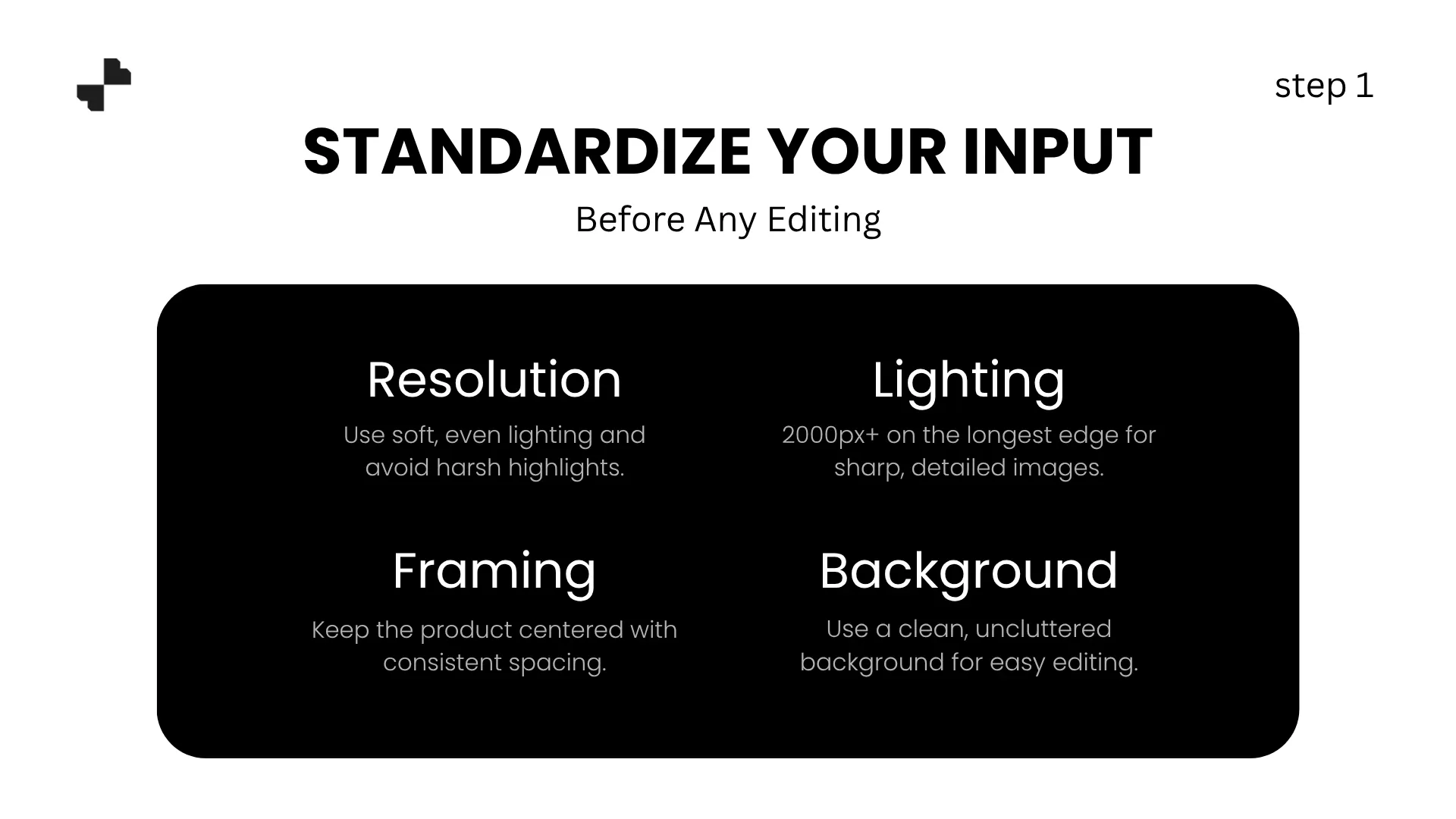
Retouching cannot fix fundamentally bad source photos. Before any AI processing, every image should meet a minimum standard:
- Resolution. At least 2000px on the longest edge. Upscaling low-res images adds artifacts.
- Lighting. Even, diffused lighting with no blown highlights. Mixed lighting creates color correction problems.
- Framing. Product centered with consistent padding across the batch.
- Background. Clean and uncluttered for faster, cleaner AI removal.
For brands working with multiple photographers, create a one-page shoot spec covering these four requirements. Consistent inputs make batch processing reliable.
Step 2. Run Batch Cleanup on Every Image
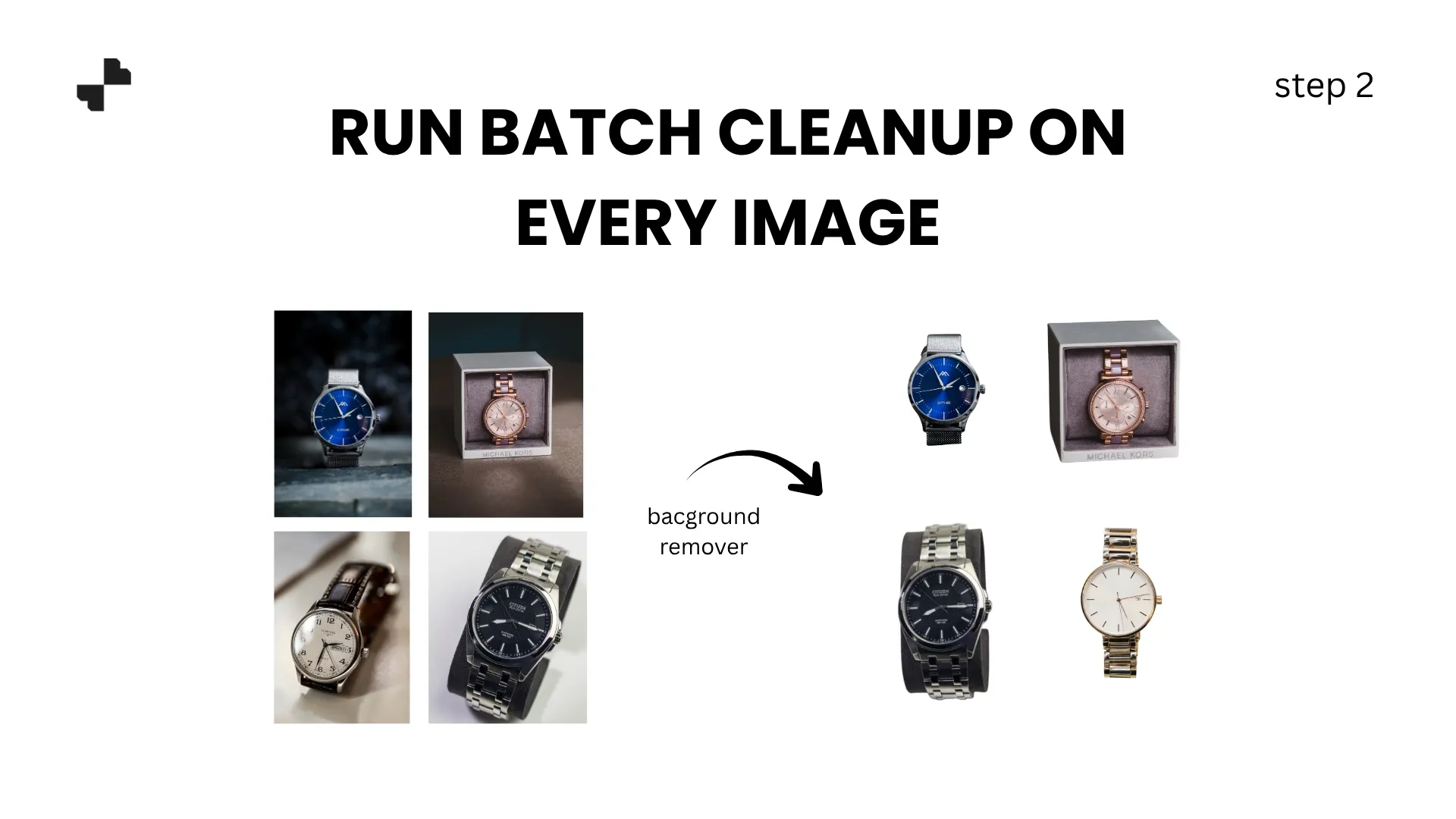
Once your inputs are standardized, run the entire batch through two cleanup steps:
Background removal. Strip every image to a clean, transparent cutout using product image editing tools. For catalogs of 100+ images, batch removal processes the entire set in minutes rather than the hours manual cutouts would require. Check edges on complex product shapes (fine jewelry, intricate hardware, transparent packaging), but let the bulk of simple products run through without individual attention.
Imperfection removal. Dust particles, minor scuffs, label creases, and small reflections appear across almost every product shoot. An AI product photography editing tool handles these in a few clicks per image. At scale, running this cleanup pass across an entire batch before moving to styling ensures that no imperfections make it to the final output.
Lock In Quality Across the Full Catalog
Cleanup gets every image to a consistent baseline. Templates and quality gates are what keep the final output uniform across hundreds or thousands of SKUs.
Step 3. Apply Templates for Color, Shadows, and Framing
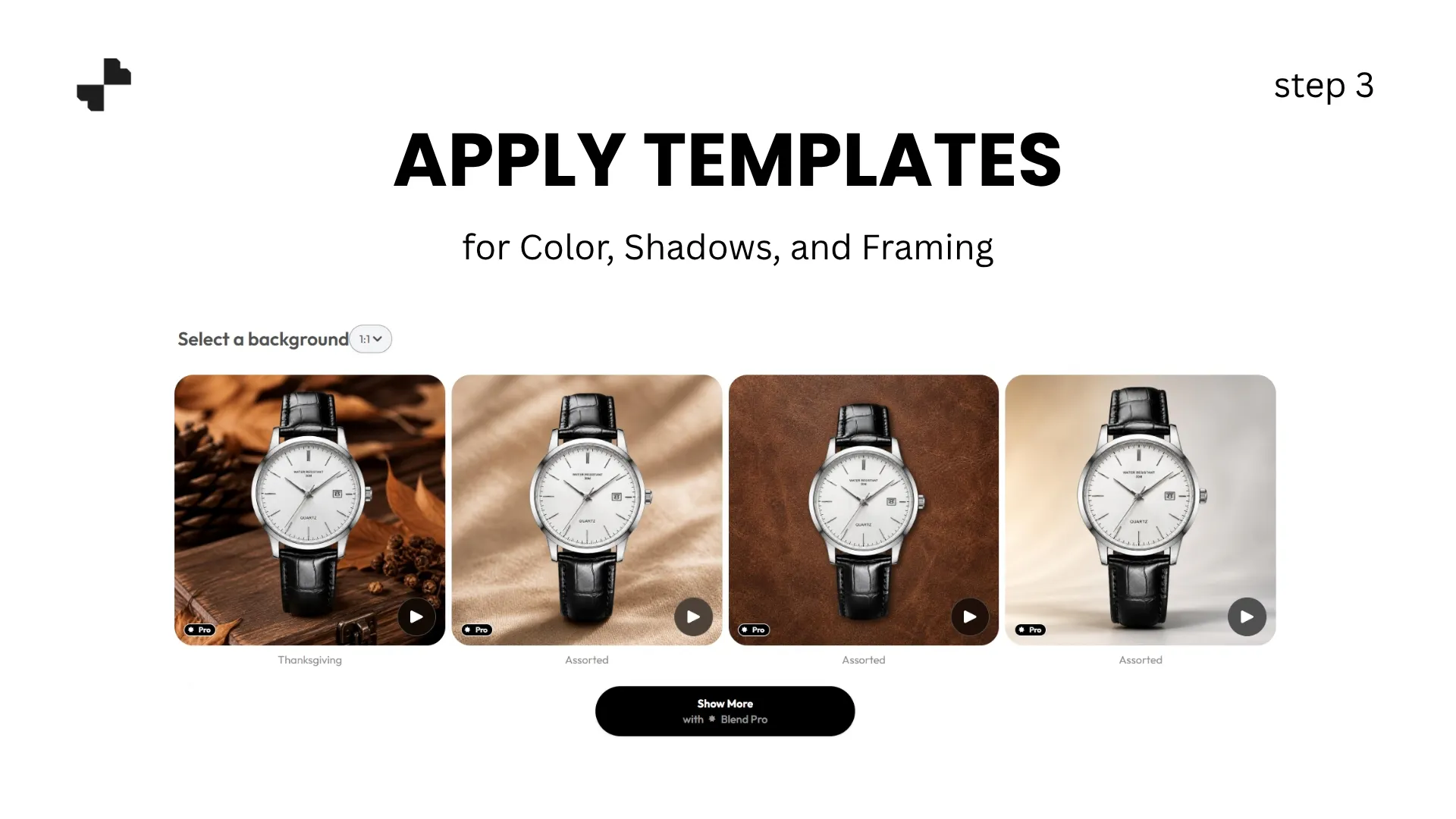
Define your visual standard once and apply it everywhere. A retouching template should lock in:
- Background treatment. Pure white, soft gray, or a branded color. Apply the same background to every product in the catalog.
- Shadow style. Contact shadow, soft drop shadow, or reflection. Pick one and use it consistently. Mixed shadow styles across a catalog are one of the most common visual inconsistencies shoppers notice.
- Color profile. Standardize white balance and color temperature so that a white product looks the same white across every listing. For e-commerce image editing at scale, color drift between images is one of the hardest problems to fix manually and one of the easiest to solve with a template.
- Output framing. Center the product with identical margin ratios across every image. Standardized framing makes your collection grid look intentional.
Save these settings as a reusable template. Every new product that enters the pipeline gets the same treatment automatically. For brands with multiple product categories (apparel, accessories, home goods), build one sub-template per category that shares the same shadow and color profile but adjusts framing for different product shapes.
Step 4. Set Quality Checkpoints Before Publishing

AI handles the bulk of retouching work reliably, but no automated system should publish without a final check. Build two quality gates into your pipeline:
Automated check. Verify that every output meets technical specs (resolution, file size, background color, margin ratios). Flag any image that falls outside the parameters for manual review.
Human spot-check. Pull a random 10 to 15% sample from each batch and review against your brand standard. Look specifically for color accuracy on flagship products, edge quality on complex shapes, and any AI artifacts that slipped through cleanup. If the spot-check passes, the batch ships. If more than 2 to 3% of the sample has issues, run the batch through the template again before publishing.
For brands pushing ecommerce product images to multiple channels simultaneously, this quality gate prevents inconsistent visuals from reaching customers on any platform.
Extend Retouched Images into Sales-Ready Content
A clean, retouched product photo is the foundation. But high-volume brands need more than catalog shots. Lifestyle scenes, model imagery, and video content all drive engagement, and AI can generate all of them from the same retouched base images.
Step 5. Generate Lifestyle Scenes from Catalog Shots

Your retouched product cutouts are already clean, color-accurate, and consistently framed. That makes them ideal inputs for AI product photography scene generation. Describe a lifestyle environment, and the AI builds it around your product while preserving every detail.
For high-volume catalogs, create 2 to 3 scene templates per product category and batch-apply them. A home goods brand might run all kitchenware through a warm kitchen counter scene, all bathroom products through a marble vanity scene, and all bedroom products through a soft linen setup. Same retouched base images, different contextual scenes, all generated at scale.
Step 6. Turn Retouched Stills into Product Video

Video content outperforms static images across social, marketplace ads, and product detail pages. AI video tools generate short product clips from your retouched stills, including slow pans, zoom-ins, and transitions between catalog and lifestyle shots.
For batch photo editing workflows, the same retouched images that feed your catalog listings also feed your video pipeline. One set of processed images powers every output format.
A Retouching System That Scales with Your Catalog
High-volume brands do not need to edit faster. What matters is a pipeline that delivers the same quality at 5,000 SKUs as it does at 50. Blend handles background removal, imperfection cleanup, lifestyle scenes, model shots, and product video in one platform, so your retouching pipeline runs end to end without switching tools. Upload your next product batch and see how the system works at scale.
Frequently Asked Questions
How many images can AI retouching tools process in a batch?
Most AI tools handle batches of 100 to 500 images per session. Processing times vary by task, but background removal on a batch of 200 images typically completes in under 10 minutes.
Can AI retouching match the quality of manual Photoshop editing?
For production tasks like background removal, shadow application, dust cleanup, and color standardization, AI matches or exceeds manual quality at a fraction of the time. For hero campaign images requiring creative judgment, human retouching may still add value.
How do I maintain consistency when adding new products to an existing catalog?
Save your retouching template (background, shadow, color profile, framing) and apply it to every new batch. Compare new outputs against your existing catalog images before publishing.
What resolution should my source images be for batch processing?
At least 2000px on the longest edge. Higher resolution gives AI tools more detail to preserve and allows for zoom-level cropping without quality loss.
Should I use AI retouching alone or combine it with human editing?
A hybrid approach works best at scale. AI handles the bulk processing and template application. Humans spot-check 10 to 15% of each batch for color accuracy, edge quality, and brand standard compliance.
Can retouched catalog images be used to generate lifestyle and video content?
Yes. Clean, consistently retouched product cutouts are the ideal starting point for AI lifestyle scene generation and video creation. One set of retouched images feeds every output format.