

B-roll is everywhere, even when you don’t consciously notice it. They fill the gaps between talking-head shots, add motion to otherwise static pages, and bring visual interest to ads, websites, and product videos. Good B-roll subtly improves pacing and storytelling, making content feel more polished and engaging without drawing attention to itself.
Traditionally, creating B-roll has been one of the most time-consuming parts of content production. It requires planning, shooting, reshoots, and editing, often for clips that last only a few seconds. This is why AI-generated video has emerged as a practical alternative. It enables teams to create relevant, usable B-roll at scale, reducing production overhead while maintaining speed, flexibility, and consistency.
What B-Rolls Are and Why They Matter
B-roll is a supporting video that adds context, motion, and visual interest to primary content. They are used to illustrate ideas, break monotony, and make stories feel complete. In marketing and product content, B-roll often shows environments, usage moments, close-ups, or abstract motion that reinforces a message.
Well-used B-rolls improve retention and clarity. They make ads feel more dynamic, landing pages feel more alive, and product videos feel more intentional. The challenge is not understanding their value, but producing them consistently.
Why Traditional B-Roll Creation Doesn’t Scale
Creating B-rolls the traditional way means organising shoots, coordinating locations, setting up cameras, and repeating the process whenever anything changes. For fast-moving teams, this quickly becomes a bottleneck. Minor updates, such as new features, seasonal campaigns, or different messaging, often require entirely new footage.
As a result, teams either reuse the same clips until they feel stale or skip B-roll altogether. Neither option works well at scale.
Where AI Video Fits In for B-Roll Creation
AI video changes the equation by shifting B-roll creation from a production problem to a generation problem. Instead of filming everything, teams can generate short, purpose-built video clips that match their content needs. These clips don’t replace hero videos or flagship brand films, but they work extremely well for supporting visuals.
AI-generated B-rolls are especially useful for abstract scenes, ambient motion, product context shots, and transitions. When used correctly, they blend seamlessly into marketing assets without calling attention to their creation. The Blend web app lets you do so pretty easily.
Step-by-Step: Creating B-Rolls Using AI Videos
AI-generated B-roll works best when it follows a clear structure. Instead of thinking about production or camera setups, focus on purpose, motion, and placement. Breaking the process into simple steps helps you generate B-rolls that actually fit into ads, pages, and videos—without feeling artificial or out of place.
Step 1: Define the Purpose of the B-Roll
Start by deciding what the B-roll is supporting. It could be filling visual gaps in a landing page, adding motion between cuts in an ad, or breaking up a talking-head video. B-roll only works when they have a clear role. Defining this upfront prevents you from generating clips that look fine but don’t fit anywhere.
Step 2: Describe the Scene Simply
Translate the use case into a short, clear scene description. Focus on mood, motion, and framing rather than cinematic detail. Subtle movement and clean visuals work better than complex scenes, especially for B-rolls that need to blend into larger content. At Blend you have multiple presets and templates to choose from.
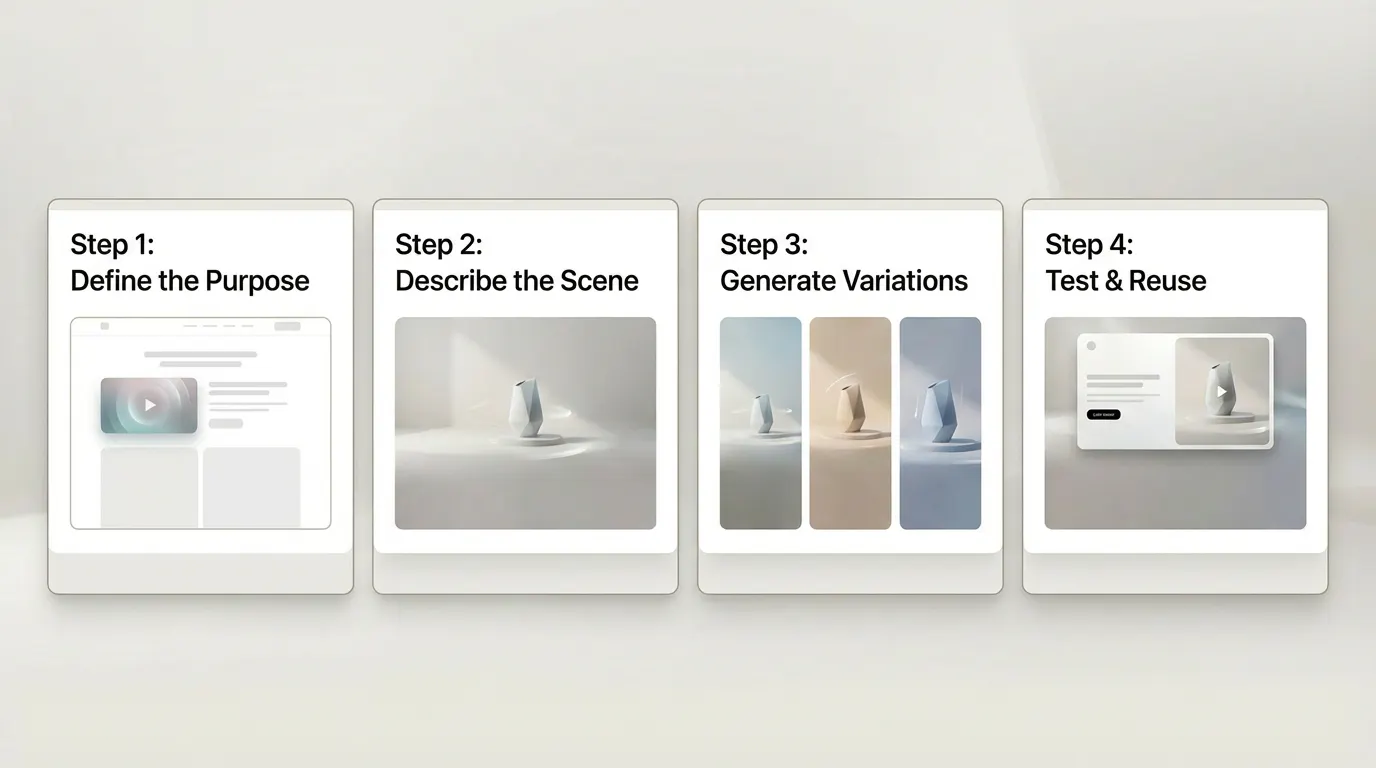
Step 3: Generate Short Variations
Create short clips instead of long sequences. Short B-rolls are easier to reuse, trim, and adapt across formats. Generating a few variations of the same idea gives you flexibility without extra effort.
Step 4: Test in Context and Reuse
Always review AI B-rolls where they’ll actually be used. A clip that feels imperfect on its own often works well once placed in an ad or page. Treat successful clips as modular assets that can be reused across campaigns and channels.
Conclusion
B-rolls are no longer limited by cameras and shoot schedules. AI video makes it possible to create supporting footage quickly, iterate without friction, and keep content feeling fresh across channels. When used intentionally, AI-generated B-rolls don’t feel artificial—they feel efficient.
If motion has been the missing piece in your content workflow, AI B-rolls are one of the simplest ways to close that gap without slowing your team down. So head over to AI Videos at Blend and create your brand's B-roll.