
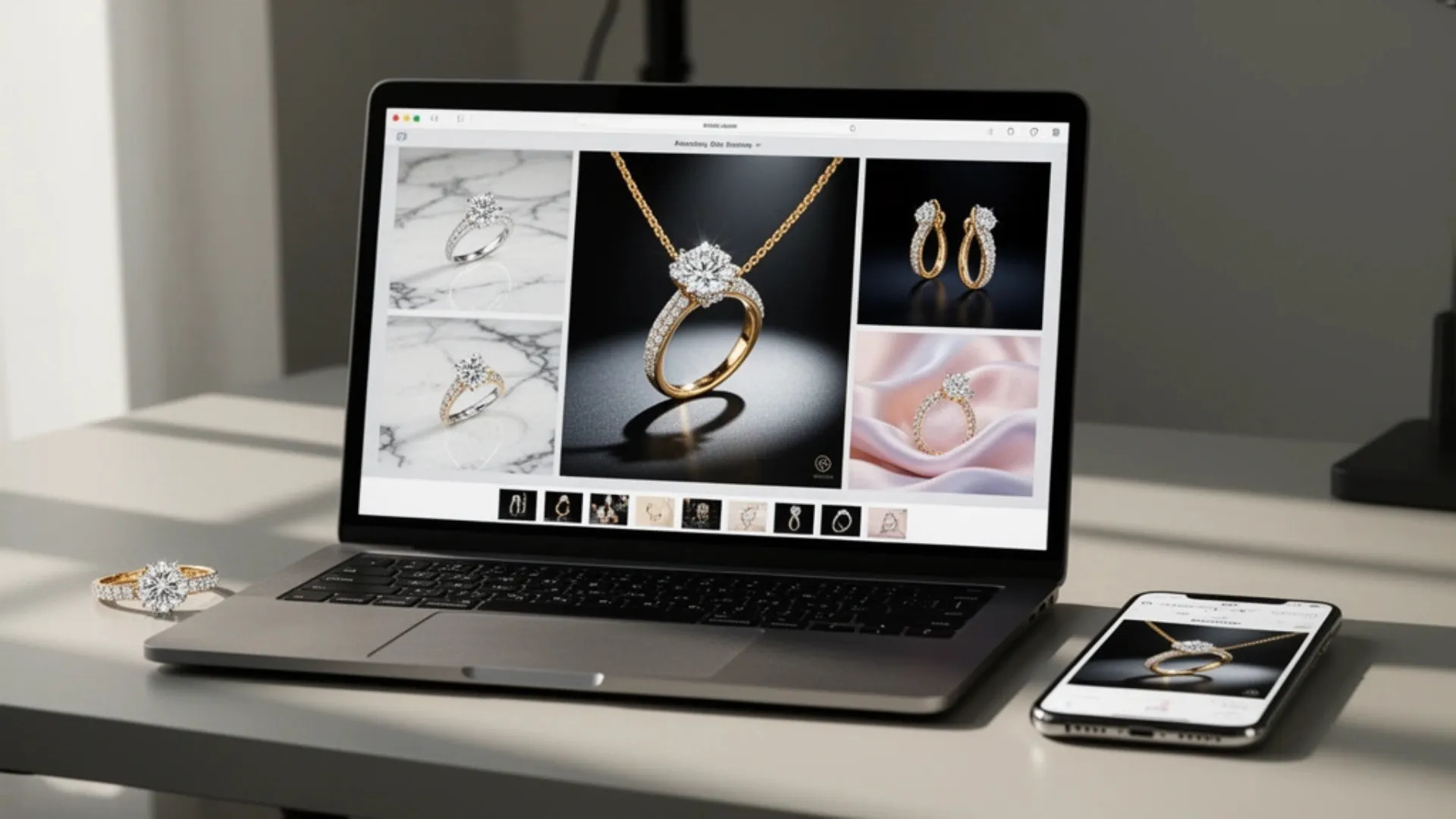


Jewelry is one of the most visually demanding product categories to sell online. Customers can't hold the piece, feel the weight, or see how a necklace sits on their collarbone. All of that trust has to come from your photos. And yet, traditional jewelry shoots are expensive, time-consuming, and hard to get right.
A jewelry AI photoshoot powered by AI can now produce the same caliber of visuals that used to require a full studio setup, macro lenses, and hired hands or neck models. You just need one clean product photo as your starting point.
Here's exactly how to run a jewelry product photography AI workflow from start to finish, plus tips that separate average output from images that actually look editorial.
Why Jewelry Photography Is So Hard to Get Right
Before diving into the steps, a quick look at what makes jewelry such a uniquely challenging category to photograph.
Reflections, Glare, and Micro-Details
Most jewelry combines highly reflective metals with transparent or faceted stones, all packed into a tiny product. A gold ring reflects everything around it, including your camera, your hands, and the room. Diamonds need precise lighting to show brilliance without blowing out highlights. Professional studios use polarizing filters, custom diffusers, and focus stacking to handle all of that. For a small brand shooting from home, replicating that level of control is extremely difficult.
Customers Need to See Scale and Context
A pendant on a white background tells you what the product looks like. That same pendant draped over a model's neck tells you how it feels. The difference matters for conversion. Jewelry has one of the lowest ecommerce conversion rates of any category, sitting around 0.9% to 1.2% (ConvertCart, Skailama). One of the biggest reasons? Shoppers can't visualize how the piece will look on them. On-model shots close that gap, but hiring hand, neck, and ear models, along with coordinating styling and makeup, adds thousands to every shoot.
RELATED READING: How to Create Professional Jewelry Product Photos Using AI
How to Run a Jewelry AI Photoshoot in 6 Steps
The full workflow takes you from a single product photo to a complete set of listing-ready images. No studio, no models, no retouching team.
Step 1. Shoot a Sharp, Clean Product Photo
AI tools amplify what you give them, so the source image matters more than anything else. You don't need professional equipment, but you do need a clean starting point.
Essentials for a good source shot:
- Use a plain white or neutral surface with soft, diffused light (a window with a sheer curtain works well)
- Clean the piece thoroughly, since fingerprints, dust, and tarnish are visible at high resolution
- Shoot from multiple angles, so you have options: straight-on, 45 degrees, and a flat lay
- Keep the camera steady with a tripod or a stable surface to avoid blur on fine details
A modern smartphone camera handles this well. The goal is a sharp, well-lit image with no distracting reflections or background clutter.
Step 2. Remove the Background
Start by removing the background to get a clean product cutout on a transparent layer. A cutout gives you full flexibility to place the piece into any setting, on any surface, with any lighting scenario.
AI background removal works well even with delicate chains and intricate settings. If there are small artifacts around prongs or thin links, a quick cleanup with an AI eraser tool takes care of those in seconds.
Step 3. Generate Lifestyle Backgrounds
Here's where a jewelry AI photoshoot starts to look like a real editorial shoot. AI lifestyle tools place your product cutout into a realistic scene, complete with natural shadows, reflections, and depth of field.
For jewelry, the right scene makes a massive difference. A pair of gold earrings on a marble tray with soft morning light feels aspirational. A silver bracelet resting on raw linen with dried botanicals tells a minimalist, earthy story. A diamond ring on a dark velvet surface with dramatic side lighting feels luxurious.
An AI jewelry background should match the metal tone and brand personality of the piece. Warm textures like sand, wood, and linen pair well with gold. Cool tones like slate, concrete, and dark fabric complement silver and platinum.
Step 4. Create On-Model Shots Without a Model
On-model imagery is where jewelry really comes alive. Seeing a necklace on a neck, a ring on a finger, or earrings on a real face gives shoppers the scale and emotional context they need to hit "buy."
AI model photography generates on-model images from your product photo alone. The output includes diverse model options, natural skin textures, and realistic light interactions between the jewelry and the model's skin. On-model shots consistently outperform flat product-only photos as hero images on platforms like Etsy, Shopify, and Amazon.
Step 5. Build White-Background Catalog Images
Lifestyle and model shots sell the story. But marketplace requirements still demand clean, distraction-free images. AI background tools generate studio-quality white-background catalog shots with soft, natural shadows, no lightbox needed.
For a full collection, running every piece through the same ai photos for jewelry workflow means consistent lighting direction, shadow depth, and framing across your entire catalog. That kind of visual coherence is what makes a brand look polished, even if you shot everything from your kitchen table.
Step 6. Turn Your Best Stills Into a Short Video
Static images cover your listings. Short product videos cover your ads and social feeds. Jewelry in motion, catching light from different angles in a smooth clip, grabs attention better than any still image.
AI video tools can transform your existing product photos into dynamic video clips without a separate production process. One product photo becomes a set of stills plus a short video, all from the same source.
RELATED READING: 49 High-Converting AI Product Photography Prompts for Jewelry Brands in 2026
Practical Tips for Better AI Jewelry Photos
The workflow above covers the mechanics. Making the results look truly premium comes down to a few details.
Match Metal Tones to Background Colors
Gold looks best against warm backgrounds: cream, beige, terracotta, soft peach. Silver and white gold pair better with cooler tones: charcoal, slate blue, deep green. Rose gold sits somewhere in between and works well with dusty pink, mauve, or soft neutrals. When selecting AI scene styles or writing custom prompts, keeping metal-to-background harmony in mind makes the output look intentional rather than random.
Show Every Piece From at Least Two Angles
A single front-facing shot rarely captures everything a buyer needs to see. Shoot your source photos from at least two distinct angles, and run both through the AI workflow. A straight-on hero shot plus a 45-degree detail shot gives you enough variety for a strong product listing without overloading the customer.
Batch Process Your Entire Collection
Run all SKUs through the same AI scene settings in one session. Matching backgrounds, lighting direction, and shadow depth across every piece makes your store look cohesive. Launching 15 new pieces? Processing them all at once takes a fraction of the time a separate shoot would, and the visual consistency is built in.
RELATED READING: Top Features to Look for in an AI Product Image Generator
Conclusion
A full jewelry AI photoshoot no longer requires a studio, macro equipment, or hired models. With a clean source photo and the right AI tools, a small jewelry brand can produce editorial-quality visuals that compete with established players.
Start with your best-selling piece, run it through the full workflow, and see the difference.
Want lifestyle scenes, on-model shots, and product videos for your jewelry brand from a single photo? Try Blend free and build your entire visual catalog in minutes.
Frequently Asked Questions
Can AI handle fine details like gemstone facets and thin chains?
Yes. Modern AI tools preserve product detail well, especially when starting from a sharp, high-resolution source photo with even lighting.
Do AI jewelry photos work for Etsy, Amazon, and Shopify listings?
Yes. AI-generated images export as standard JPG or PNG files that meet marketplace requirements for resolution, format, and background.
How much does an AI jewelry photoshoot cost compared to a traditional studio shoot?
Most AI tools cost $10 to $30 per month for high-volume output. A traditional jewelry shoot runs $1,500 to $3,000+ per collection once you factor in macro photography, models, studio time, and retouching.
What type of source photo gives the best AI results for jewelry?
A sharp, evenly lit image on a plain white or neutral background. Make sure the piece is clean, the camera is steady, and the full product is visible with no harsh reflections.
Can AI generate on-model jewelry shots without hiring a model?
Yes. AI model tools place your jewelry on diverse digital models with natural skin tones and realistic lighting, giving shoppers the scale and context that flat product shots can't provide.
How many images should a jewelry product listing include?
High-performing listings typically use 5 to 7 images: a white-background hero, 1 to 2 lifestyle scenes, at least one on-model shot, a close-up detail image, and optionally a scale or sizing reference.